
To delete recorded data file(s) from internal memory:
- Connect the receiver to a field controller or computer to open the on-board web UI.
- Select to show the raw data files in the internal memory.
- Select a log file, then select Delete.ADDITIONAL INFORMATION:
Figure: Delete log files 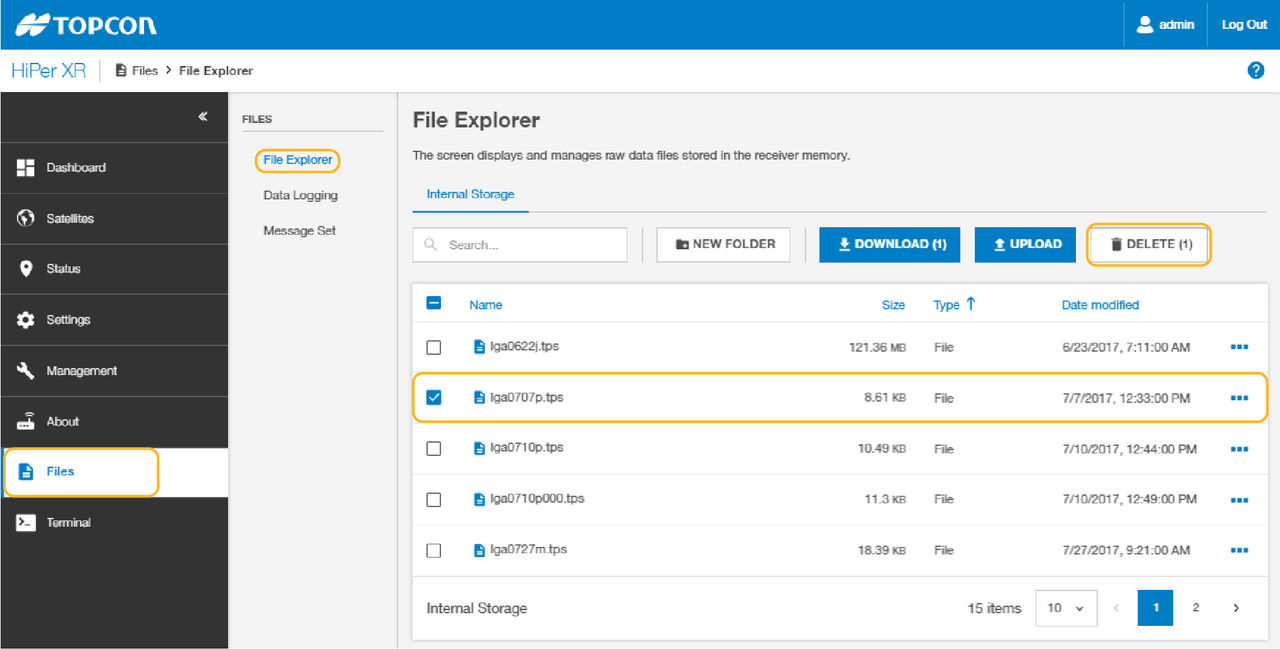
Previous:
Raw data transfer
Next:
Default setting
myTopcon NOW! support
Take your Topcon experience to the next level with myTopcon NOW! This platform is a self-service tool for your desktop or mobile device.





