
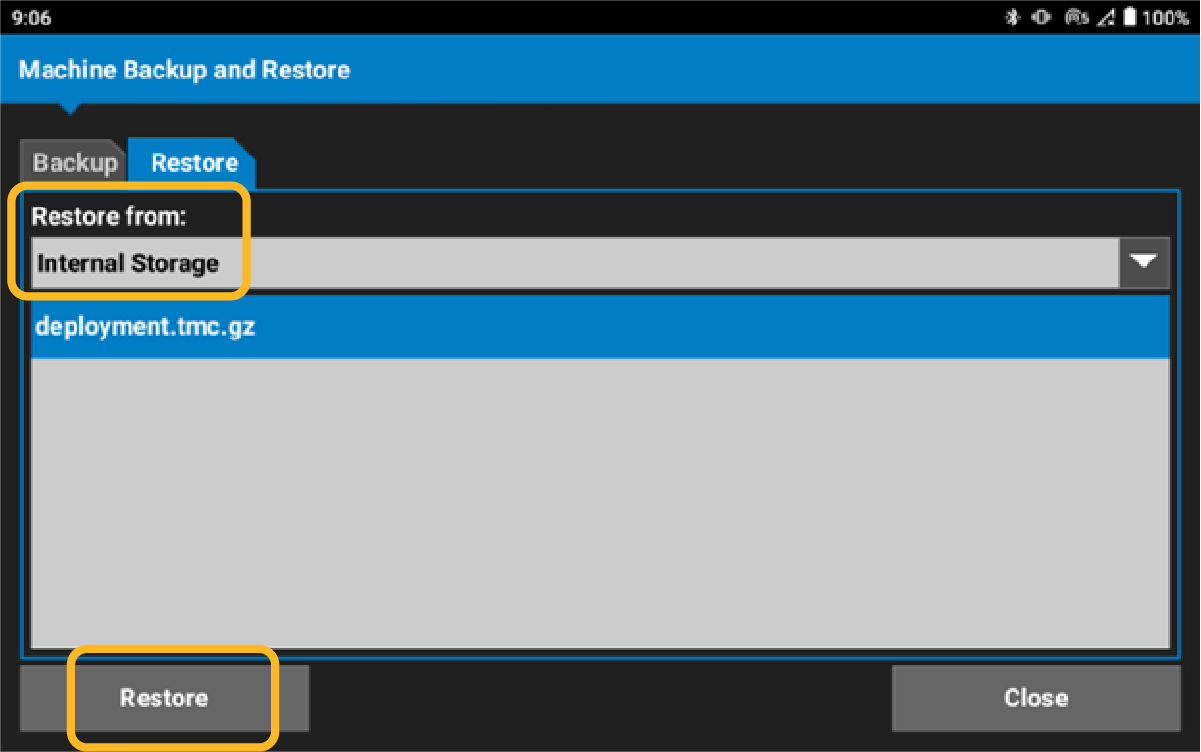
To restore a machine file, select Restore.
- Select the location to restore the machine file from the Restore from drop-down menu.
- Make sure that the deployment Name is selected.
- Select Restore. ADDITIONAL INFORMATION:
Previous:
Save machine setup
Next:
IMU calibration
myTopcon NOW! support
Take your Topcon experience to the next level with myTopcon NOW! This platform is a self-service tool for your desktop or mobile device.





