
Configuration of the MC-X requires a connection to the MC-X Gateway. This is necessary in order to load the firmware and license and to activate the MCX1 Wi-Fi access point.
Note: The current default user name to access the MC-X Gateway is
admin. The default password is mcx and the last five digits of the MC-X serial number. For example, mcx12345. However, if the user name and password has been changed, or if an earlier version of MC-X Gateway is still in use, enter your current user name and password. 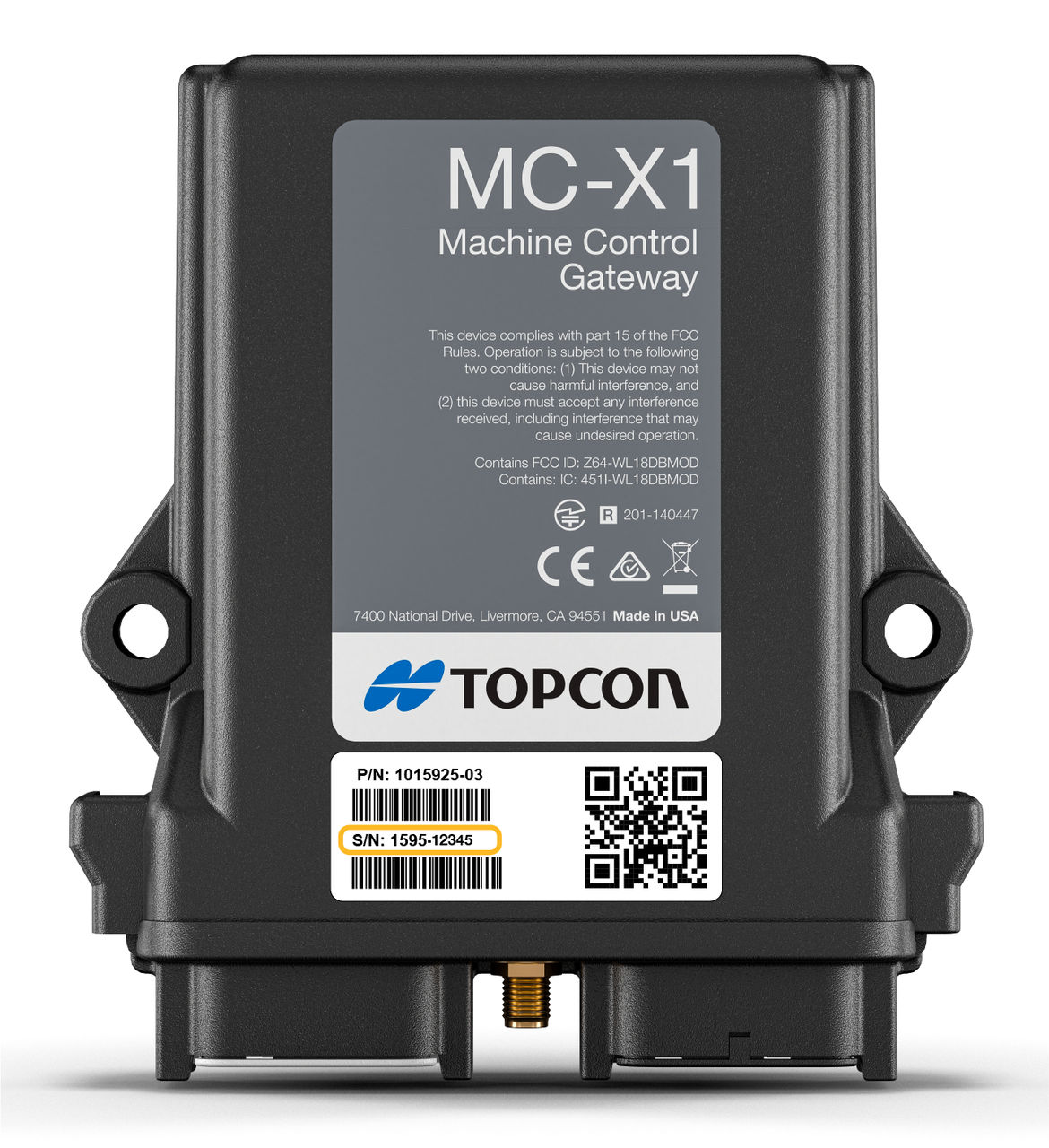
Note: The MC-X serial number is on the MC-X1 label. MC-X1 units with serial numbers after 1595-02652 are sent with a second decal that includes the MC-X1 serial number. This second label must be put in a visible area in the cab or engine compartment so a technician can see it without difficulty.
Use one of these methods:
- Connect computer directly with MC-X1 programming cable (P/N 1017799-01)Note: For the CTL, there are two versions of firmware available for the MC-X1: 2D-MC v1.06.13 and MC-Mobile CTL v2.8.0. All MC-X1 controllers ship with the 2D-MC firmware v1.06.13. Both versions of MC-X1 firmware for the CTL have Wi-Fi enabled by default at the factory.
- Connect to the MC-X controller using a wired GX-90 display
- Connect computer with MC-X access point
- Open MCWEB in 3D-MC on a wireless tablet
- Pair wireless display and MC-X (tablet hotspot)
myTopcon NOW! support
Take your Topcon experience to the next level with myTopcon NOW! This platform is a self-service tool for your desktop or mobile device.





