
The Home screen is the main screen for the GX-90. Installed applications are visible on the Home screen.
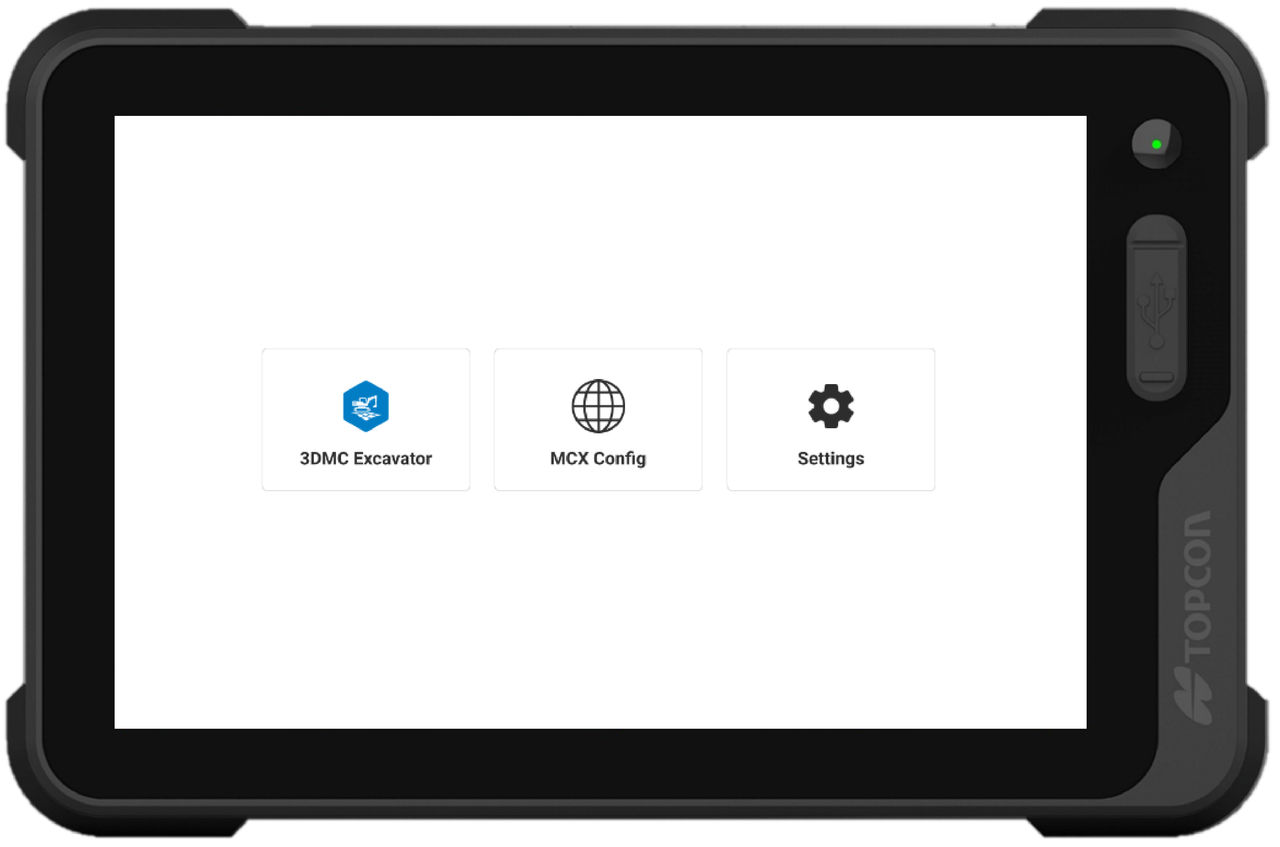
The Power On/Off button has three functions:
- Press and hold the Power button for three seconds to power on
- Press and hold the Power button for five seconds to power off
- Press the Power button once when 3D-MC is running to populate the 3D-MC main menu
- Press the Power button for three seconds while 3D-MC is running to open the Home screen
Previous:
Display setup
myTopcon NOW! support
Take your Topcon experience to the next level with myTopcon NOW! This platform is a self-service tool for your desktop or mobile device.





