
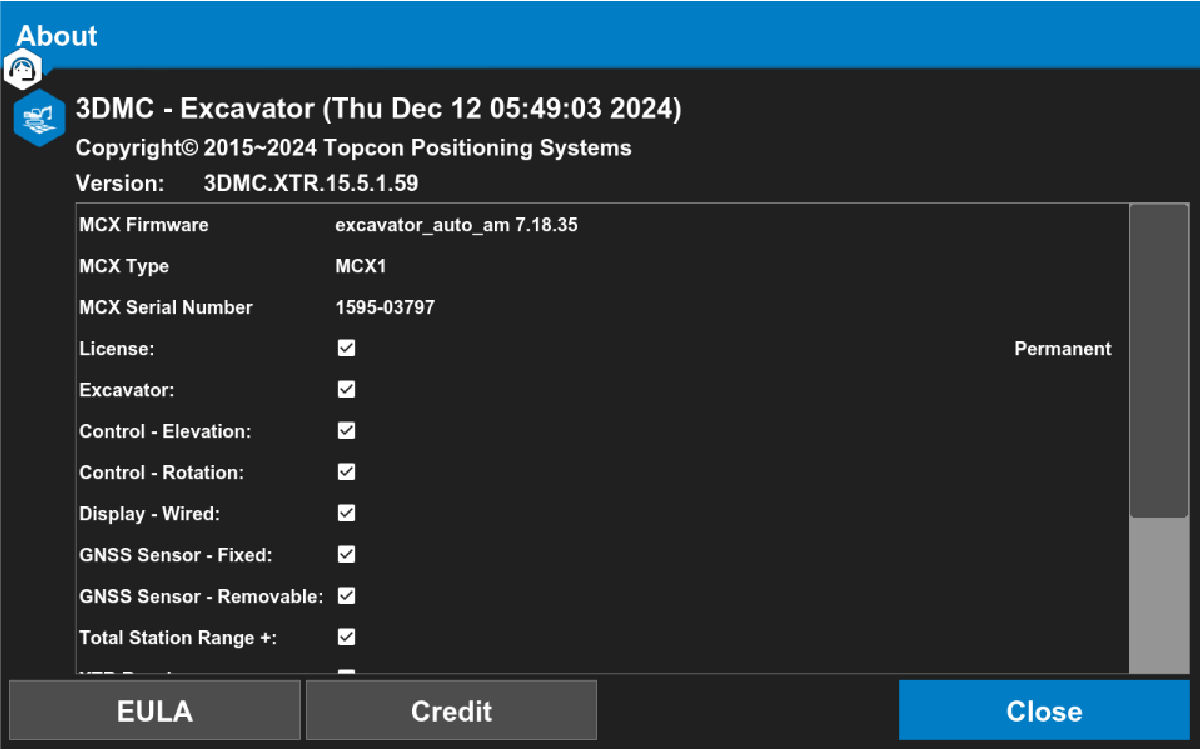
With 3D-MC running, system information is available on the About page on the 3D-MC version, the MC-X1 firmware, the MC-X1 serial number and the activated license modules on the device.
- Select The About screen appears.ADDITIONAL INFORMATION:
Previous:
CT8X2 settings
Next:
Installation
myTopcon NOW! support
Take your Topcon experience to the next level with myTopcon NOW! This platform is a self-service tool for your desktop or mobile device.





