
- Enable Wi-Fi on your computer or smart device.
- Find the MC-X SSID of the MC-X on your computer.
- Enter the password when prompted. The default password is 000 and the last five digits of the MC-X serial number (example:
00012345).ADDITIONAL INFORMATION:The Wi-Fi connection is made. - Enter 192.168.0.1 in the address bar to connect to the web interface of the MC-X.ADDITIONAL INFORMATION:
Figure: MC-X Machine Control gateway web address 
- Enter
adminfor the Username. - Enter
mcxand the last five digits of the MC-X1 serial number (example mcx12345) for the Password. - Select Sign in.ADDITIONAL INFORMATION:
Figure: User name and password 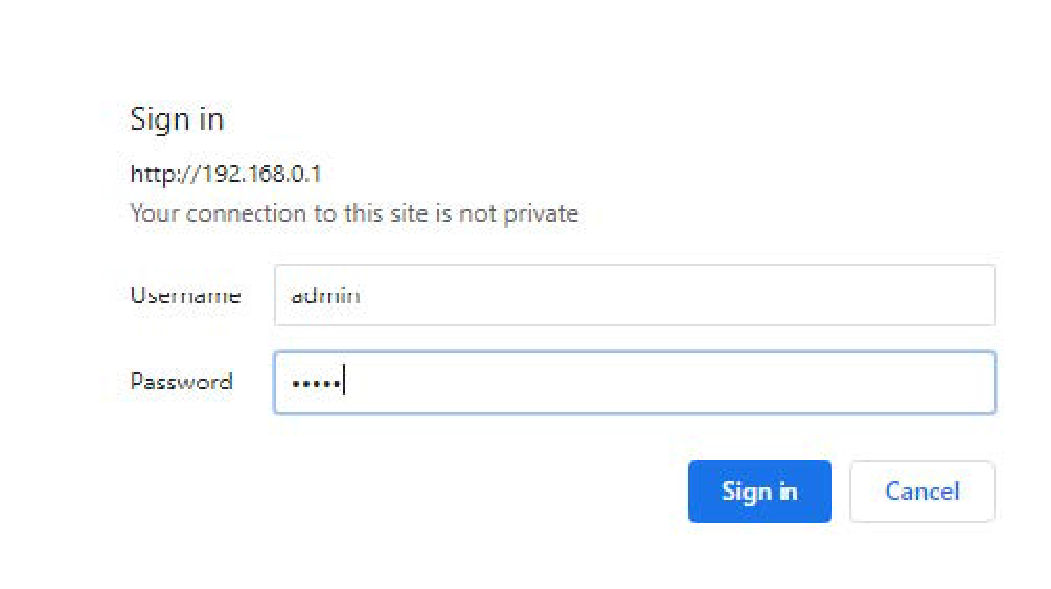
myTopcon NOW! support
Take your Topcon experience to the next level with myTopcon NOW! This platform is a self-service tool for your desktop or mobile device.





