
Display/breakout cable for MC-X3 controllers: P/N 1033631-02.
- Install the clamp-on bracket or the bolt-on bracket on the right side handrail.
- Connect the display to the MC-X breakout cable as described on the instruction card attached to the cable.
- Run the cable to the controller on a path that does not cause a trip hazard and avoids seat adjustment mechanisms.ADDITIONAL INFORMATION:
Figure: GX-Series display 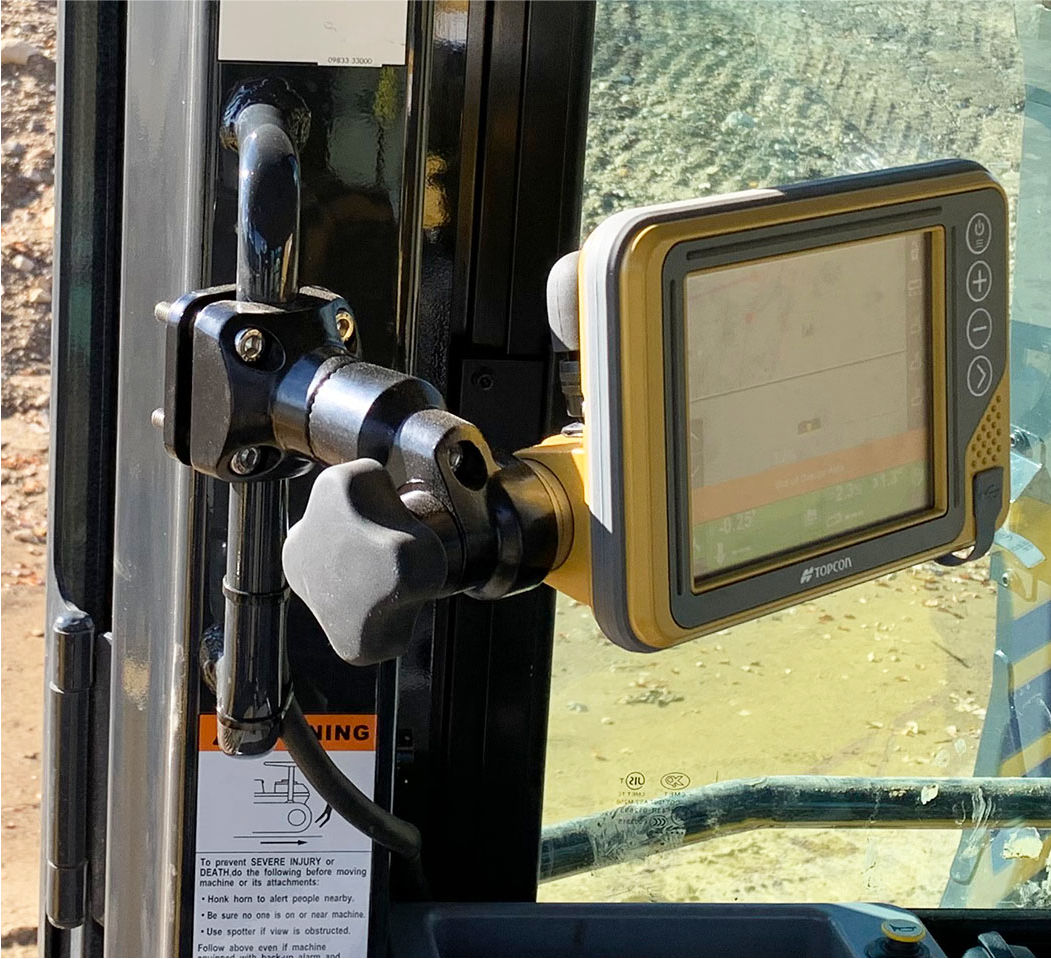
Previous:
GX-Series display Installation
Next:
RAM Mount installation
myTopcon NOW! support
Take your Topcon experience to the next level with myTopcon NOW! This platform is a self-service tool for your desktop or mobile device.





