
- Open 3D-MC and make a machine file (if one has not already been created) with the applicable (FH915) radio type from the radio drop-down menu.ADDITIONAL INFORMATION:
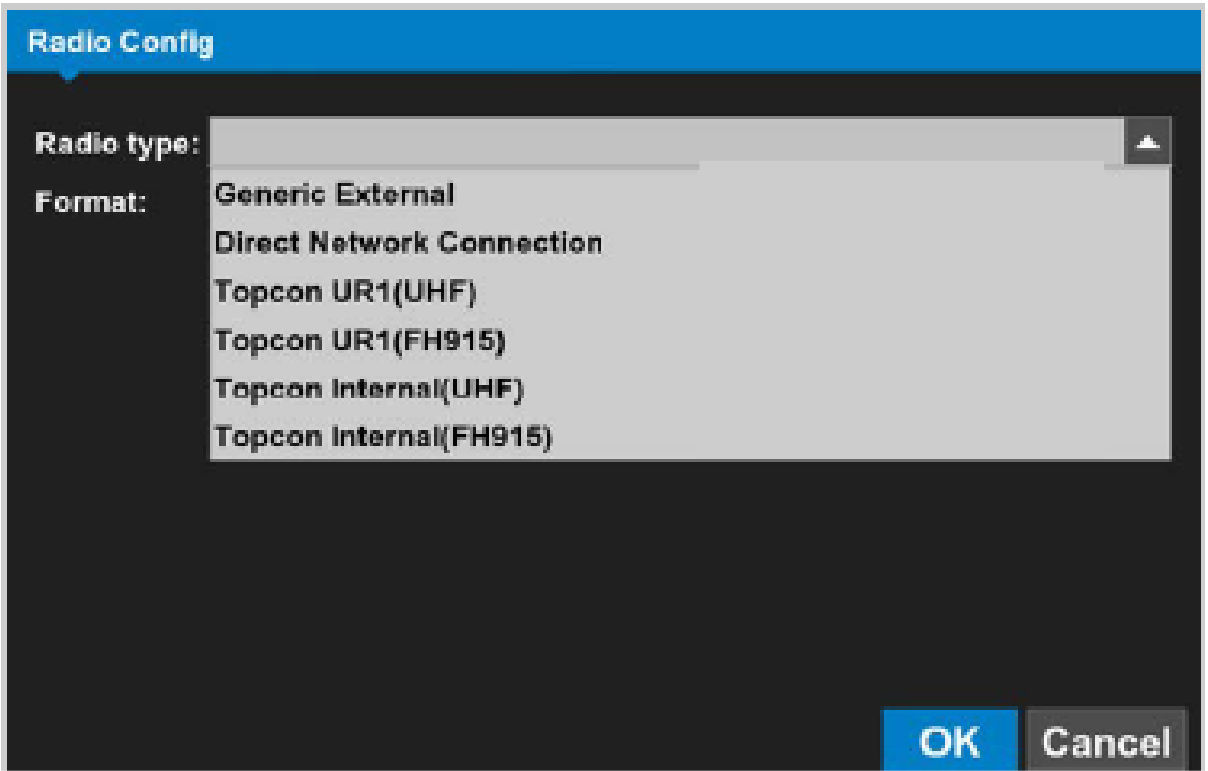
- Navigate to the end of the machine builder and select Finish.ADDITIONAL INFORMATION:The deployed machine configuration will populate the applicable radio type under the Sensors section on the left panel.
- Configure the machine-specific radio adjustments through 3D-MC Software.
Previous:
Load UHF radio channels
Next:
Radio configuration
myTopcon NOW! support
Take your Topcon experience to the next level with myTopcon NOW! This platform is a self-service tool for your desktop or mobile device.





