
When 3D-MC connects to a Sitelink site with an As-Built enabled task, the As-Built icon shows above the Sitelink synchronization icon.
- Select
 to enable or select
  to disable As-Built data collection.ADDITIONAL INFORMATION:
Figure: 3D-MC Shortcut Bar 
- As-Built Color Map
- As-Built Data Collection
- Sitelink Synchronization
- Select the As-Built Color Map icon (1) to change from the cut fill color map to the pass count color map and back.
- Select to make sure that the Cycle As-Built Color Map checkbox is selected.ADDITIONAL INFORMATION:
Figure: Shortcuts settings 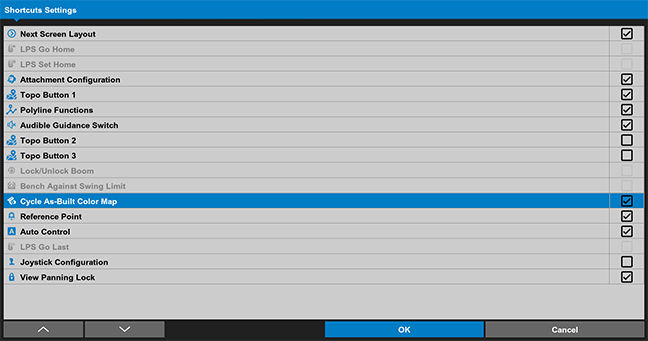
Previous:
As-built data collection
Next:
Show color map legend
myTopcon NOW! support
Take your Topcon experience to the next level with myTopcon NOW! This platform is a self-service tool for your desktop or mobile device.





