
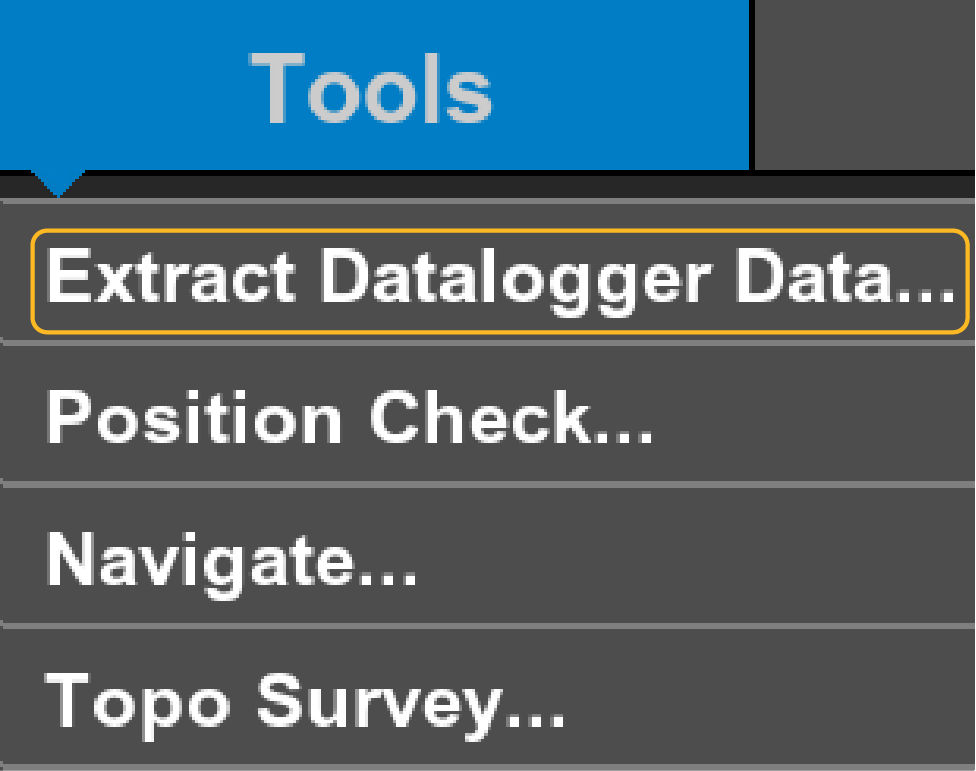
The Extract Datalogger Data option is only available when connected to a Sitelink site.
Select to open the Datalogger screen. A device can be offline and/or not easily make a cloud connection. The datalogger takes the *.dl3 file that is available for import through the Sitelink portal. This lets all device data synchronize with the site.
Previous:
View site details
Next:
Sites
myTopcon NOW! support
Take your Topcon experience to the next level with myTopcon NOW! This platform is a self-service tool for your desktop or mobile device.





