
When you use a Total Station for 3D position, the 2D/3D Elevation Mode and Status shows a Total Station icon (1).
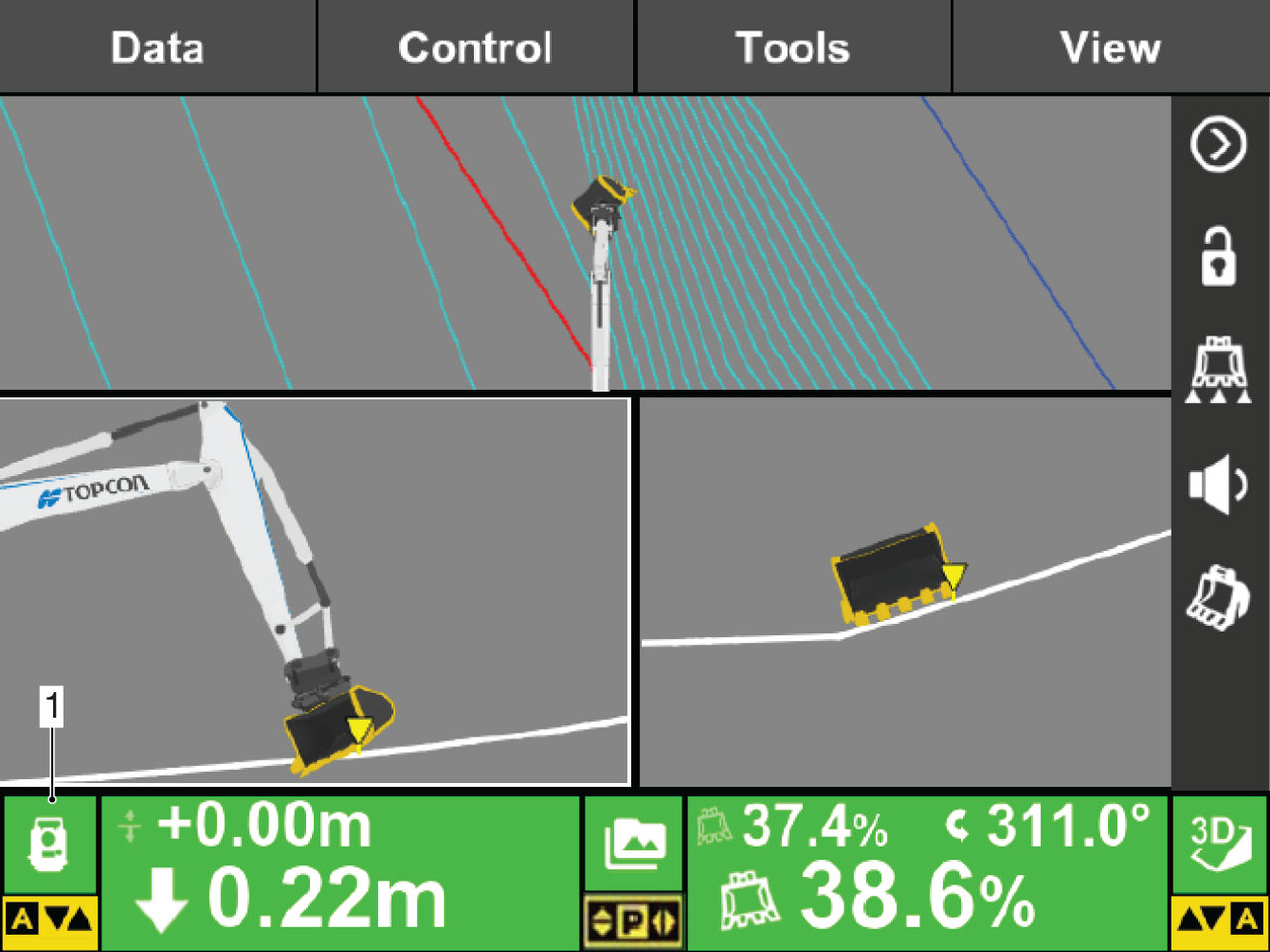
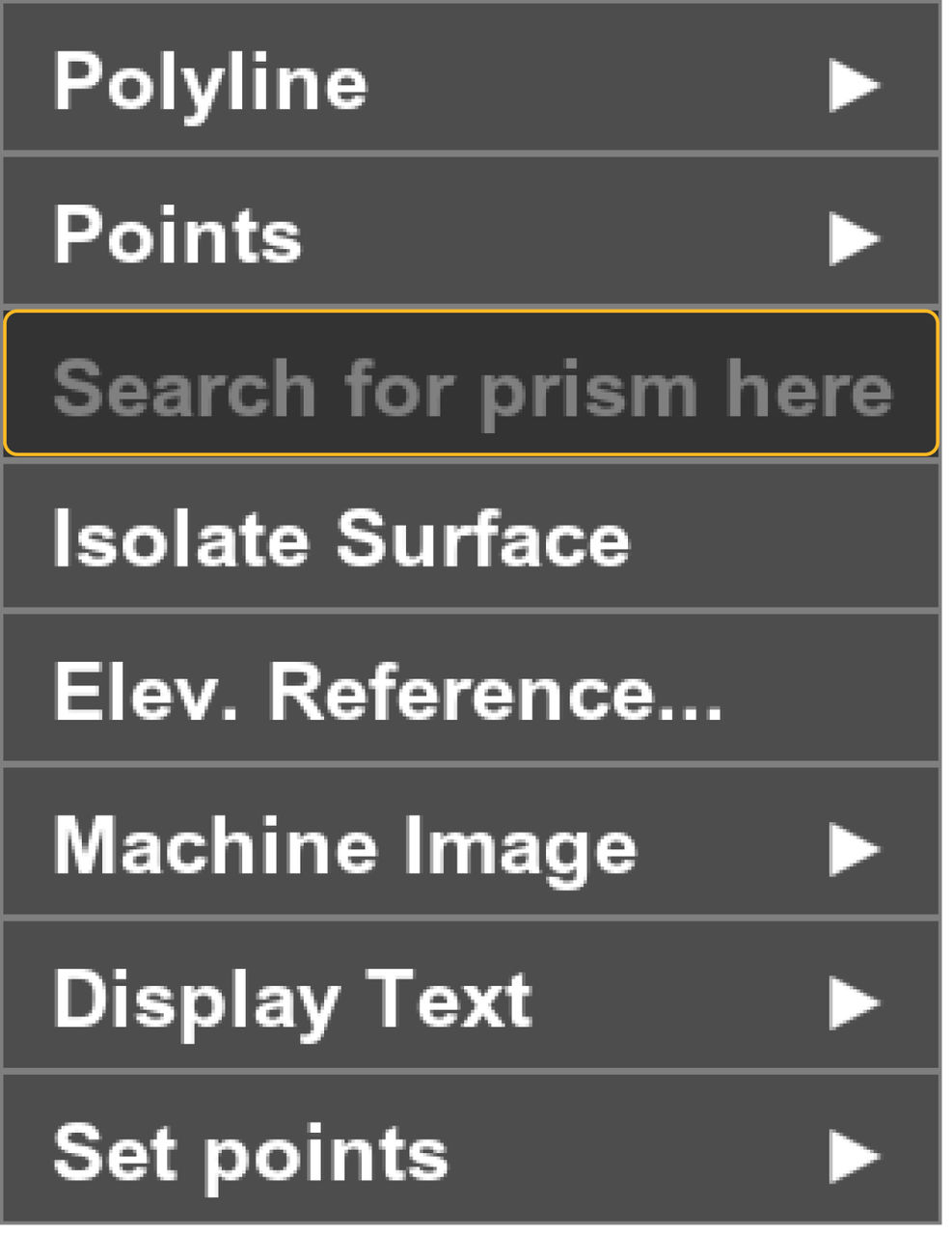
If the Total Station loses the prism, send commands on the Search tab to find the prism, or select the Search for Prism Here button on the Context menu.
Previous:
LPS operation
Next:
Low precision error
myTopcon NOW! support
Take your Topcon experience to the next level with myTopcon NOW! This platform is a self-service tool for your desktop or mobile device.





