
Select to open the Control Points screen to the Projection tab.
The Projection table is aligned with Topcon Field GEO SDK8.
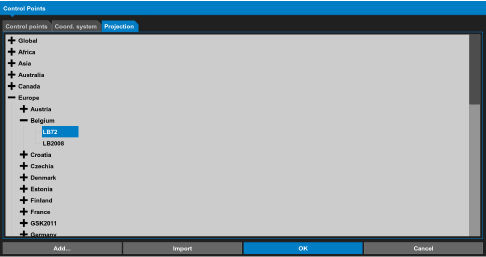
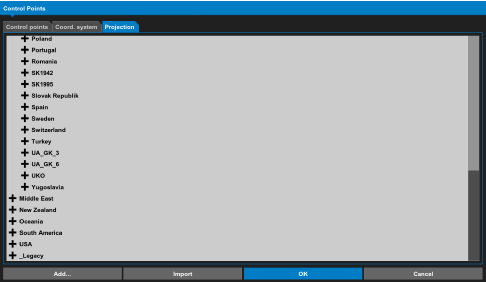
There is a Legacy folder at the bottom of the list, in which all previous exposed projections are saved.
Previous:
Delete a control point
Next:
Edit a control point
myTopcon NOW! support
Take your Topcon experience to the next level with myTopcon NOW! This platform is a self-service tool for your desktop or mobile device.





