
Calibrate detachable couplers with the Coupler wizard. Add attachments from the Attachments menu to reduce setup time and keep accuracy.
Select to add and calibrate a coupler.
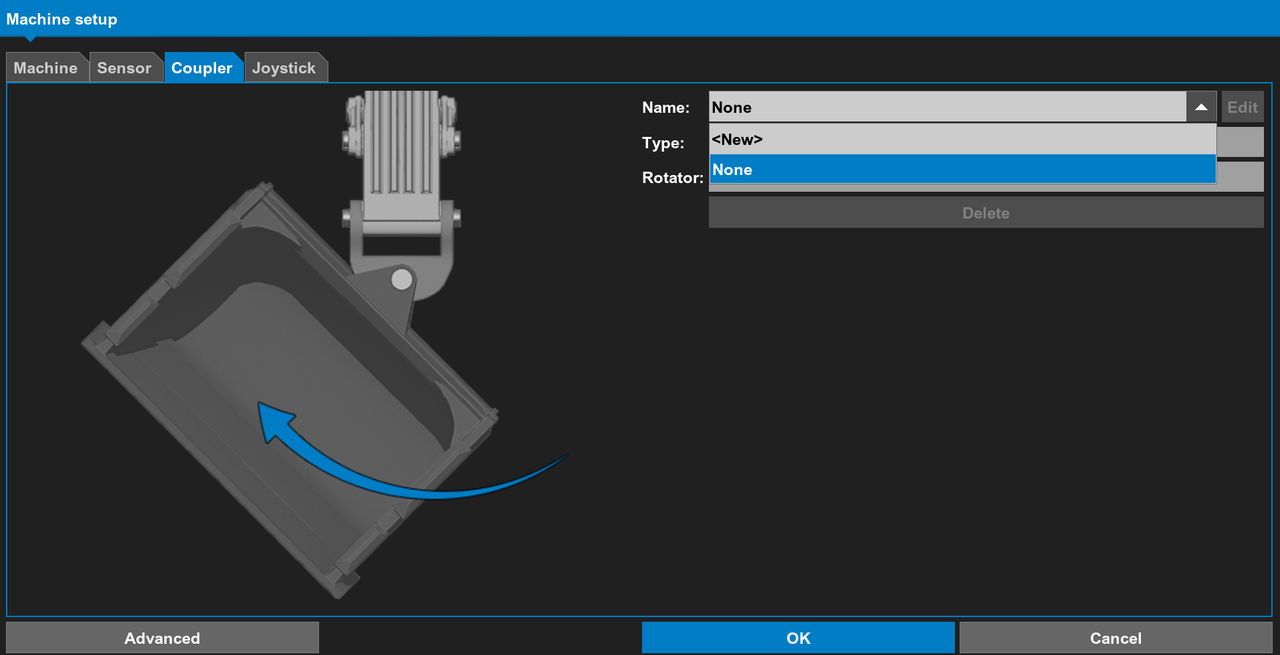
Topcon recommends that you calibrate all detachable couplers as a unit after you install them on the machine. When you do this, it is only necessary to add attachments to the coupler, which saves calibration time and prevents errors.
Topcon recommends that you calibrate the coupler first, then add attachments to it.
Refer to the Coupler wizard for detailed instructions.
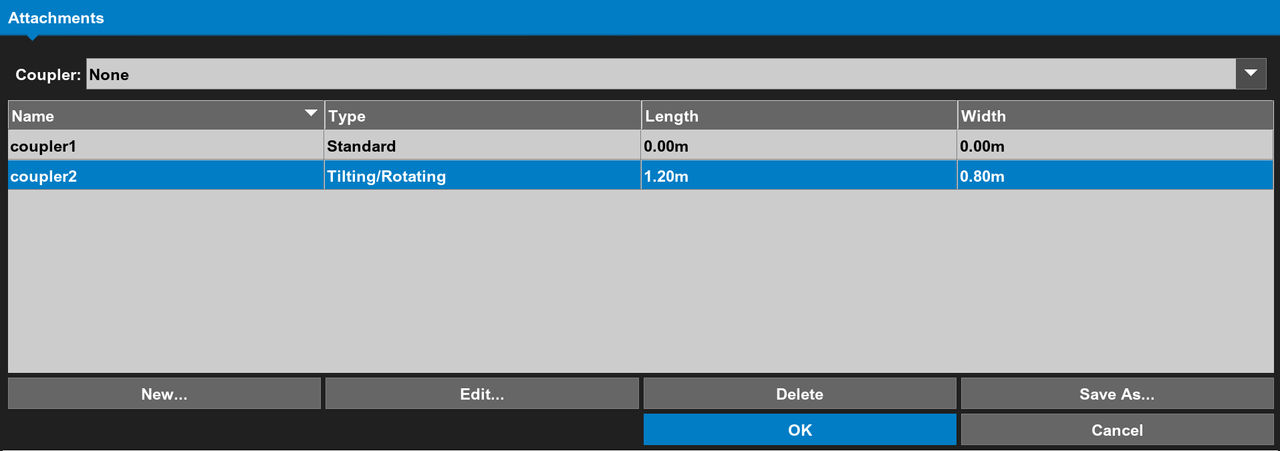
To add attachments, select . A drop-down list shows all available calibrated couplers, from which you can select one and add an attachment.
Refer to Attachments for more information.
Previous:
Implements
Next:
Coupler wizard
myTopcon NOW! support
Take your Topcon experience to the next level with myTopcon NOW! This platform is a self-service tool for your desktop or mobile device.





