
You can use shortcut buttons to lock and unlock the swing boom after you complete the bench procedure.
After the bench procedure, the Swing Boom Unlocked status message shows.

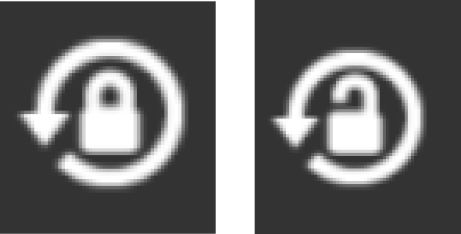
The operator can swing the boom to the working position, angle, and lock the boom with the Lock/Unlock Boom shortcut button. The button shows the locked or unlocked status of the swing boom.
Previous:
Bench against swing limit
Next:
Volvo Co-Pilot operation
myTopcon NOW! support
Take your Topcon experience to the next level with myTopcon NOW! This platform is a self-service tool for your desktop or mobile device.





