
- Connect to a Sitelink3D v2 site.ADDITIONAL INFORMATION:
- Add a Sitelink site.
- Select an existing Sitelink site.
- Select .ADDITIONAL INFORMATION:The Tasks screen opens.
- Select Set.ADDITIONAL INFORMATION:The Tasks screen opens.
- Select the applicable task name.
- Select OK to go back to the Task Summary screen where the selected task shows.ADDITIONAL INFORMATION:
Figure: Task summary screen with the selected site name 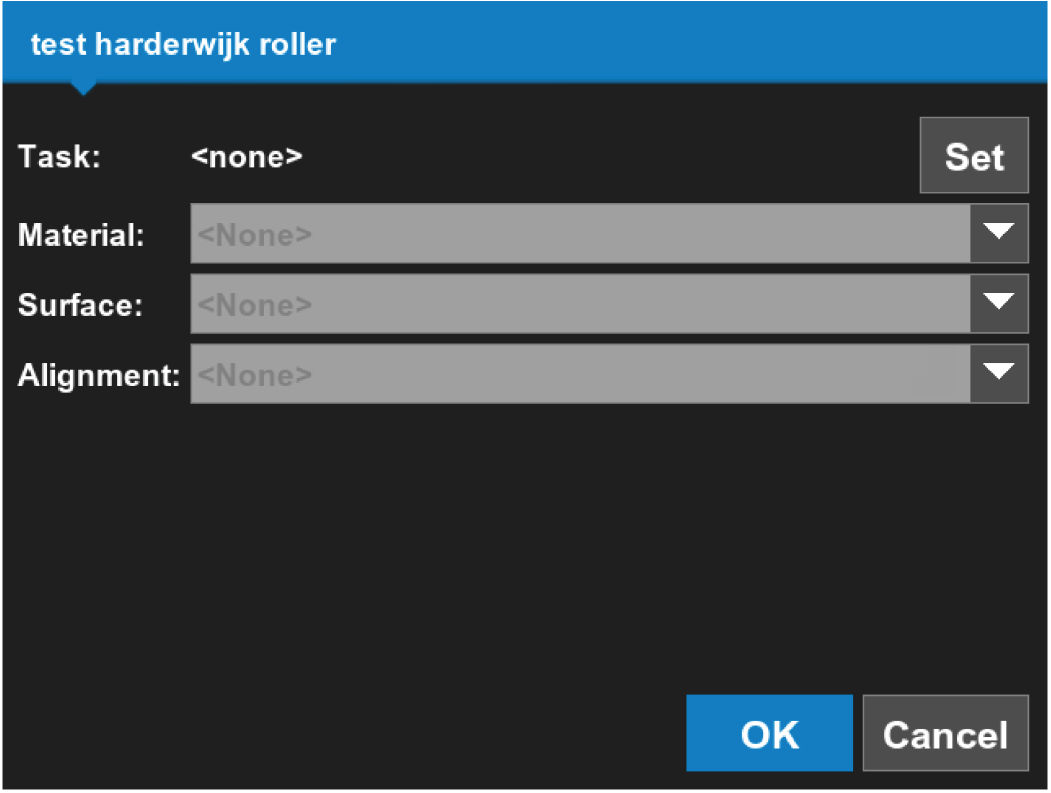 Task selection is only available when connected to a Sitelink3D v2 site.
Figure: A task selected on the task screen 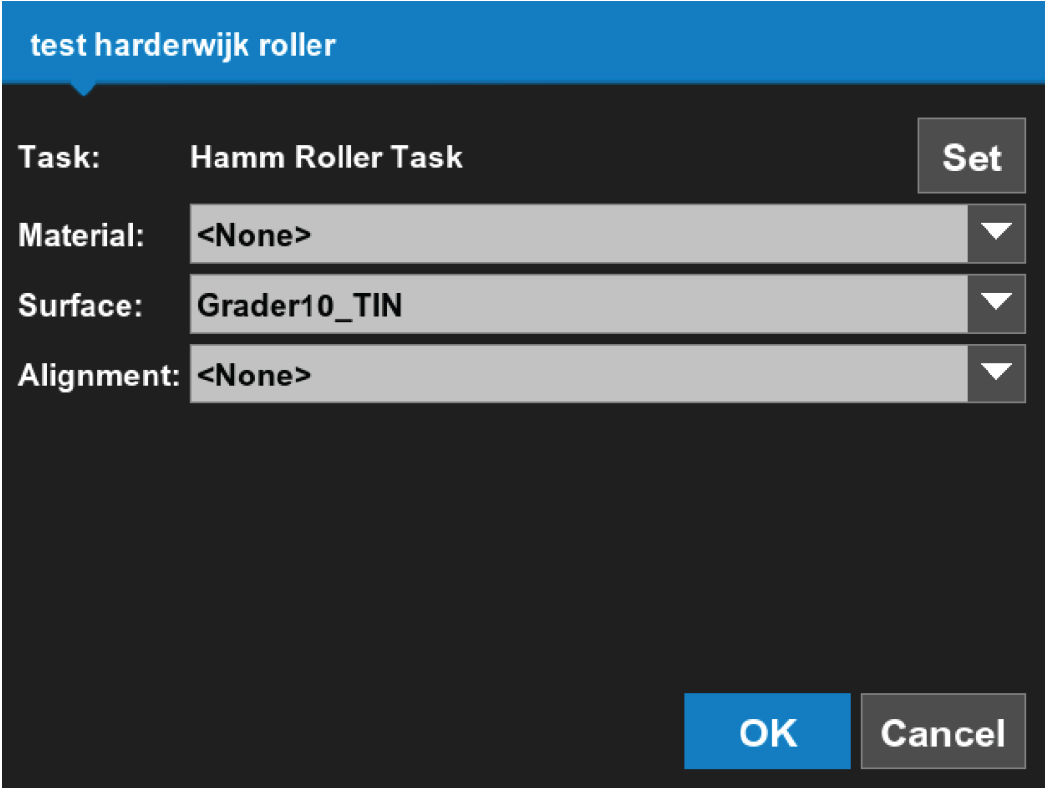
- Select OK to go back to the main screen.
Previous:
Tasks
Next:
Select active task data
myTopcon NOW! support
Take your Topcon experience to the next level with myTopcon NOW! This platform is a self-service tool for your desktop or mobile device.





