Factory reset for GR-i3
Perform a factory reset after loading new GNSS firmware files or to eliminate communication or tracking problems.
A factory reset returns all GR-i3 settings to the default values. The factory reset does not delete any files from the receiver and does not reset modem parameters. You can also clear the receiver’s Non-Volatile Random Access Memory (NVRAM) that holds the data that is necessary for satellite tracking.
Note: GR-i3 receivers require time to collect new ephemerides and almanacs (up to 15 minutes) after each factory reset.
- Select .
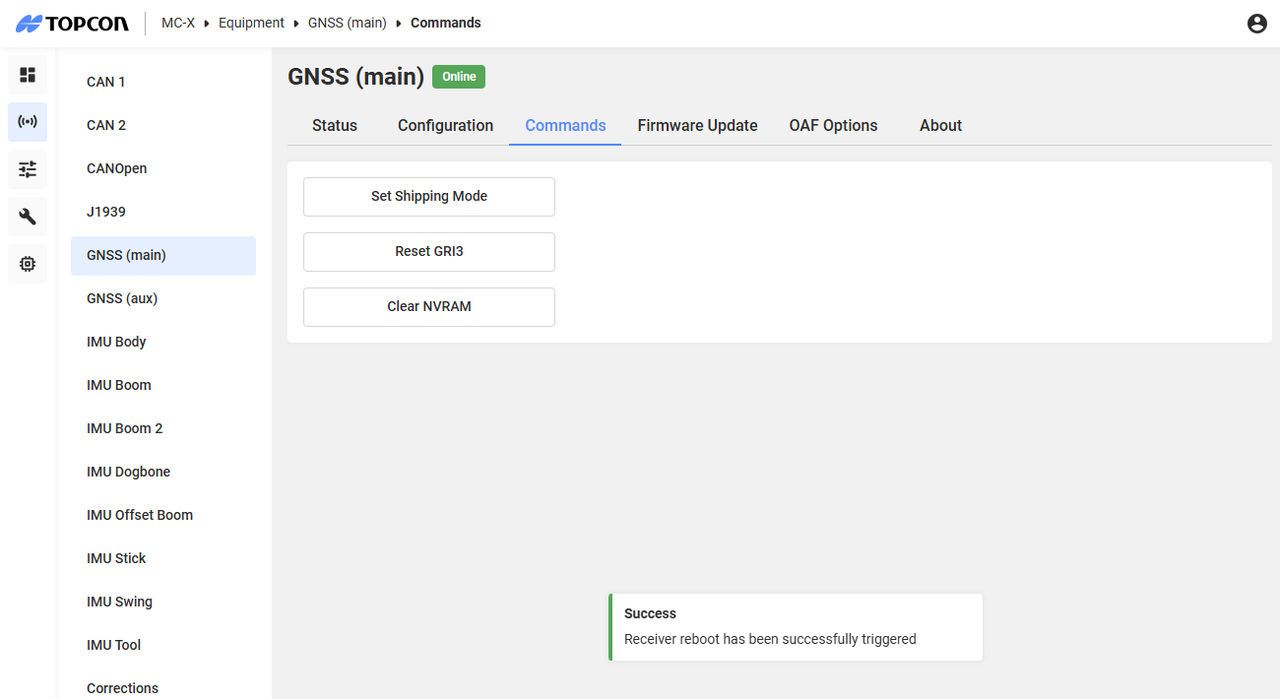
- Select Reset Gri3.ADDITIONAL INFORMATION:

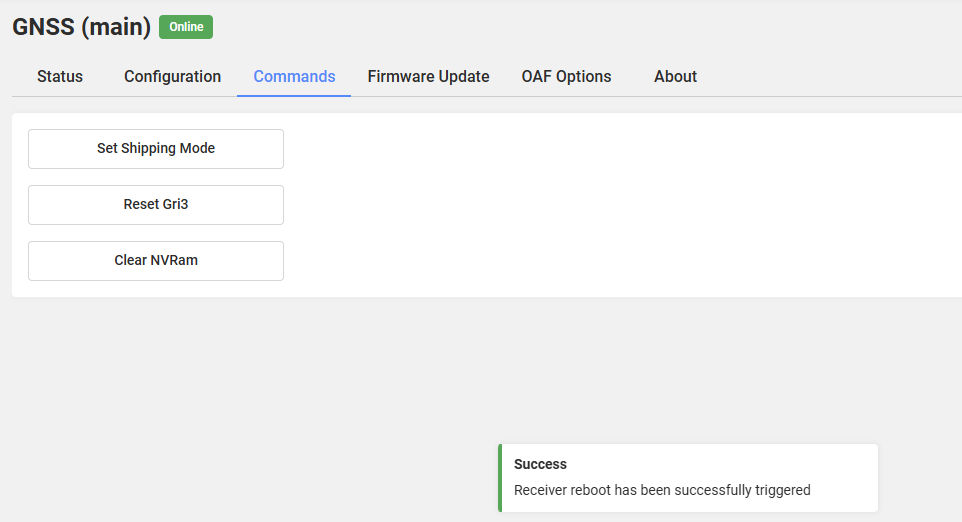
- Select Clear NVRAM.ADDITIONAL INFORMATION: