
Upload GNSS OAF
- In MCWEB, select .ADDITIONAL INFORMATION:
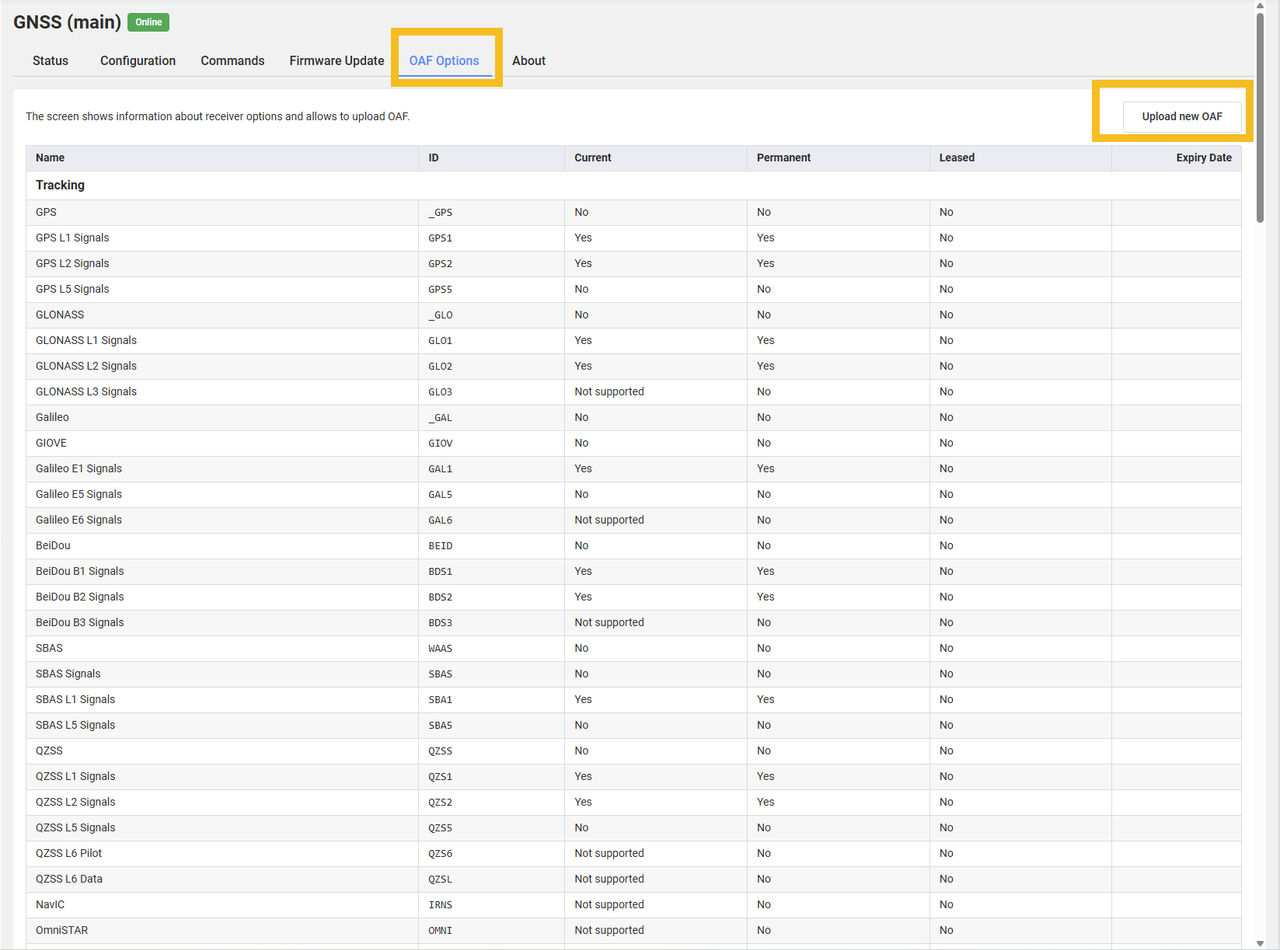
- Select .ADDITIONAL INFORMATION:
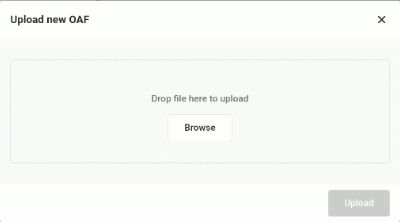
- Select Browse and choose the file.
- Select Upload.
- Open the Dashboard to view the status of the installed OAF. ADDITIONAL INFORMATION:

Previous:
Update the GNSS firmware
Next:
Factory reset for GR-i3
myTopcon NOW! support
Take your Topcon experience to the next level with myTopcon NOW! This platform is a self-service tool for your desktop or mobile device.





