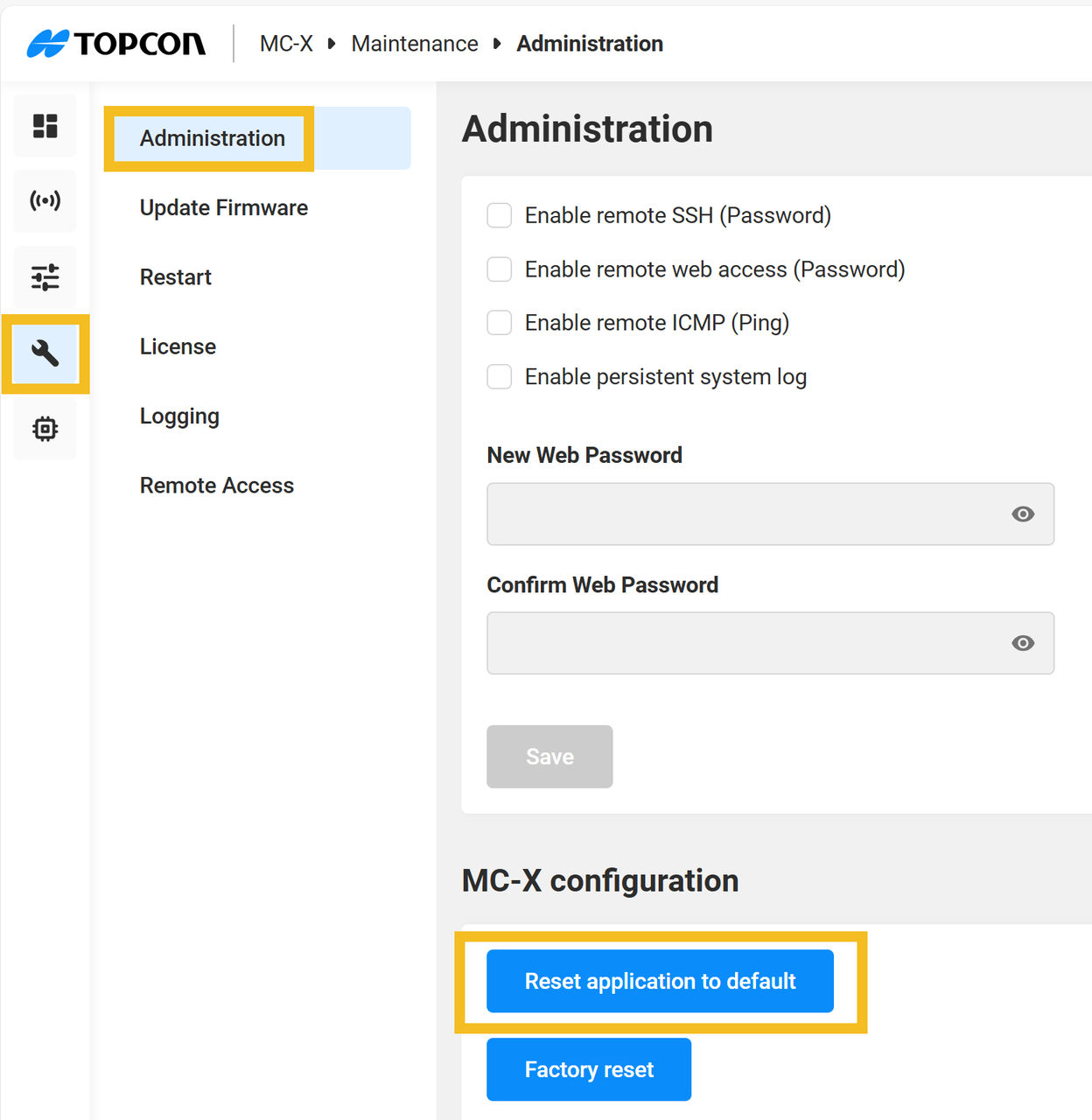
Factory reset of MC-X
Caution: A factory reset will erase all of the machine configuration and calibration data and the MC-X licenses.
A factory reset becomes available if you log on to a MC-X device with an incorrect password. The purpose of a factory reset is to put the device into the factory default state. Resetting the password is one of the functions of the factory reset. A factory reset clears machine data and configuration (all configuration data will be lost), all passwords (including stored hotspot credentials), and other sensitive user data. The factory reset also removes licenses from the MC-X. To prevent this, Topcon recommends that you back up the machine configuration from 3D-MC. A backup makes sure that you can restore the machine function if it is necessary to do a factory reset
- Select .
- Select Factory reset.ADDITIONAL INFORMATION:
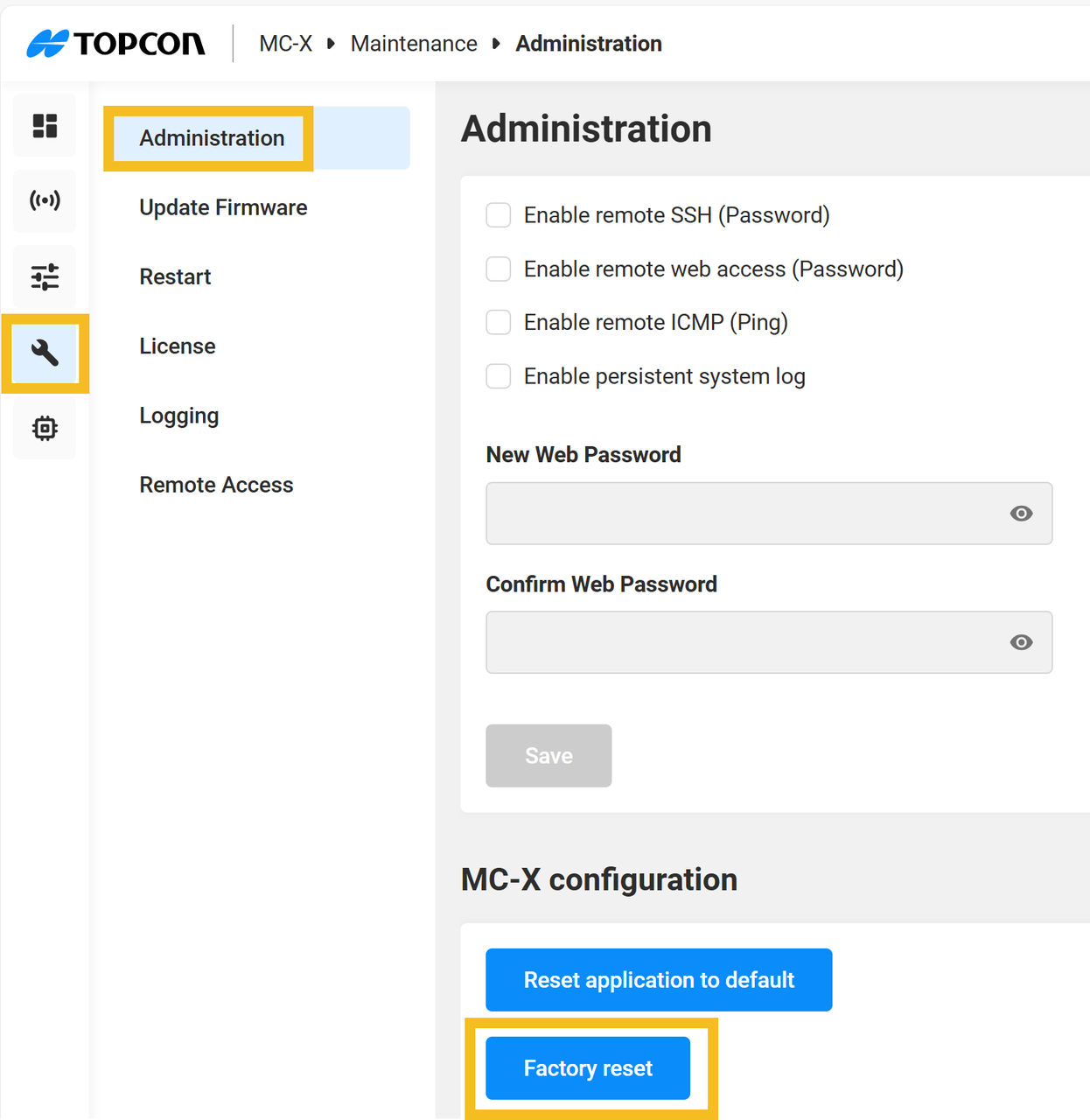
- Select Reset.
- Restart the unit after the factory reset.