
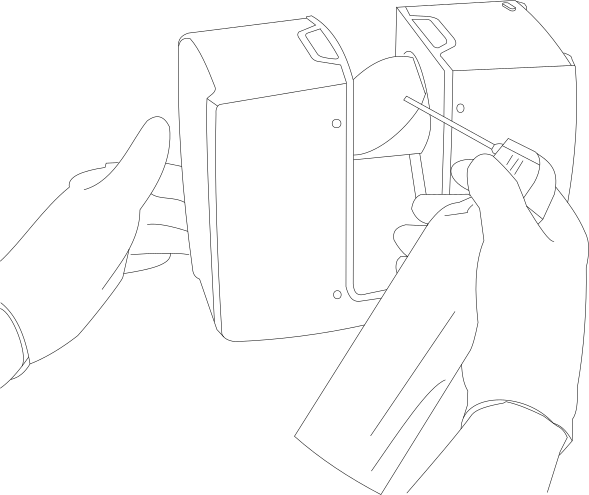
Start removal of dust or liquid droplet contamination on mirror or sensor cover by using compressed dry air or special duster sprays (dry cleaning gas).
Caution:
Do not shake the Duster Spray bottle.
While using the duster spray, ensure that you do not shake the bottle or turn it upside down.
Caution:
Damage of the scanner’s mirrors and lenses
Avoid touching the optical surface with any objects.
- Gently blow off particles from the optical surface with compressed air.
- Perform visual inspection.
- Repeat dry cleaning as required.
- Proceed with Wet cleaning with tissue and optics cleaning fluid.





