
Caution:
Damage of the scanner’s mirrors and lenses
Use a new pair of gloves for the following steps.
Prepare the Cleaning Pad
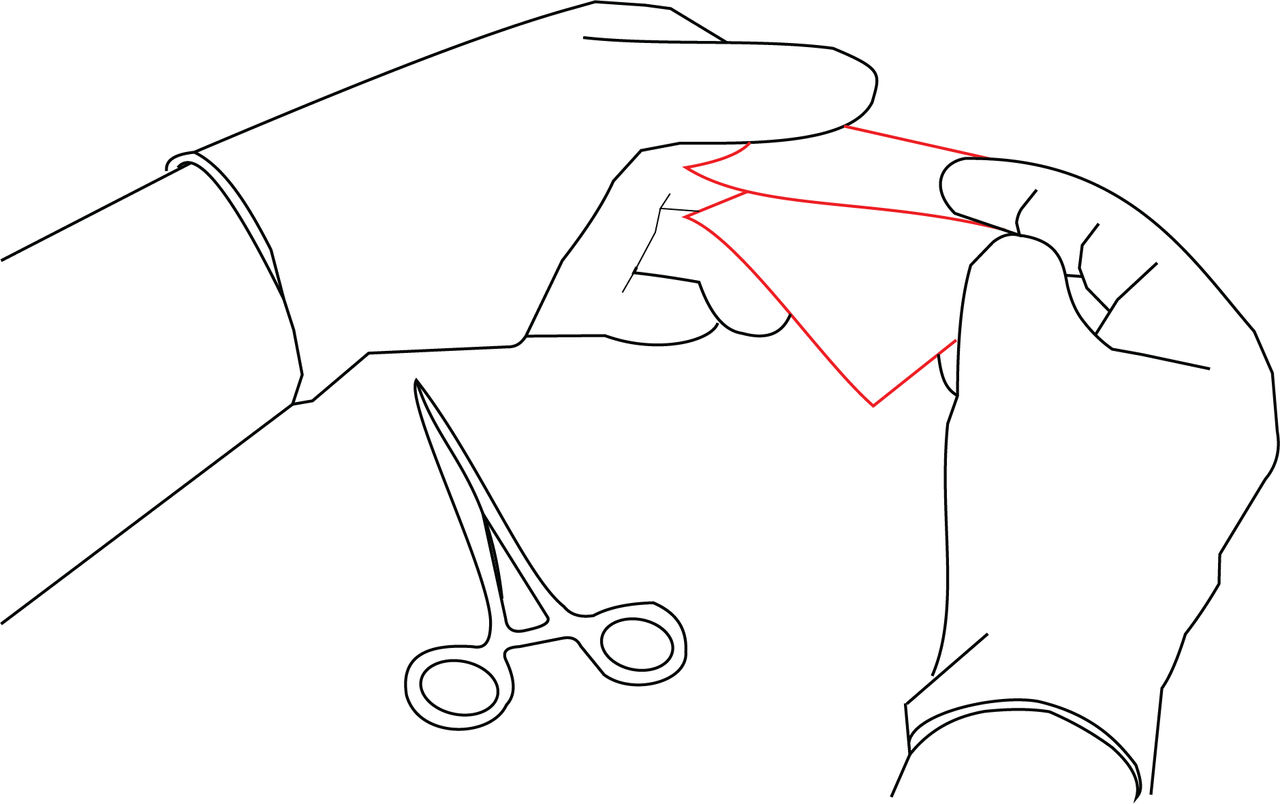
- Combine 2 or 3 sheets of optics cleaning tissue.
Figure: Folding the cleaning pad (1) 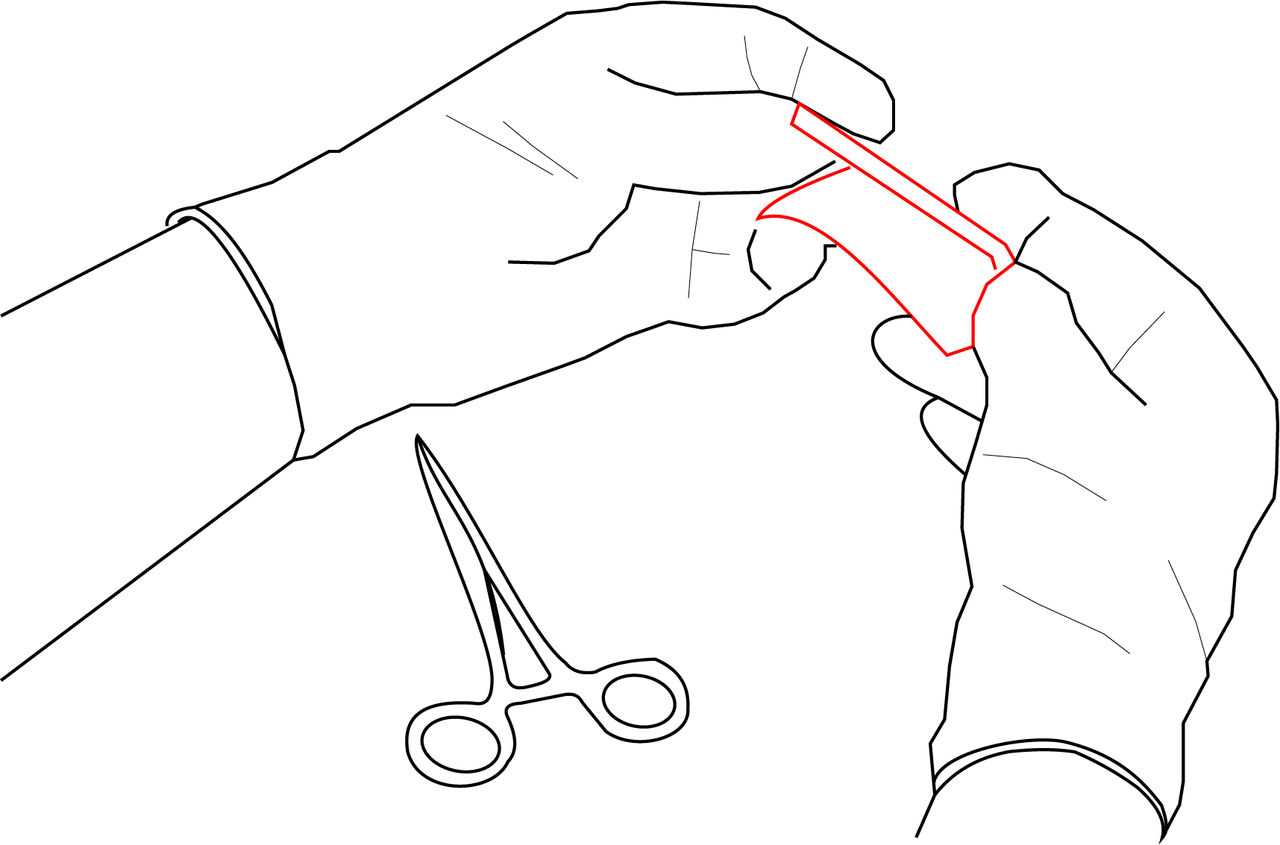
Figure: Folding the cleaning pad (2) 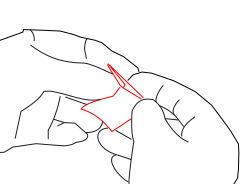
- Repeatedly fold the cleaning pads in half, as shown above. Fold twice on the long side, then turn 90° and fold twice more to create a soft pad that is about 30 mm (1.18 in) long.
Figure: Fix the cleaning pad 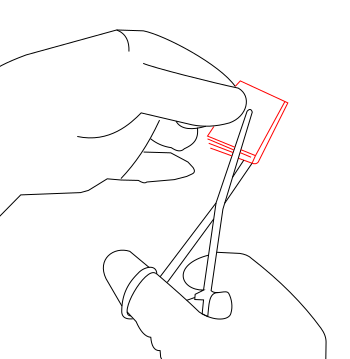
- Use the forceps to fix the cleaning pad, as shown above. Leave at least 2-3 mm (0.078 in - 0.118 in) between the edge of the pad and the forceps.
Figure: Creating a T-shaped cleaning pad (1) 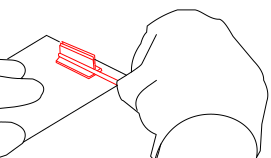
Figure: Creating a T-shaped cleaning pad (2) 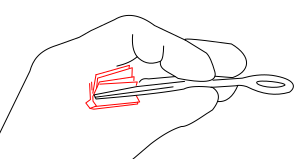
- Slightly compress the pad on top of the spare cleaning tissues to create a T-shaped cleaning pad, as shown above.
Figure: Soaking the cleaning pad 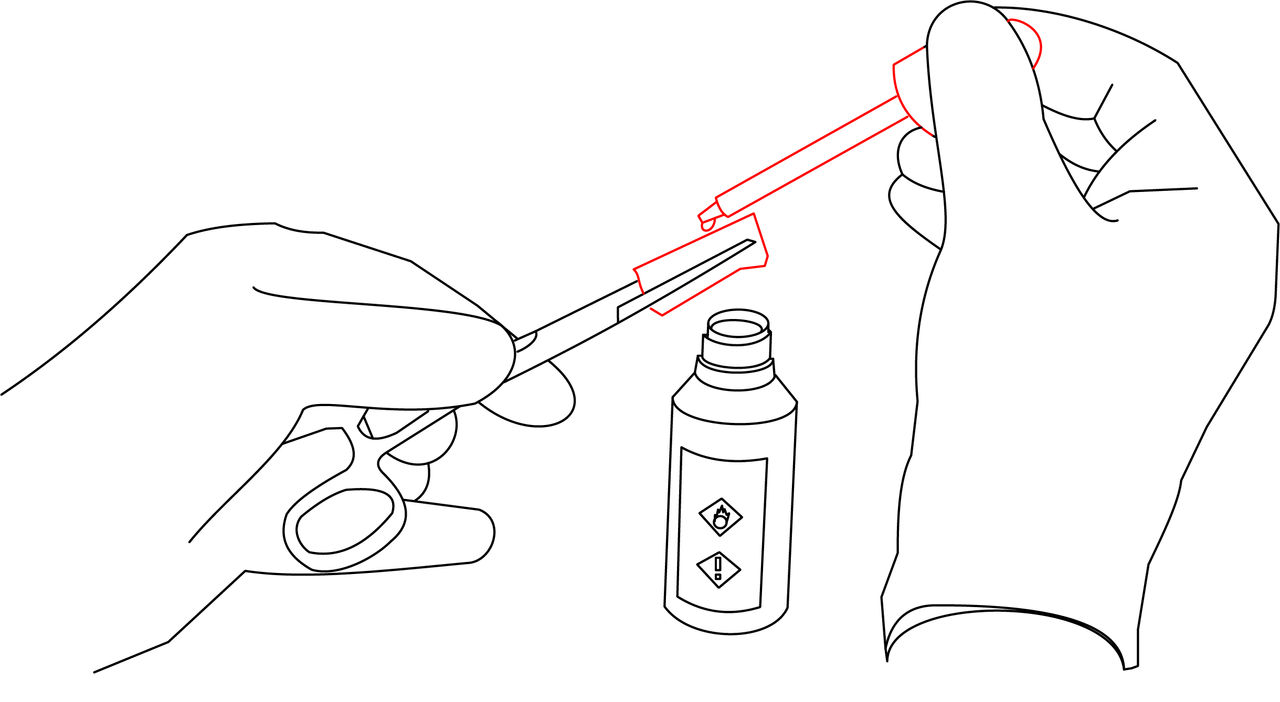
- Use the eye-dropper to soak the cleaning pad with optics cleaning fluid, as shown above.
Cleaning mirror module or sensor cover
Caution:
Damage of the scanner’s mirrors and lenses
Avoid any contamination of the cleaning tissue.
Do not apply pressure while wiping. This might damage the optical surface.
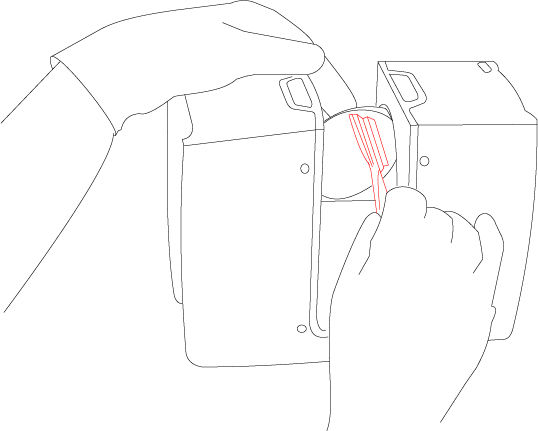
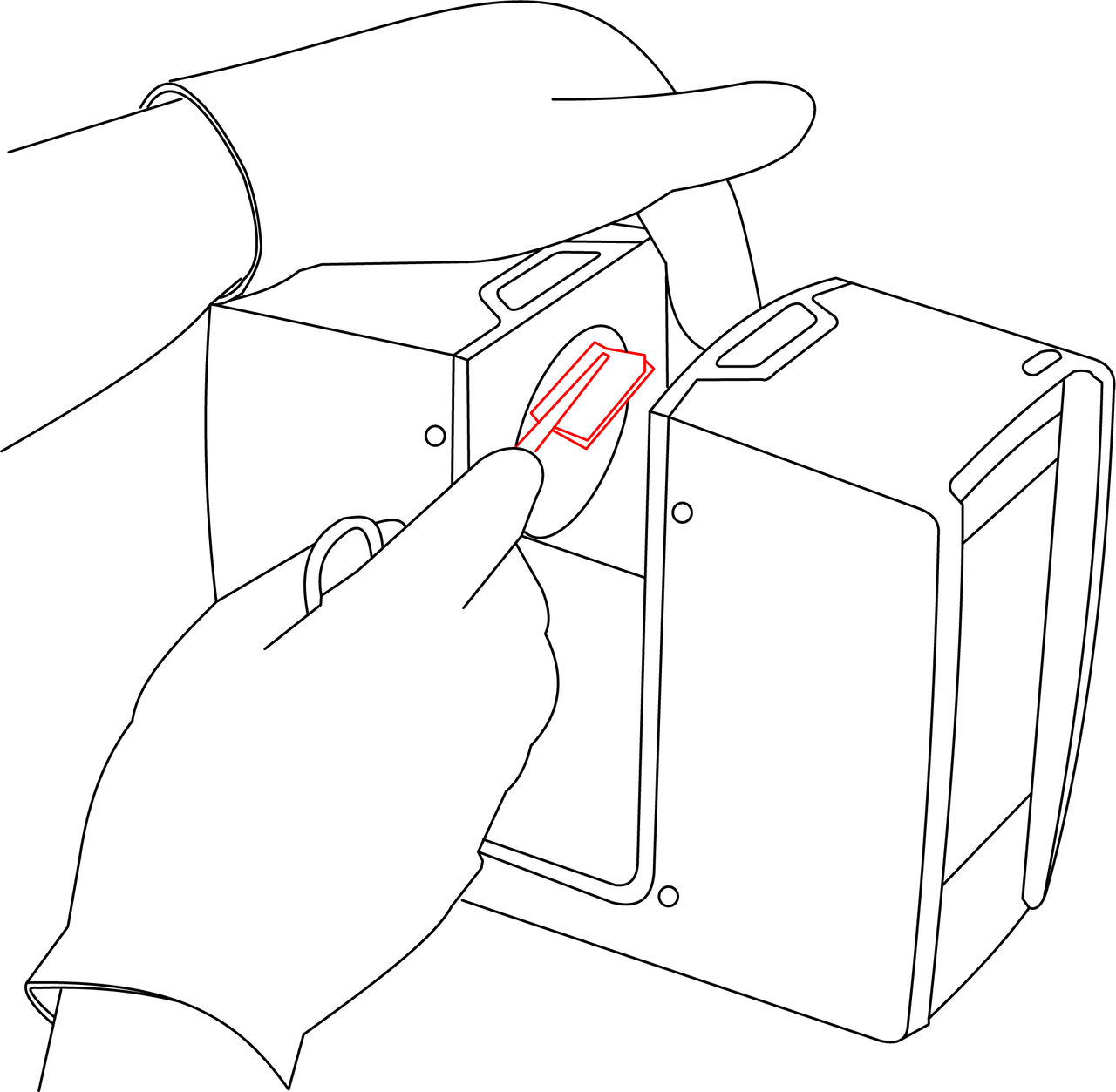
- With a single, consistent linear motion from one end to the other, gently wipe the mirror or sensor cover glass with the cleaning pad, as shown above.
- After each cleaning cycle, discard the cleaning pad and prepare a new pad as described under Wet cleaning with tissue and optics cleaning fluid.
- Repeat the cleaning until the full mirror or sensor cover aperture has been wiped once.
- Check cleaning status by visual inspection.
- Prepare another cleaning pad with optics cleaning fluid to finalize the procedure.
- Gently wipe the mirror's entire surface with gentle pressure and in a linear direction once through.
- Check cleaning status by visual inspection. Ensure that no contamination remains. If there is still contamination, repeat the cleaning with optics cleaning fluid.





