
Pressing the scanner's ON/OFF button starts the boot process, indicated by the scanner LEDs blinking blue. If power is supplied by the battery and its charge state is too low to start the scanner, the scanner LEDs blink red.
When the CR-P1 scanner is ready, the LEDs stop flashing and illuminate a constantly blue. The scanner controller software's home screen appears on the integrated touch screen.
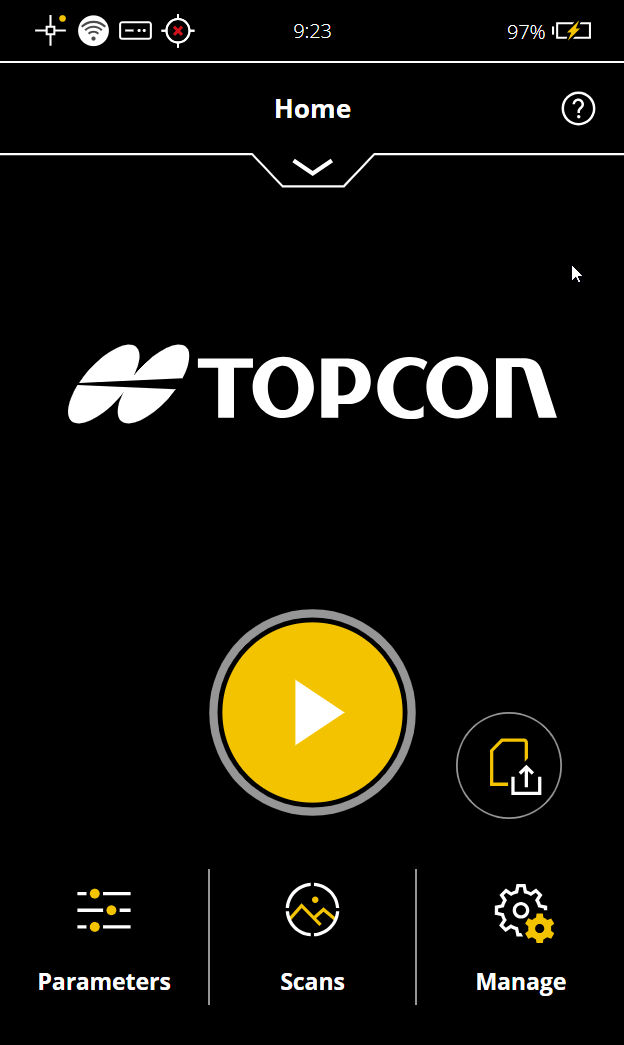
To operate, tap the elements on the screen with your fingers. You can also use a capacitive stylus to navigate through the user interface.
Previous:
Inserting the SD card
Next:
Initial scanner settings
myTopcon NOW! support
Take your Topcon experience to the next level with myTopcon NOW! This platform is a self-service tool for your desktop or mobile device.





