
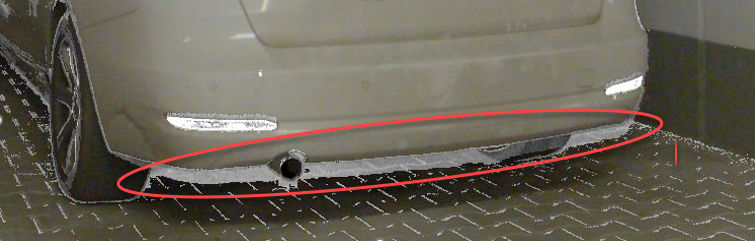
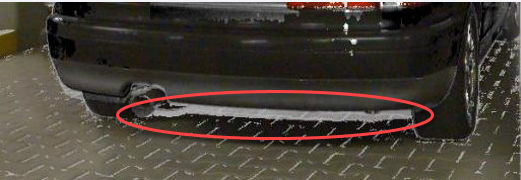
Following are images that show occlusions (circled in red):
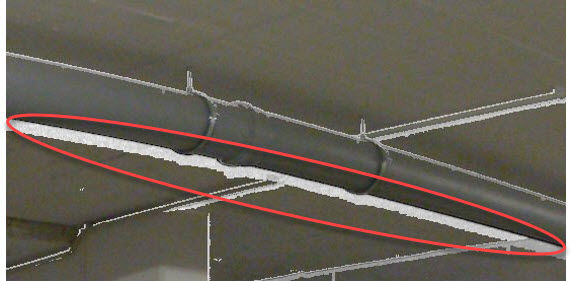
In the above example, the area behind the pipe is the occluded area.
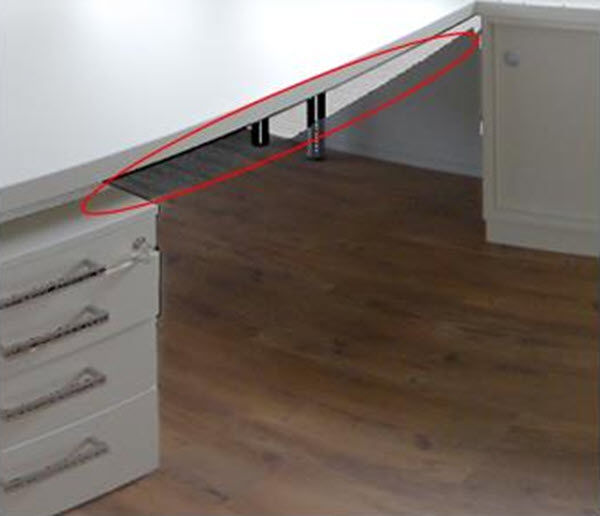
In rare and special cases (for example, when scanning close, transparent/reflective objects) occlusions can lead to incorrectly-colored point cloud areas.
Moving objects during scanning and color capture can also lead to incorrectly-colored point cloud areas. Activated filters (like contour or edge/artifact filters) limit point cloud colorization in certain areas.





