
Scanning parameters, like resolution, quality, and scanning angles, are used by the scanner for recording the scan data.
There are two ways to set the scanning parameters:
- manually change them.
- selecting a scan profile, which is a predefined set of scanning parameters.
To select a predefined scan profile or to change the scanning parameters, tap Parameters  on the Home screen.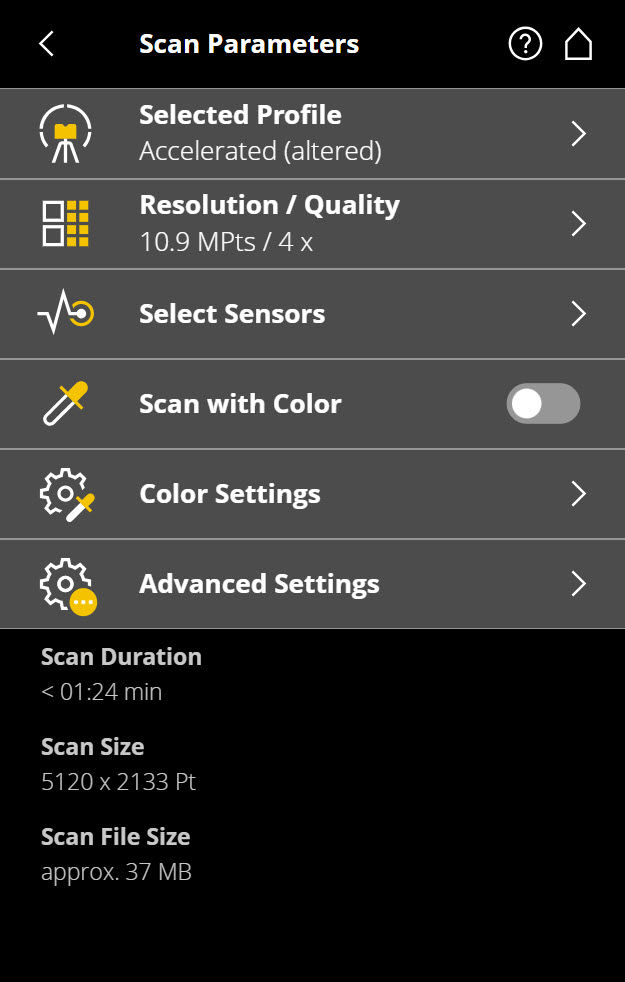
Previous:
Home screen
Next:
Selected profile
myTopcon NOW! support
Take your Topcon experience to the next level with myTopcon NOW! This platform is a self-service tool for your desktop or mobile device.





