
You can examine the terms and conditions applicable to your device’s cellular connectivity in the Topcon Connectivity Service Agreement.
- Complete the steps to register the cellular modem in your HiPer XR GNSS receiver.
- Select REGISTER PRODUCT.
- Select CELLULAR ACTIVATION.ADDITIONAL INFORMATION:
Figure: Cellular registration 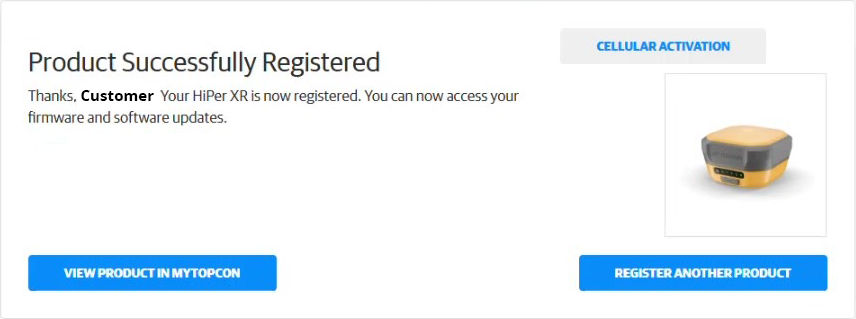 The CELLULAR ACTIVATION: Modem Details screen opens.
 - Select ACTIVATE CELLULAR MODEM.ADDITIONAL INFORMATION:
Figure: Modem details 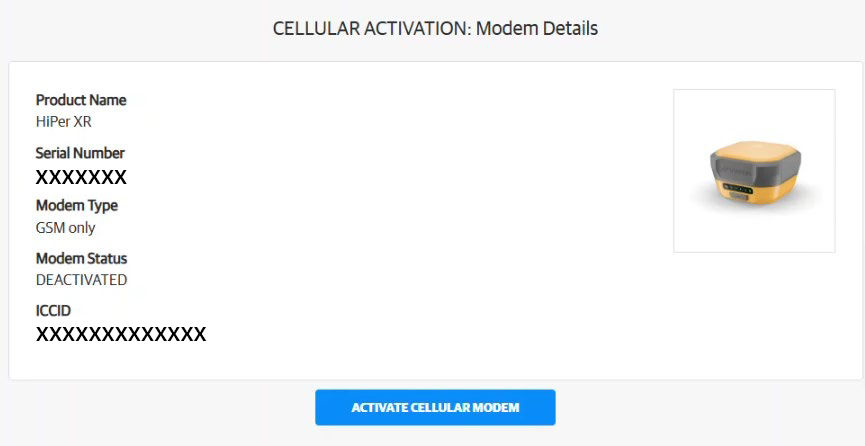
- Carefully read the license agreement, then select ACCEPT.ADDITIONAL INFORMATION:
Figure: License agreement 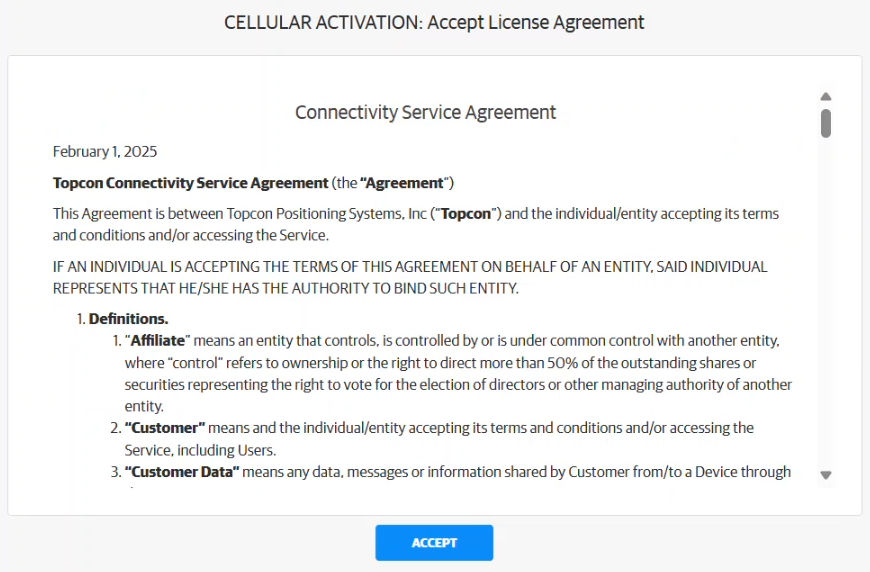 The Activation Complete dialog opens.
Figure: Activation complete 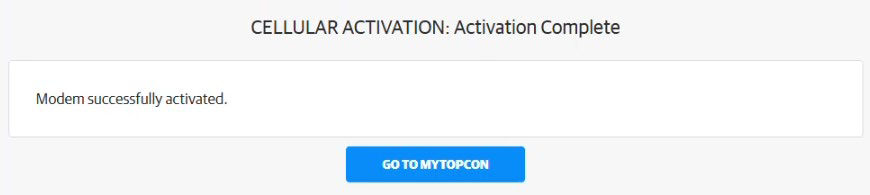
- Open the HiPer XR GNSS web UI (192.168.4.1).
- Select .ADDITIONAL INFORMATION:The cellular modem status shows.
Figure: Cell modem status 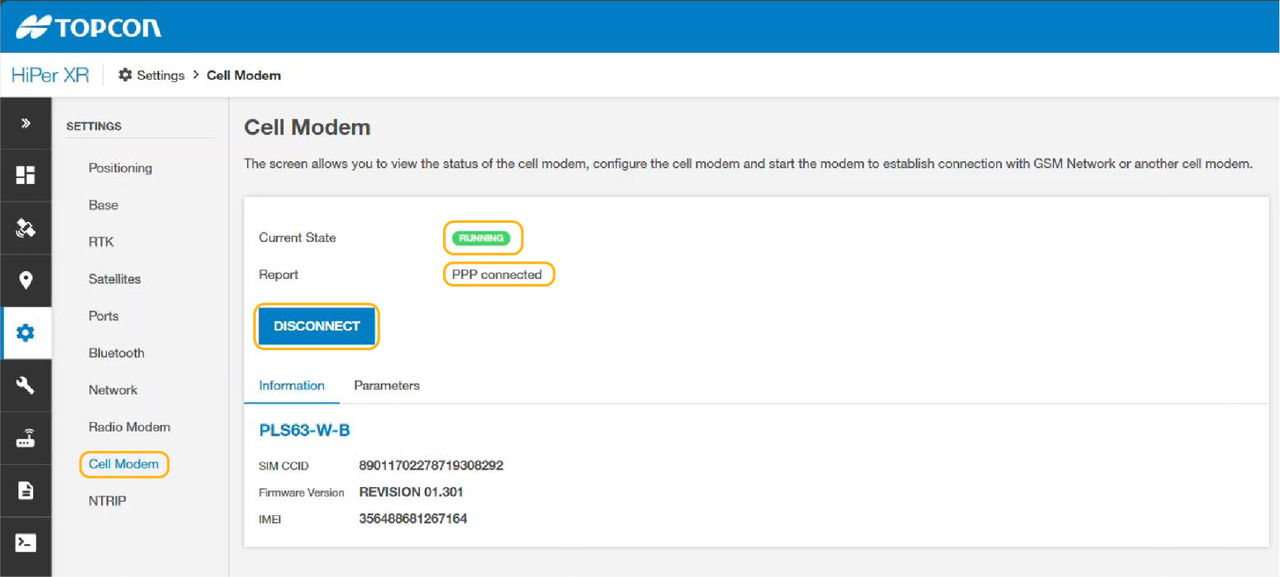
Previous:
Register the HiPer XR GNSS receiver
Next:
Connection to a Computer
myTopcon NOW! support
Take your Topcon experience to the next level with myTopcon NOW! This platform is a self-service tool for your desktop or mobile device.





