
- Use the packing lists to make sure that all components are necessary to install the specified configuration.
- Examine the components for damage.
- Use the system diagrams for bench tests to connect the electrical components and cables.
- Connect to power.ADDITIONAL INFORMATION:Caution: Connect to the power only after all components are connected.
- Connect to the MC-X controller through MCWEB / MC-X Gateway. Refer to Connect to MC-X controller in the MCWEB user guide for MC-X controllers.
- Make sure that each component has the applicable firmware and software version. Only update the firmware and software if it is necessary. ADDITIONAL INFORMATION:Note: The MC-X1 Programming Cable (
P/N 1017799-01) shown below is necessary to do the bench test.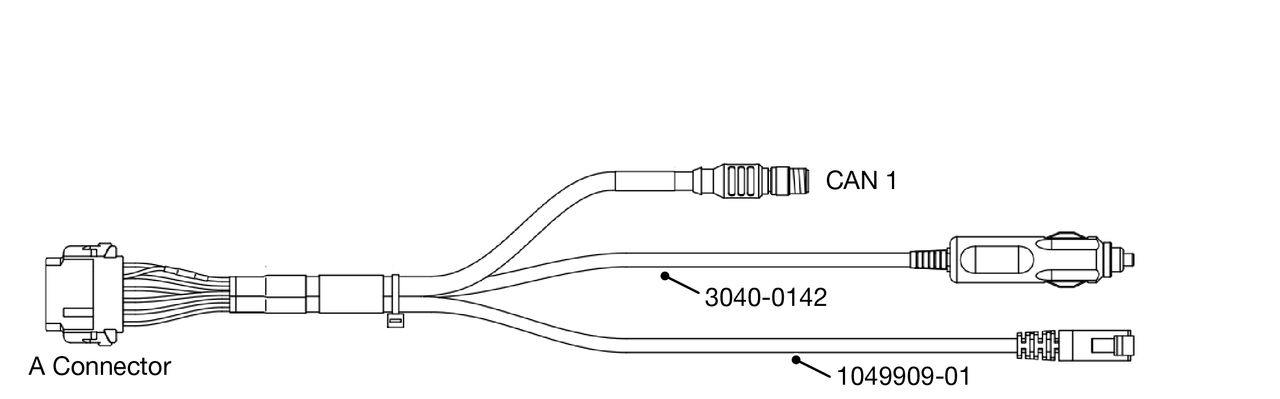
Previous:
Introduction
myTopcon NOW! support
Take your Topcon experience to the next level with myTopcon NOW! This platform is a self-service tool for your desktop or mobile device.





