
To load the UR-1 firmware:
- Open 3D-MC.
- Create a machine builder file with a UR-1 radio.
- Open the MC-X web interface.
- Select the applicable radio type from the Sensors menu.ADDITIONAL INFORMATION:
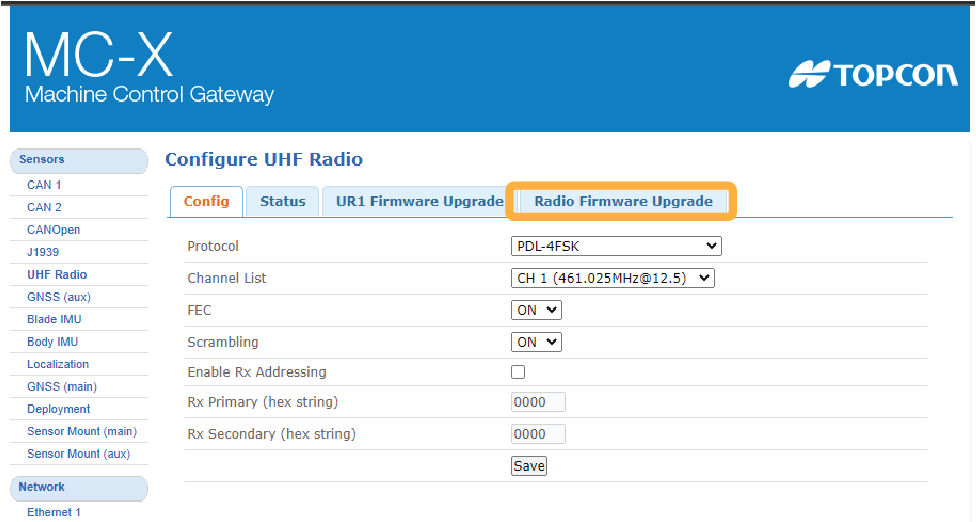
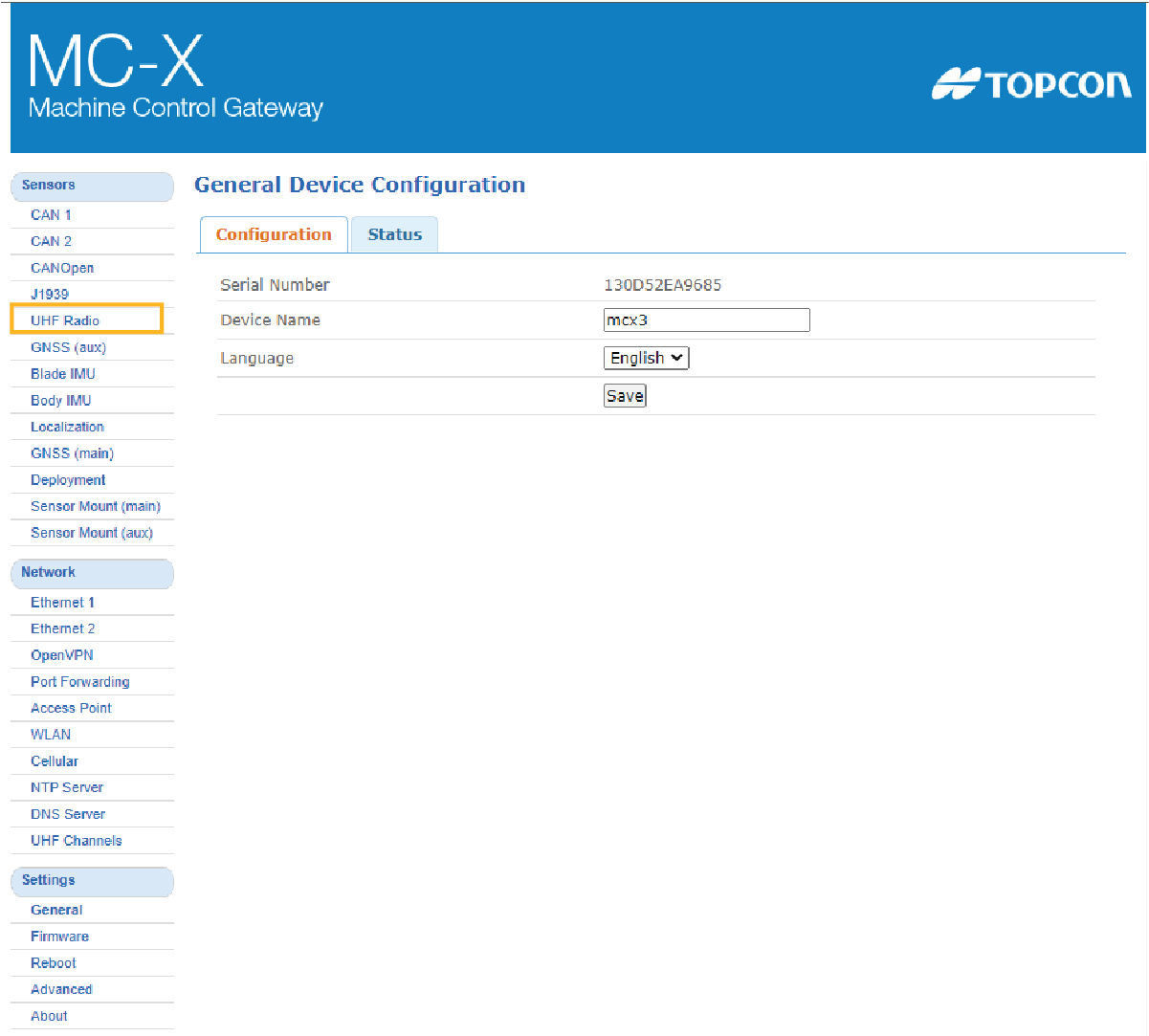 The Configure UHF Radio screen shows.
 - Select Radio Firmware Upgrade.ADDITIONAL INFORMATION:
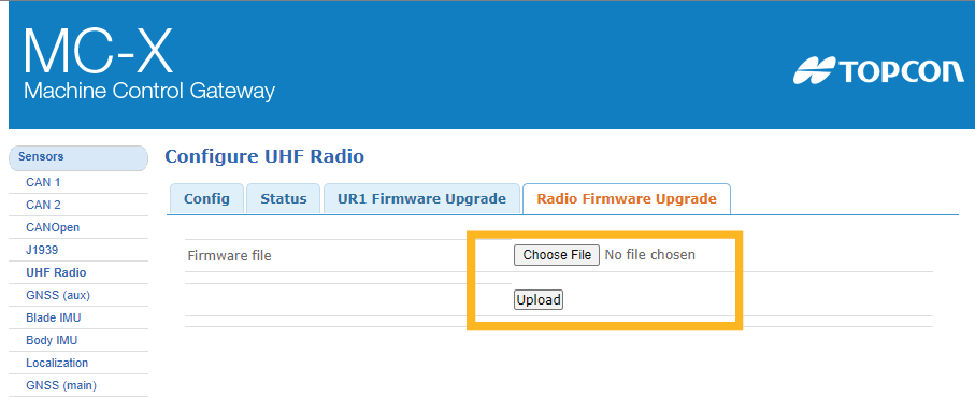
- Select Choose File and go to the applicable firmware file (*.itb format).
- Select Upload. The upgrade starts.ADDITIONAL INFORMATION:
Previous:
System communication
Next:
Load UHF radio channels
myTopcon NOW! support
Take your Topcon experience to the next level with myTopcon NOW! This platform is a self-service tool for your desktop or mobile device.





