
- Select the GNSS (main or aux) menu item under Sensors.
- Select the Firmware Upgrade tab.ADDITIONAL INFORMATION:
Figure: Firmware upgrade 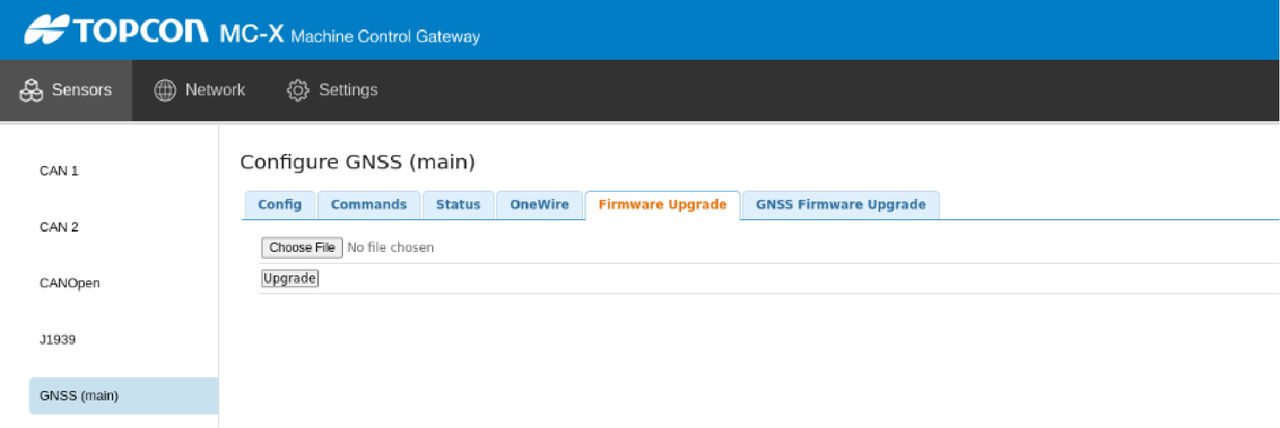
- Select Choose File.
- Go to the GR-i3 firmware file with the .BIN extension.
- Select Upgrade to start. A notification shows when the upgrade process is complete.
Previous:
Verify MC-X CTL license in 3D-MC
Next:
Update the GNSS firmware
myTopcon NOW! support
Take your Topcon experience to the next level with myTopcon NOW! This platform is a self-service tool for your desktop or mobile device.





