Looking for your apps? Click the account icon in the upper right corner of the page.
Auto indicators
The 15.5.1 release removed the auto indicators from the 3D-MC user interface.
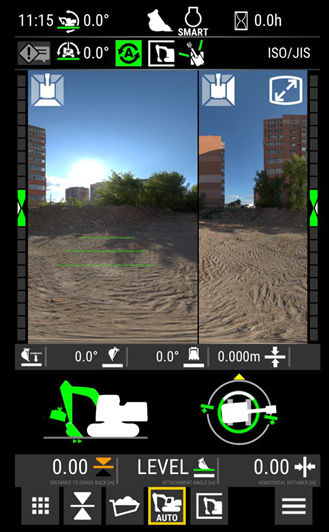
If the machine has the Grade Assist on, then the CAT main display shows all of the auto indicators, the auto settings, auto modes, and the joystick configurations. Manage these functions from the CAT display.
This sample display on the CAT NG shows Grade Assist on and the engage status of the boom, bucket, and auto tilt.Figure: CAT NG grade assist
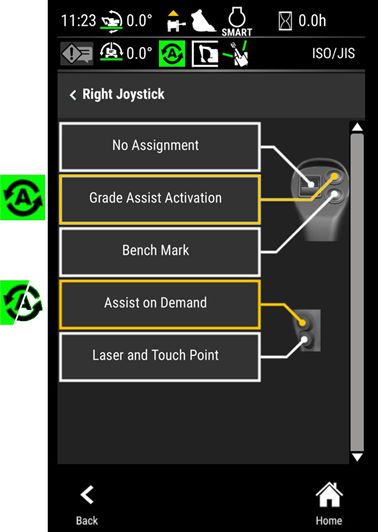
This sample screen shows the joystick button settings for Grade Assist Activation and Assist on Demand.