
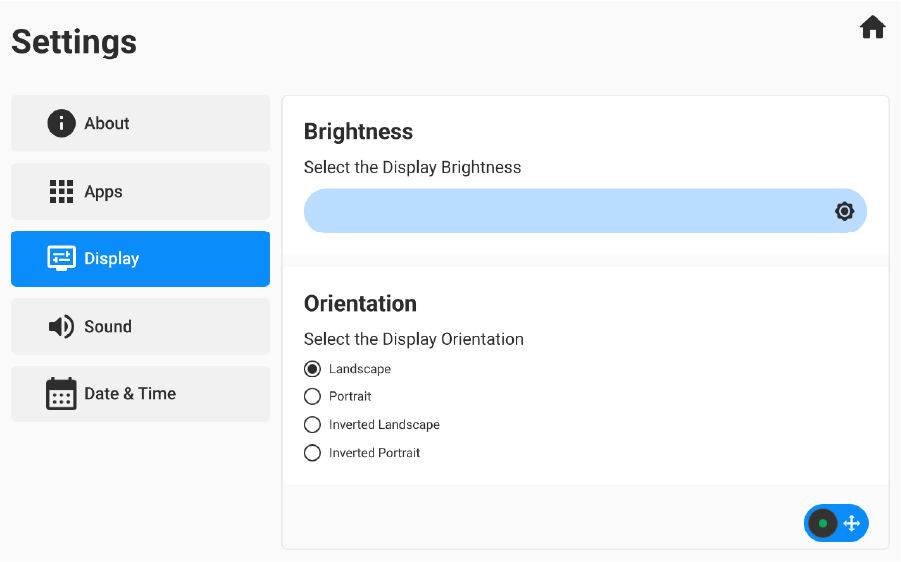
The operator can set the brightness and display orientation. The display orientation is applied after restarting the GX-90.
- Select .ADDITIONAL INFORMATION:
Previous:
Date/Time
Next:
Install 3D-MC app
myTopcon NOW! support
Take your Topcon experience to the next level with myTopcon NOW! This platform is a self-service tool for your desktop or mobile device.





