The new myTopcon experience is now available. Please click here to access and start using all your apps. The legacy version will still be accessible until April 15th 2026.

Machine calibration

Note: With the 15.5.1 release, it is necessary to enable Supervisor mode to enter the machine dimensions. For instructions to enter supervisor mode, see MC-MAX and MC-Mobile Excavator Systems ICM (P/N 1033163-01).
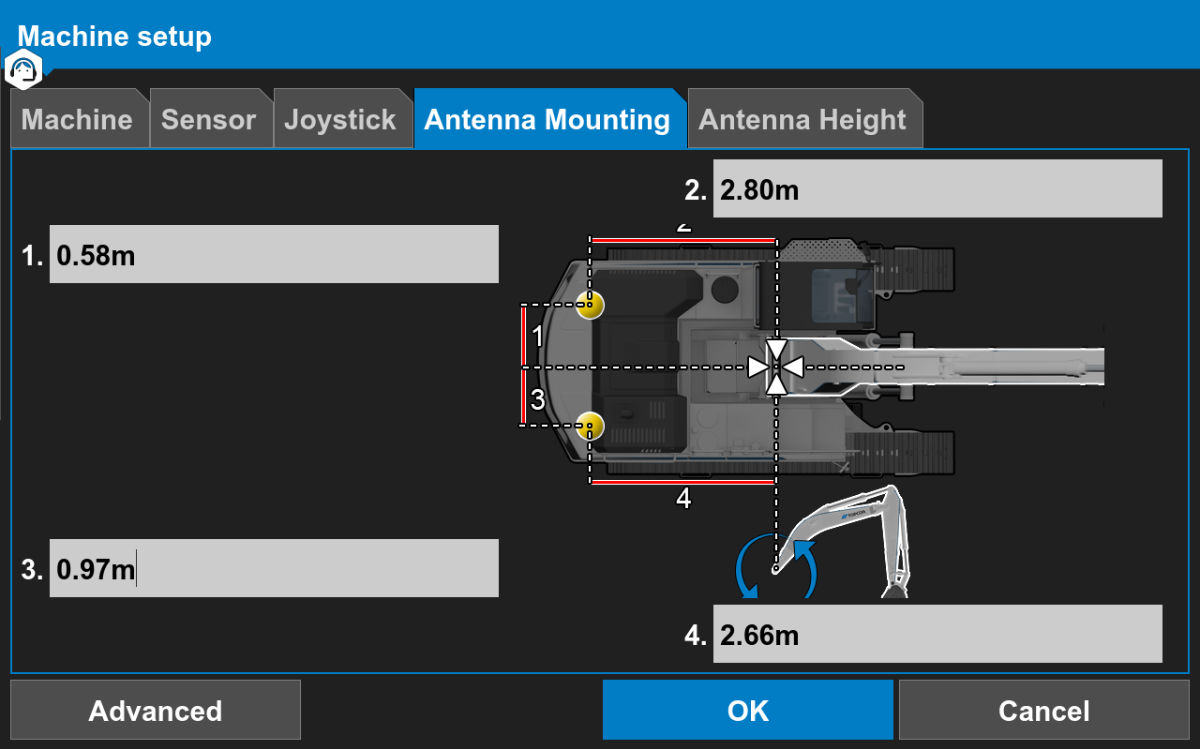
To use this setting, select Main menu ControlMachine Setup. The type of sensor selected, LPS or GNSS, lets you enter the LPS or GNSS dimensions.
It is also necessary to enter machine measurements manually. There is no dedicated geometry application.
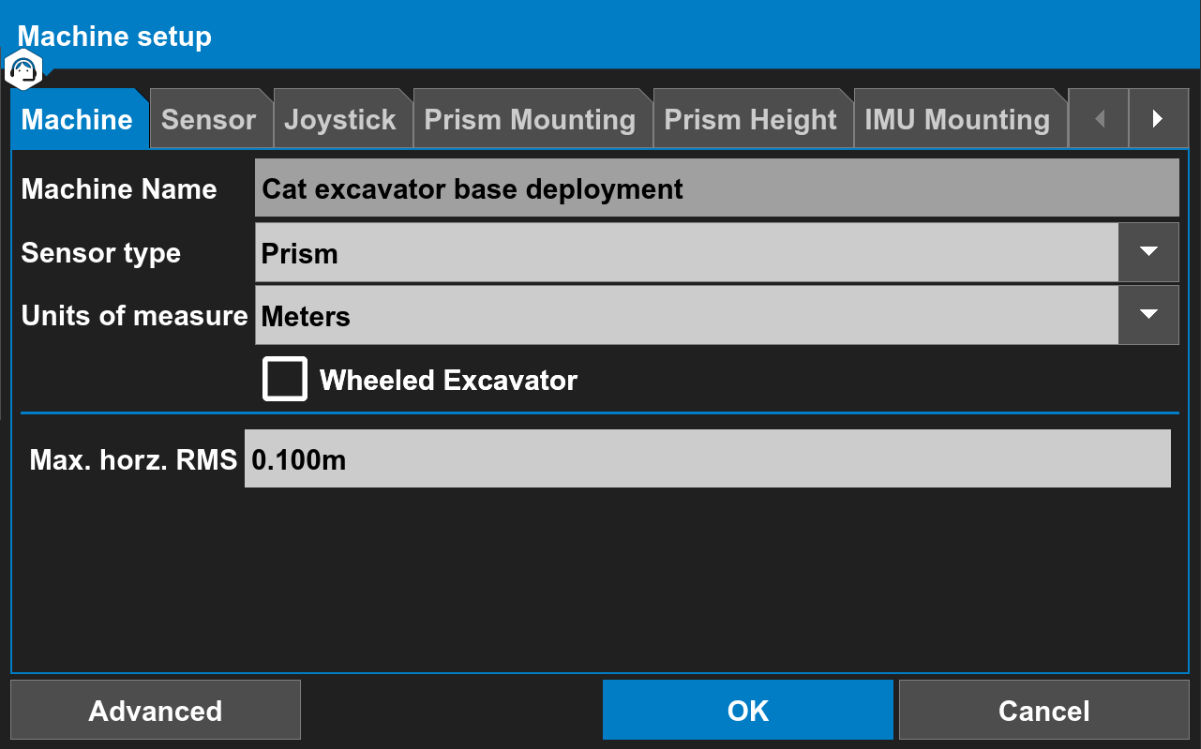
Figure: Sensor type dimensions
Figure: Supervisor mode enabled

myTopcon NOW! support

Take your Topcon experience to the next level with myTopcon NOW! This platform is a self-service tool for your desktop or mobile device. 

Product manuals
paper icon
Communications
phone icon
E-learning
hat icon
Quick start guides
support icon
Firmware & software updates
cloud icon
Troubleshooting
webinars icon