Looking for your apps? Click the account icon in the upper right corner of the page.
Remote support
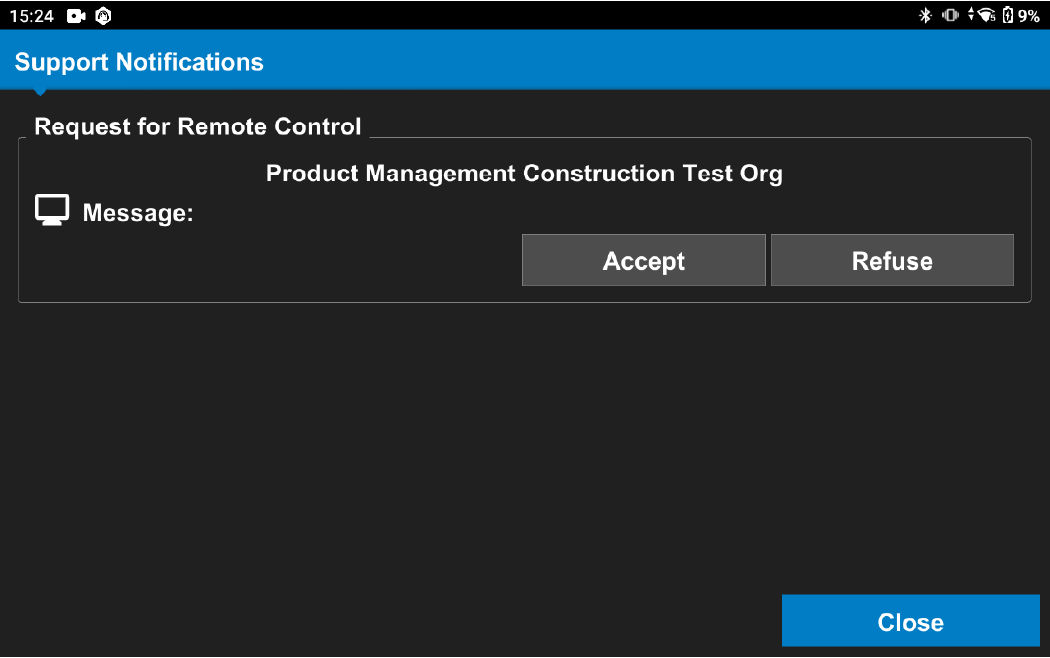
The operator receives a support notification when remote support is requested from the Sitelink web portal. The operator can accept or refuse the request for remote control.Figure: Support notification
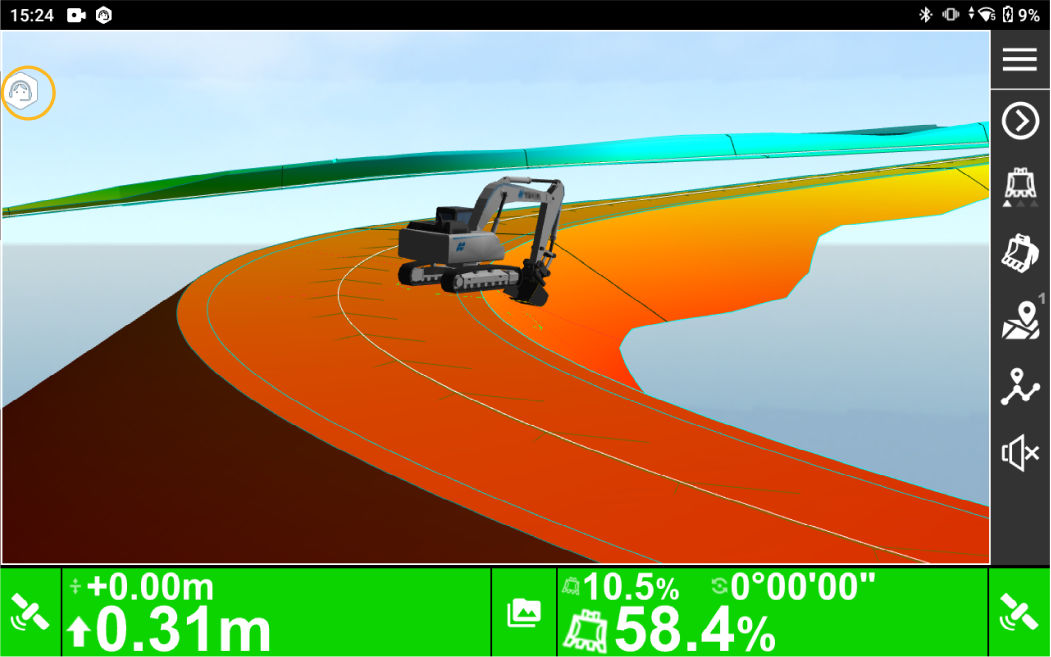
If the operator accepts the remote support request, a graphic is shown in the top left corner to indicate that support is active.Figure: Support request accepted
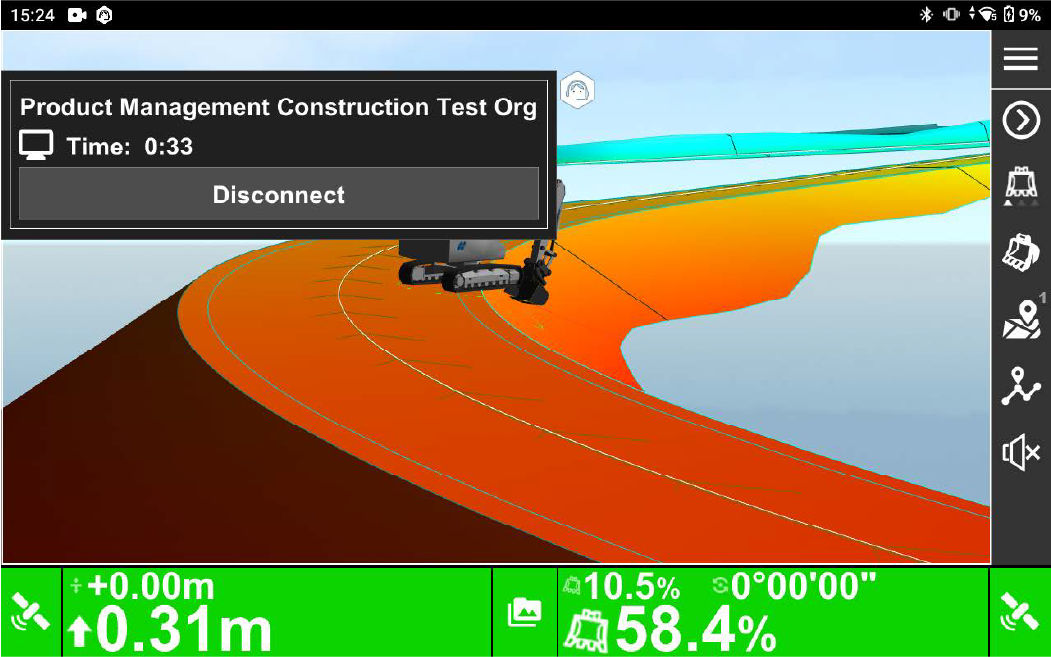
If the operator selects the icon, the connection time and organization information is shown. The operator can close the connection by selecting the Disconnect button.Figure: Disconnect support connection