
Once all necessary firmware has been loaded onto the MC-X Controller, CAN communication can be verified.
- Make sure that all sensors and GR-i3/GR-i3Fs are connected.
- Open the MC-X Machine Control Gateway.
- Select . All communicating devices will populate in the CANopen Status dialog.ADDITIONAL INFORMATION:
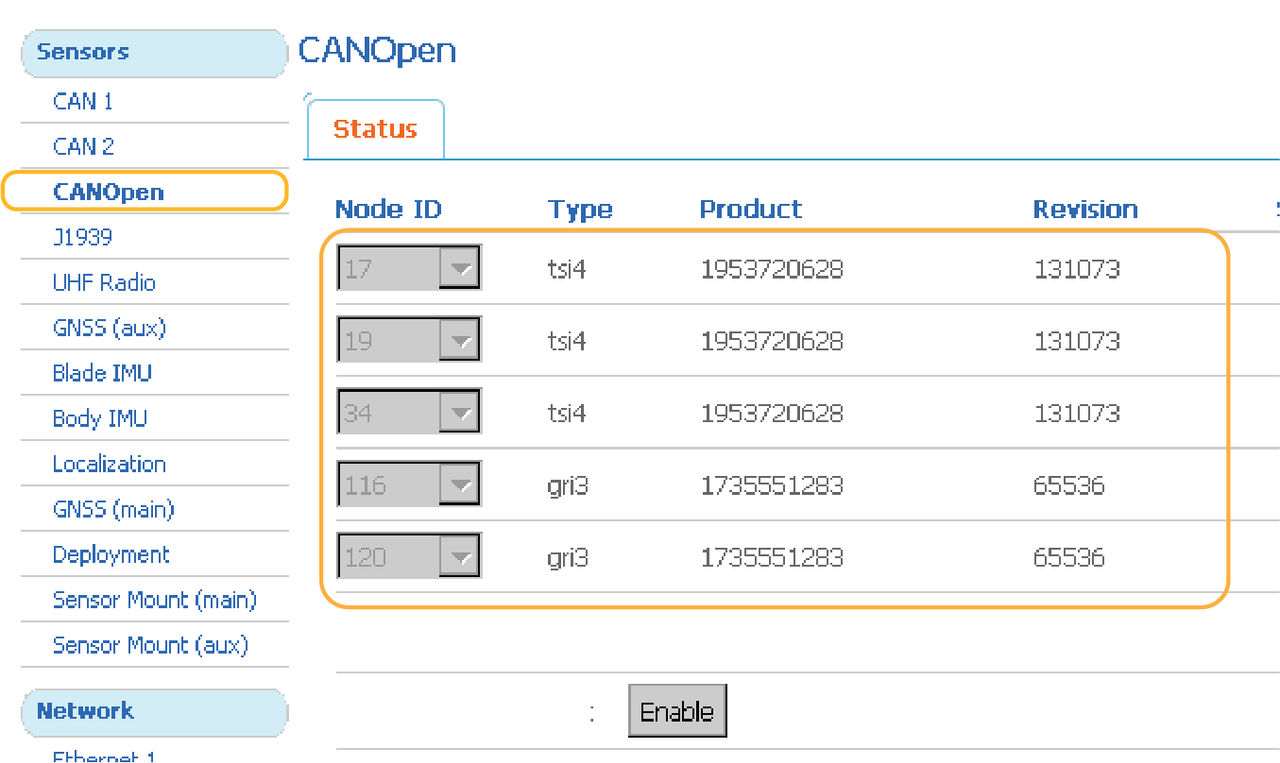 Once a machine builder is active with the correct sensor designations, the sensors are selectable on the Sensors menu.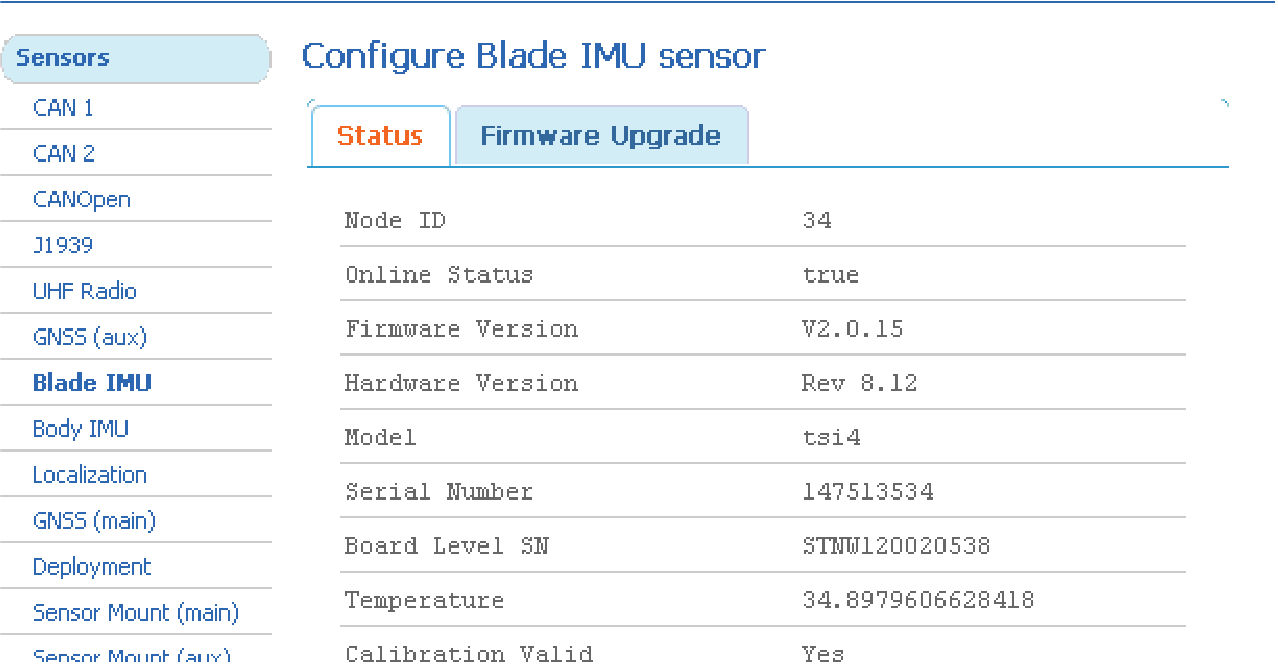
Previous:
View calibrated values
Next:
Supervisor mode
myTopcon NOW! support
Take your Topcon experience to the next level with myTopcon NOW! This platform is a self-service tool for your desktop or mobile device.





