
- Connect to the MC-X Machine Control Gateway.
- Select .
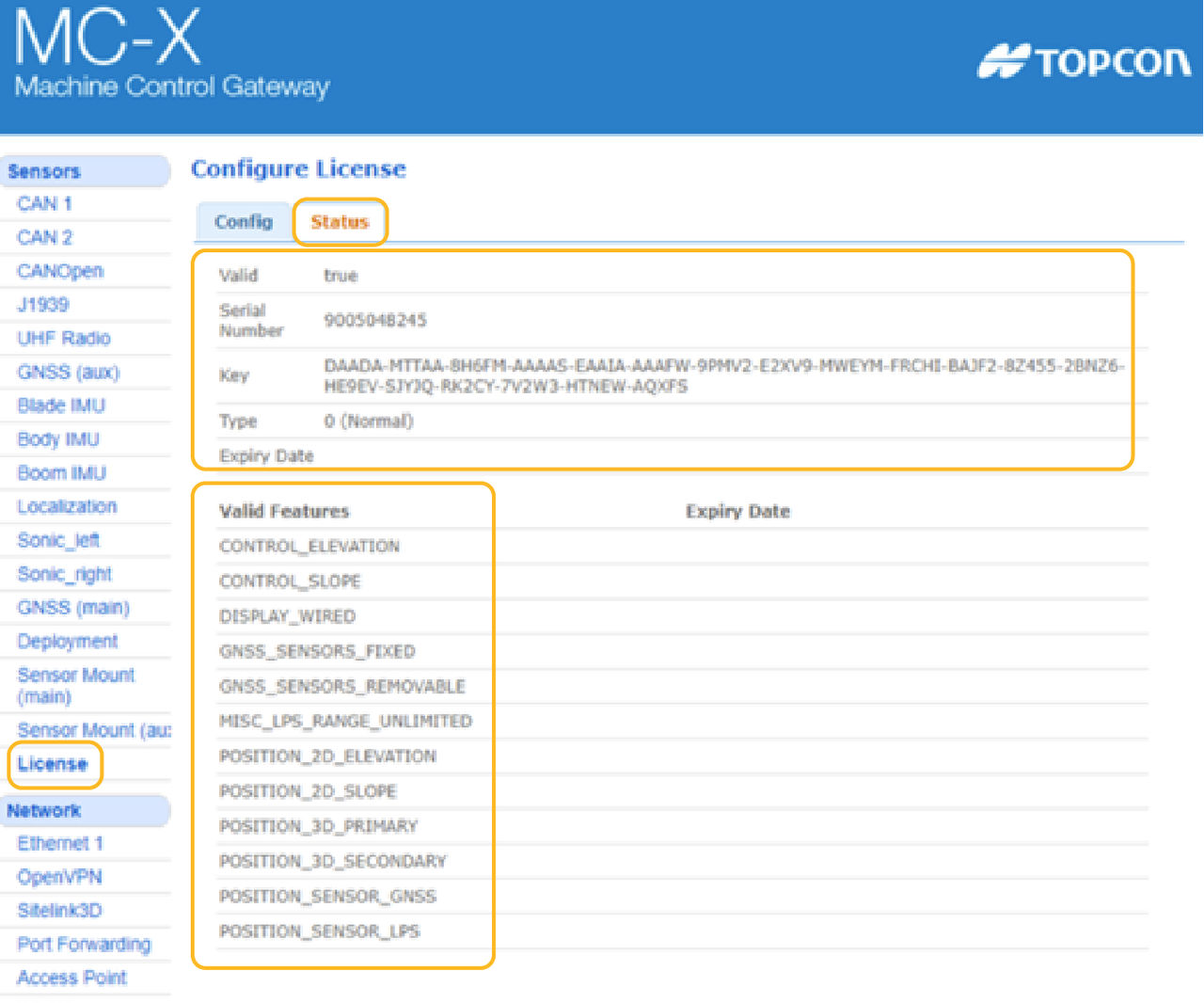
- Verify that the MC-X license is valid (“true” shows) and expected features are enabled (listed under “Valid Features”).ADDITIONAL INFORMATION:
Previous:
verify-mc-x-license.dita
Next:
MC-Max verification
myTopcon NOW! support
Take your Topcon experience to the next level with myTopcon NOW! This platform is a self-service tool for your desktop or mobile device.





