
-Max Dozer Systems' password can be changed when in Supervisor mode:
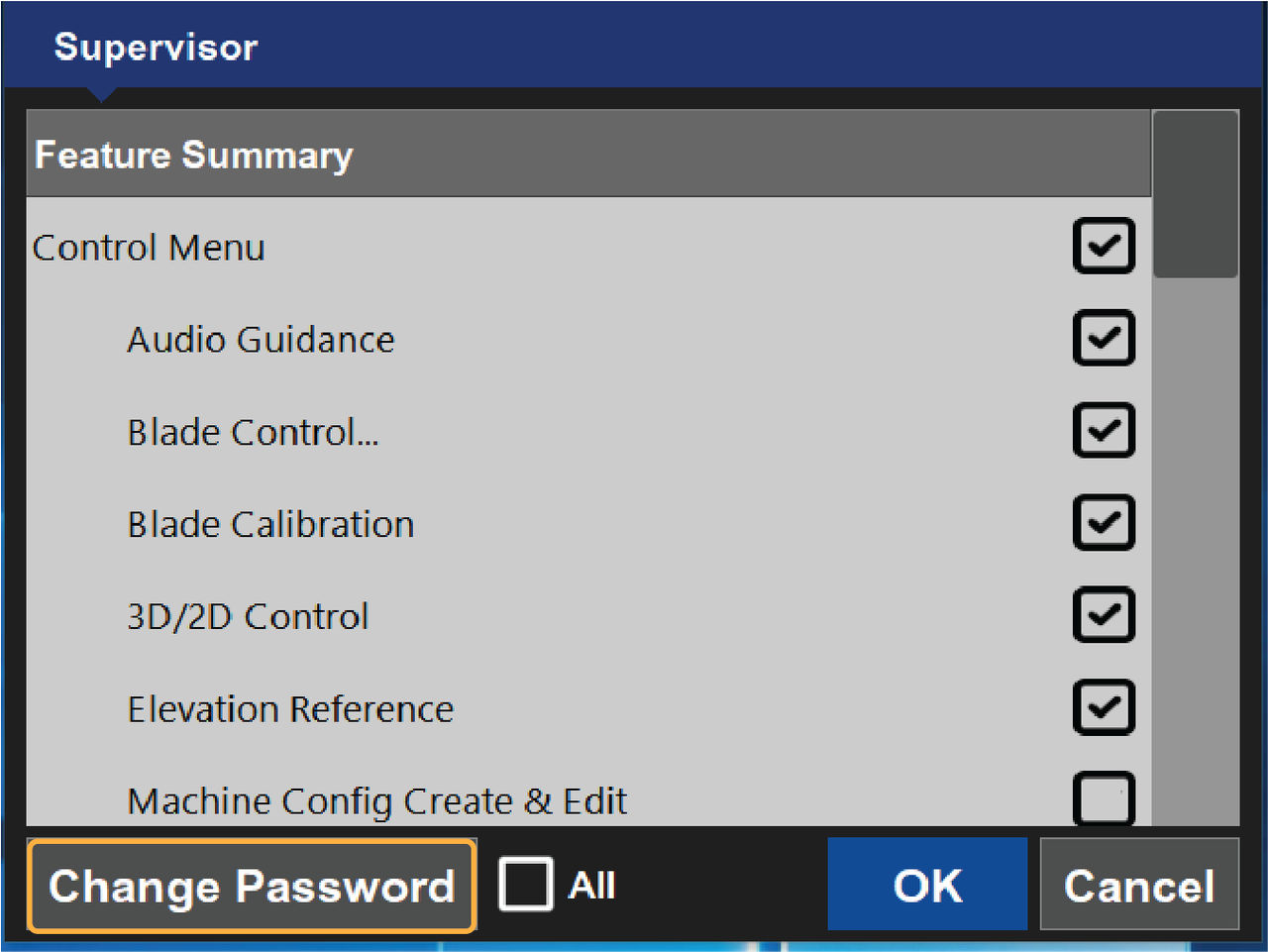
- Select .ADDITIONAL INFORMATION:
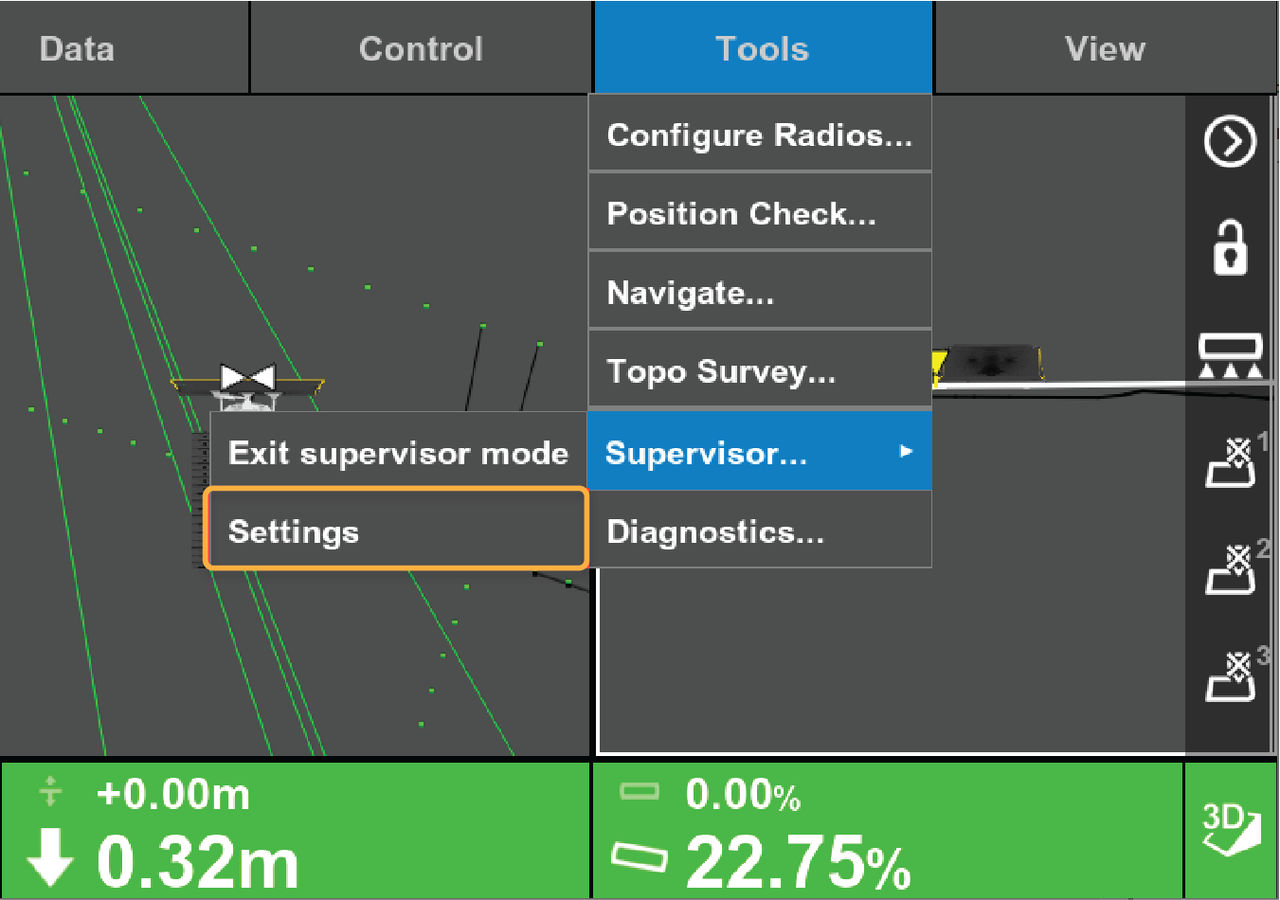
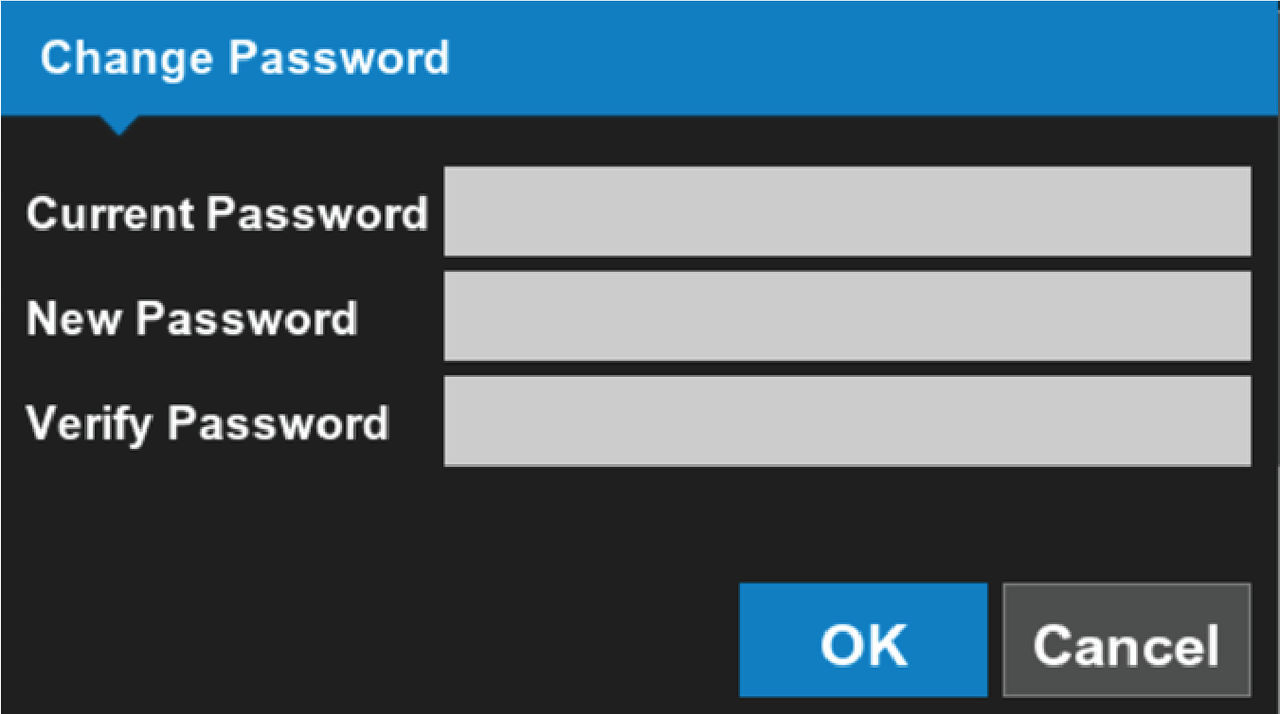
- Select .ADDITIONAL INFORMATION:The Change Password dialog shows.
- Select the Current Password text field and enter the current Supervisor password.
- Select the New Password text field and enter the new Supervisor password.
- Select the Verify Password text field and enter the new Supervisor password.
- Select OK to accept the new password and close the Change Password dialog.ADDITIONAL INFORMATION:
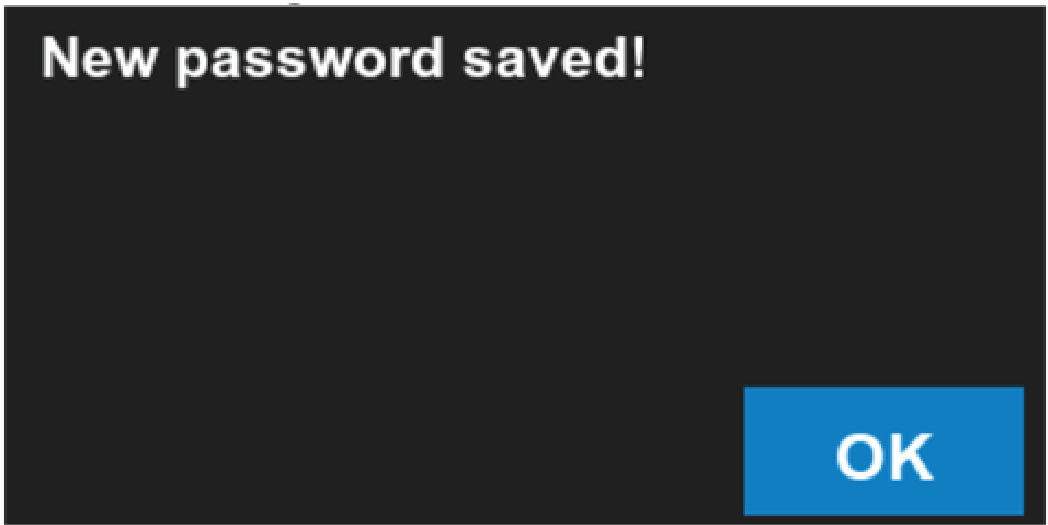
 The system prompts you twice to enter a new password.If the password was successfully changed, the New password saved! message shows.
 - Select OK to close the Supervisor screen.ADDITIONAL INFORMATION:
Previous:
Enter supervisor mode
myTopcon NOW! support
Take your Topcon experience to the next level with myTopcon NOW! This platform is a self-service tool for your desktop or mobile device.





