
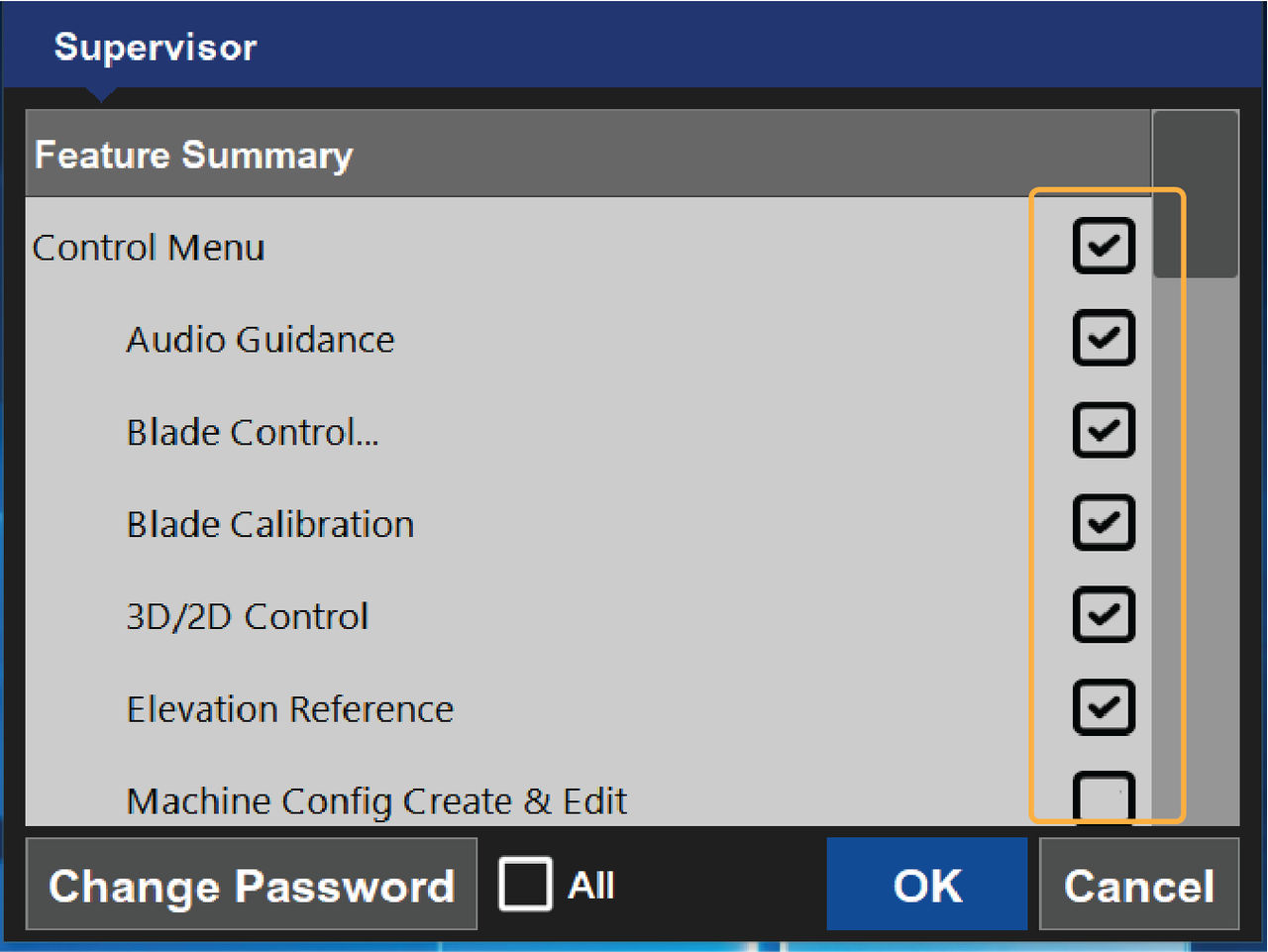
- Select .ADDITIONAL INFORMATION:The Supervisor screen shows.The checkboxes enable and disable features. Enabled features show with a checkmark on the Feature Summary list. Disabled features show as blank checkboxes.
- Select check boxes to enable/disable features.ADDITIONAL INFORMATION:Use the scroll bar on the right-hand side of the Supervisor screen to view all features.
- Select OK to save the feature settings and return to the MC-Max main screen
Previous:
Change password
Next:
Exit supervisor mode
myTopcon NOW! support
Take your Topcon experience to the next level with myTopcon NOW! This platform is a self-service tool for your desktop or mobile device.





