
When the excavator starts for the day or moves its tracks to a new location during work, an elevation reference is necessary.
- Put the bucket on a known good grade point.
- Select the Elevation Control button.
- Select Zero to set the elevation reference to zero.ADDITIONAL INFORMATION:3D-MC calculates the elevations for the area in range of the excavator to set the bucket to the known reference point (good grade point).
Figure: Control configuration elevation tab 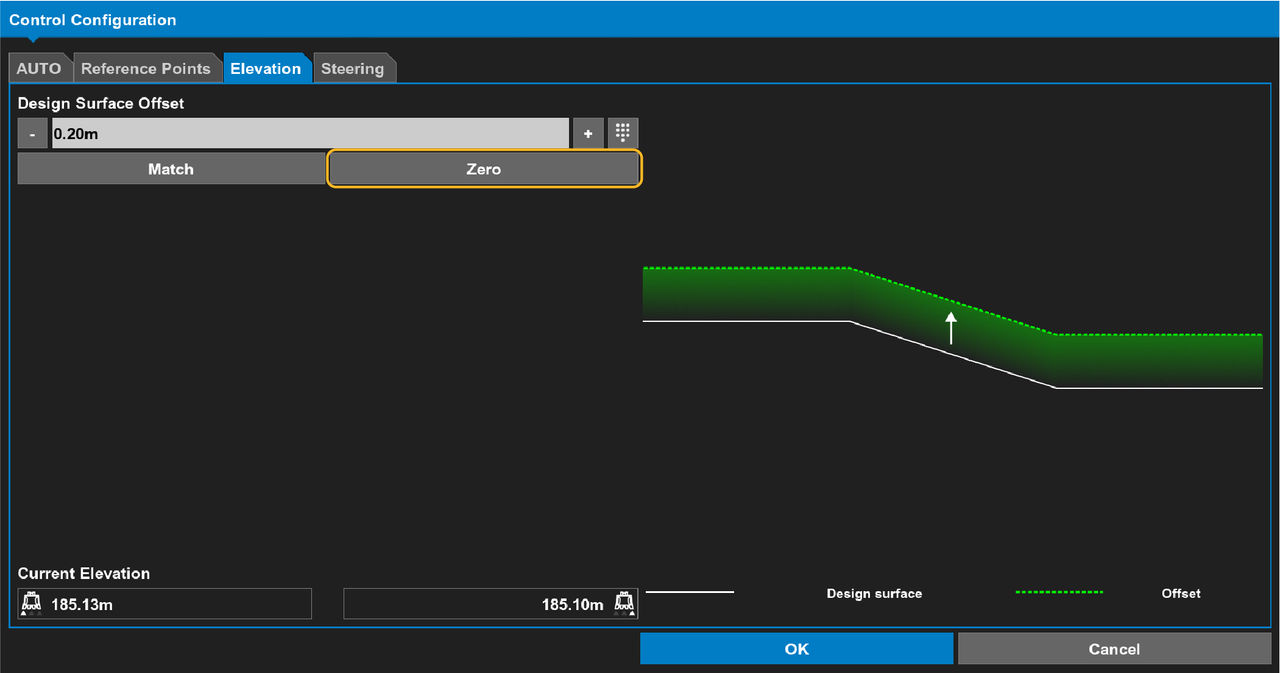
- When you move the excavator to a different location, do this again to follow the elevation or slope.
Previous:
2D operation
Next:
Zero to laser
myTopcon NOW! support
Take your Topcon experience to the next level with myTopcon NOW! This platform is a self-service tool for your desktop or mobile device.





