
You can control the excavator attachment speed and keep the boom and bucket below a set elevation to limit the height of the work boundary. This prevents contact with obstacles above. For example, power lines.
- Select the Highest point control. The height value is set automatically from the excavator’s current highest point.
- Select Adjust Height Value, enter the necessary height limit value, then select OK.ADDITIONAL INFORMATION:
Figure: Boundary limit - height 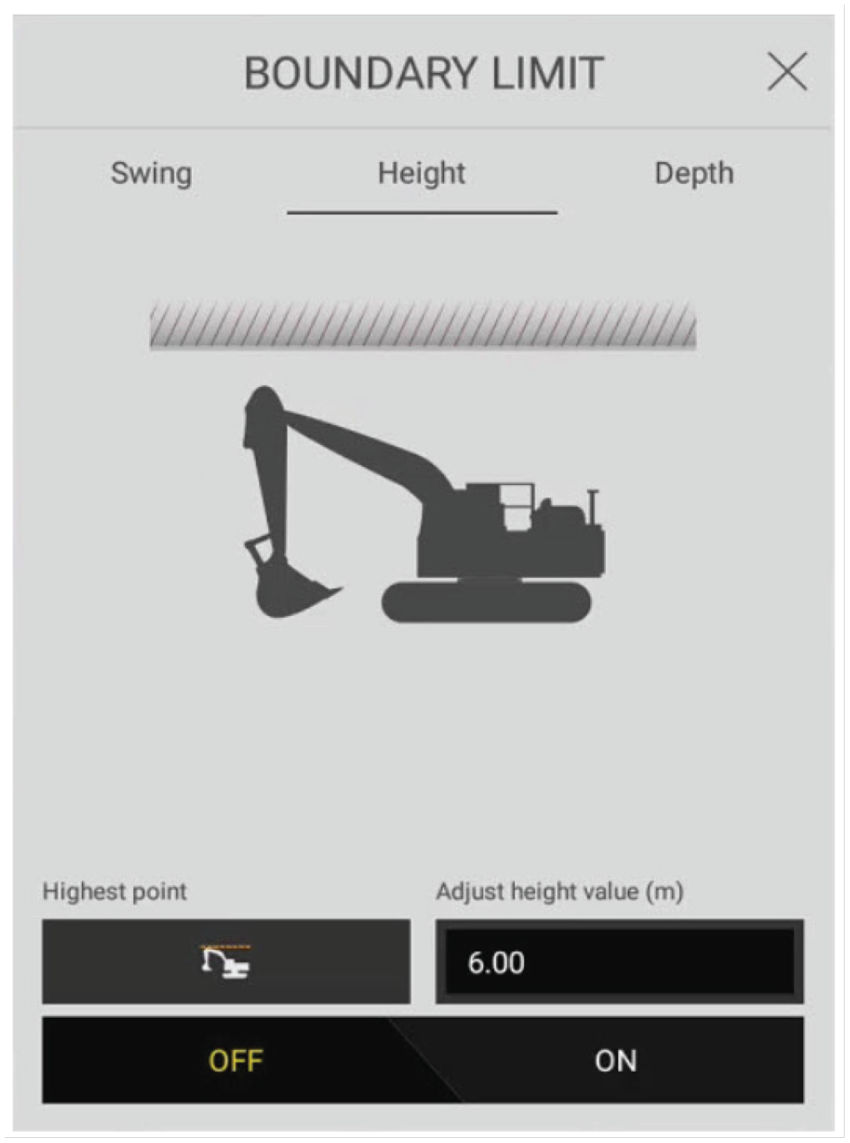
Previous:
Set swing fence boundary limits
Next:
Depth
myTopcon NOW! support
Take your Topcon experience to the next level with myTopcon NOW! This platform is a self-service tool for your desktop or mobile device.





