Looking for your apps? Click the account icon in the upper right corner of the page.
Show lines of zero elevation
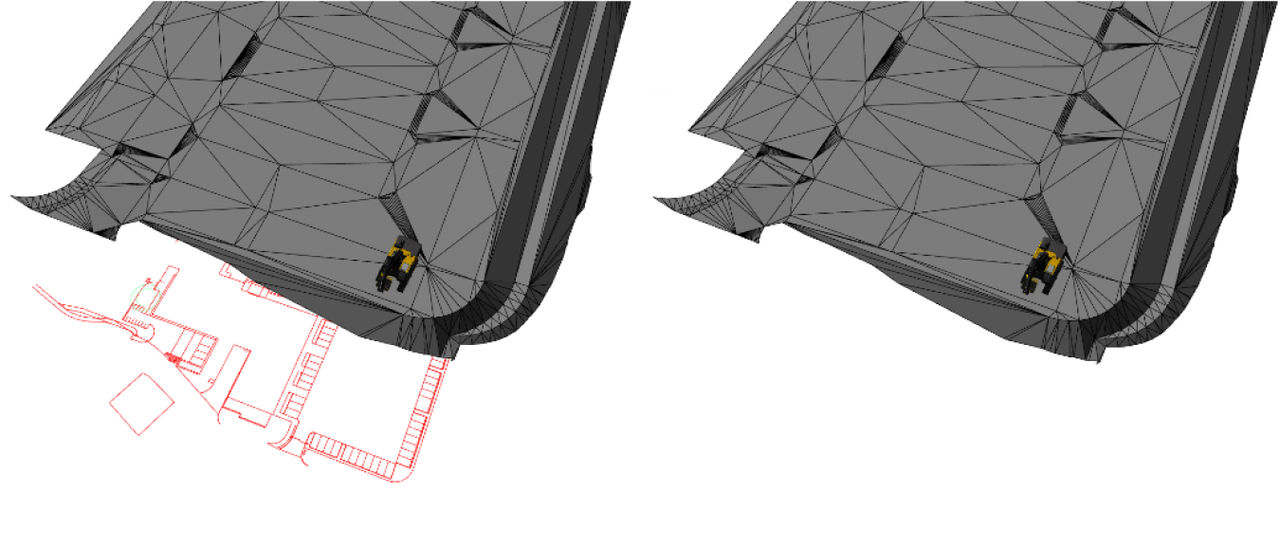
Select ViewDisplay Options3D ViewShow lines of zero elevation.
With Show lines of zero elevation selected, the 3D view shows the lines at 0 degrees of elevation. If you move the display view in 3D view, mixed elevated and zero elevation linework cross and overlap. This is because of the camera angle.