
Use the Display Options submenu to open the Indicators submenu to add or change display text on the main screen or change set points for cut/fill offsets.
Select . The Indicators submenu contains the Display Text and Set points items.
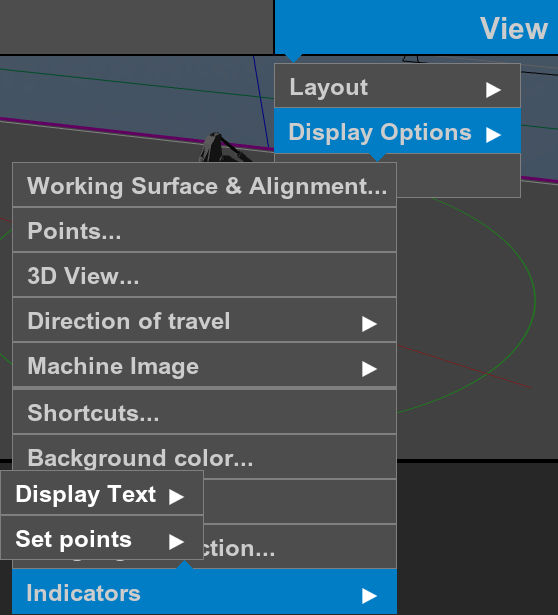
Select Display Text to add or edit text on the main screen.
Select Set points to edit cut/fill offsets.
Previous:
Language selection
Next:
Display text
myTopcon NOW! support
Take your Topcon experience to the next level with myTopcon NOW! This platform is a self-service tool for your desktop or mobile device.





