
There are two types of virtual keyboards that show on the screen to enter the text and numbers. The virtual keyboard types change automatically for the entry field type. Invalid buttons on virtual keyboards are unavailable.
Alphanumeric Keyboard
Alphanumeric keyboard – enter the text and numbers
- Select a text entry field for access to the alphanumeric keyboard.
- Select in the field to enter the letters or numbers on the keyboard.
- Select OK to send the entry and close the keyboard.ADDITIONAL INFORMATION:
Figure: Alphanumeric keyboard 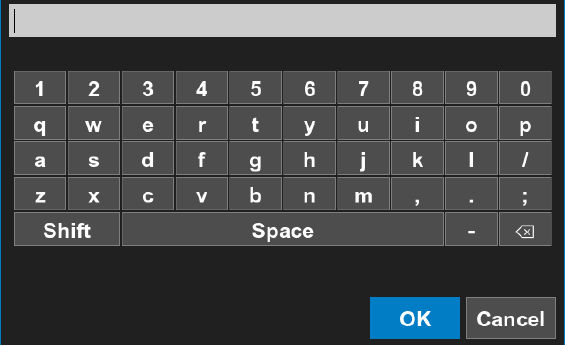
Numeric Keyboard
Numeric keyboard – enter the numbers only
- Select a number entry field for access to the numeric keyboard.
- Select the numbers on the keyboard to enter a value.
- Select OK to send the entry and close the keyboard.ADDITIONAL INFORMATION:
Figure: Numeric keyboard 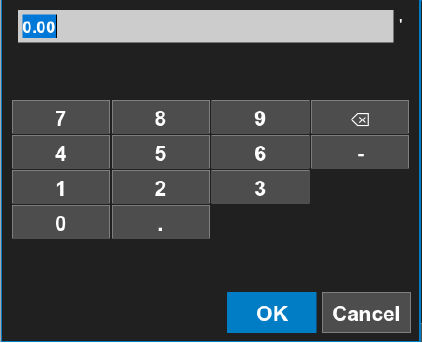
Previous:
Touchscreen display gestures with 3D-MC
Next:
Buttons
myTopcon NOW! support
Take your Topcon experience to the next level with myTopcon NOW! This platform is a self-service tool for your desktop or mobile device.





