
The Elevation Control button shows bucket cut/fill and the design surface offset. A dynamic arrow symbol indicates whether the cutting edge is above or below grade.
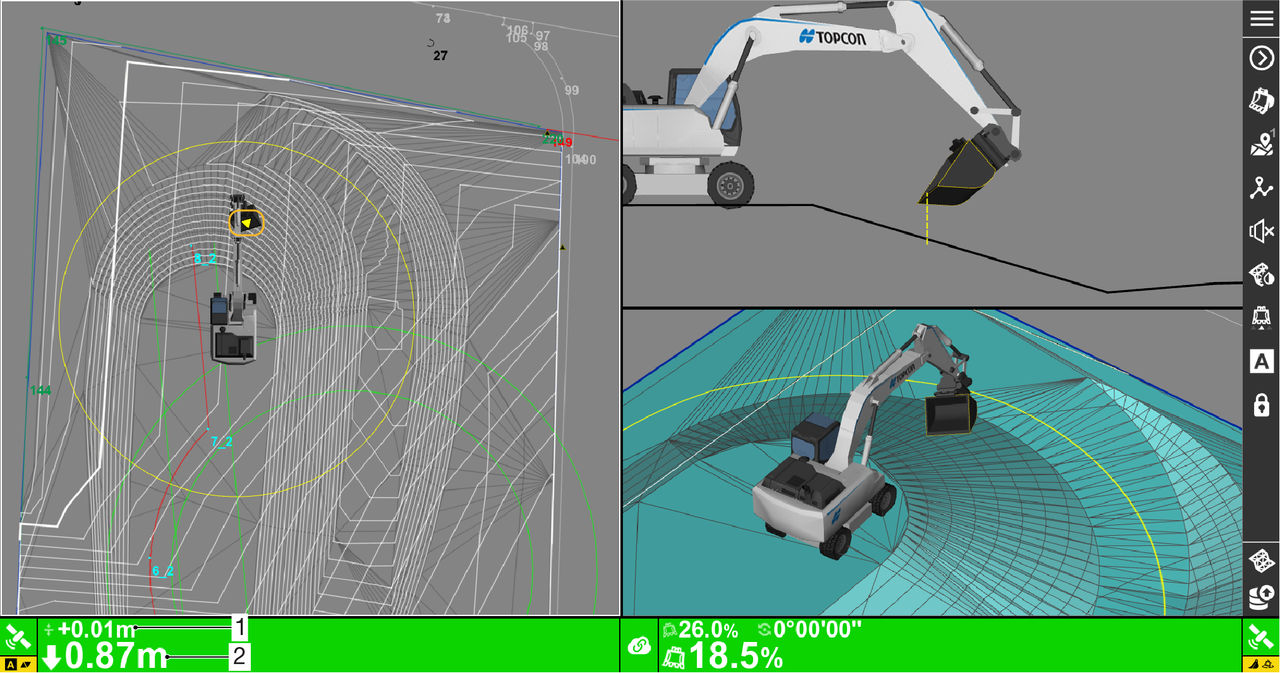
- Design surface offset
- Cut/Fill – cut/fill or distance to finish grade
Previous:
Bucket Control modes
myTopcon NOW! support
Take your Topcon experience to the next level with myTopcon NOW! This platform is a self-service tool for your desktop or mobile device.





