
You can select and use an imported alignment file as your live guidance path on the display.
- Select .
- Select the alignment file to be active on the main screen.ADDITIONAL INFORMATION:
Figure: Select an active alignment file 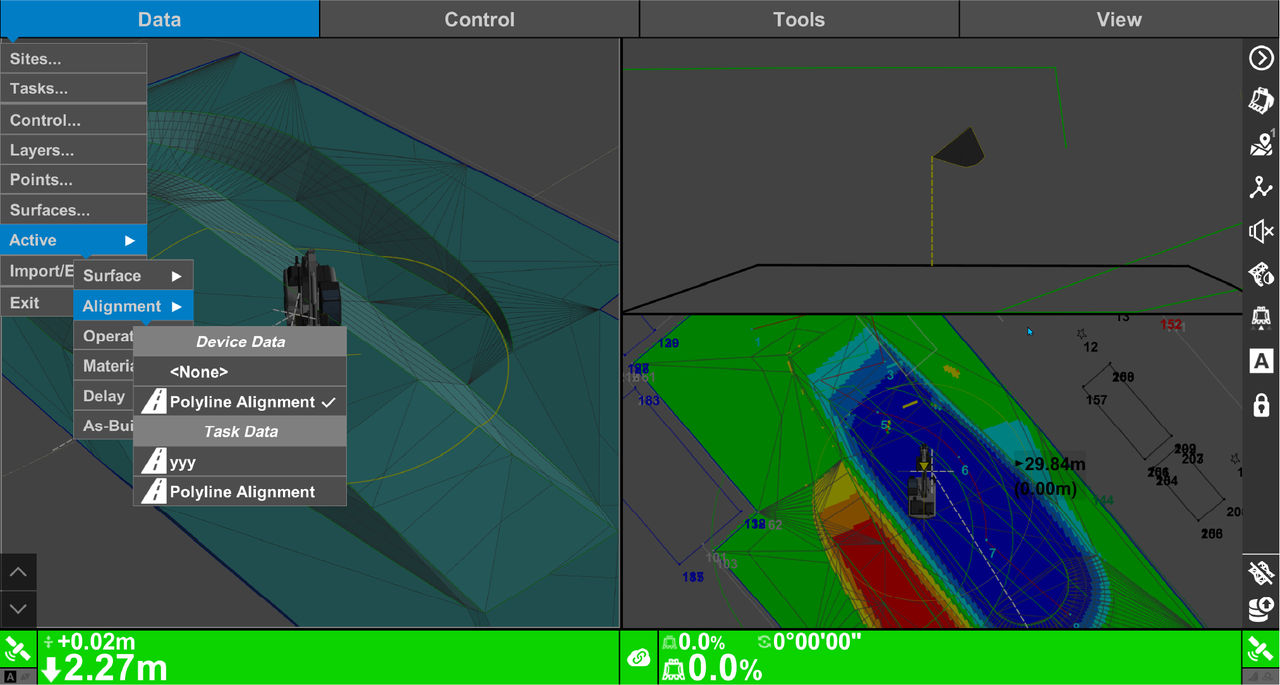
Previous:
Guidance
Next:
Navigate to point
myTopcon NOW! support
Take your Topcon experience to the next level with myTopcon NOW! This platform is a self-service tool for your desktop or mobile device.





