
Looking for your apps? Click the account icon in the upper right corner of the page.

Points

On the main screen, select and hold a point to show the context menu.
The point information shows, which includes the layer and point name.
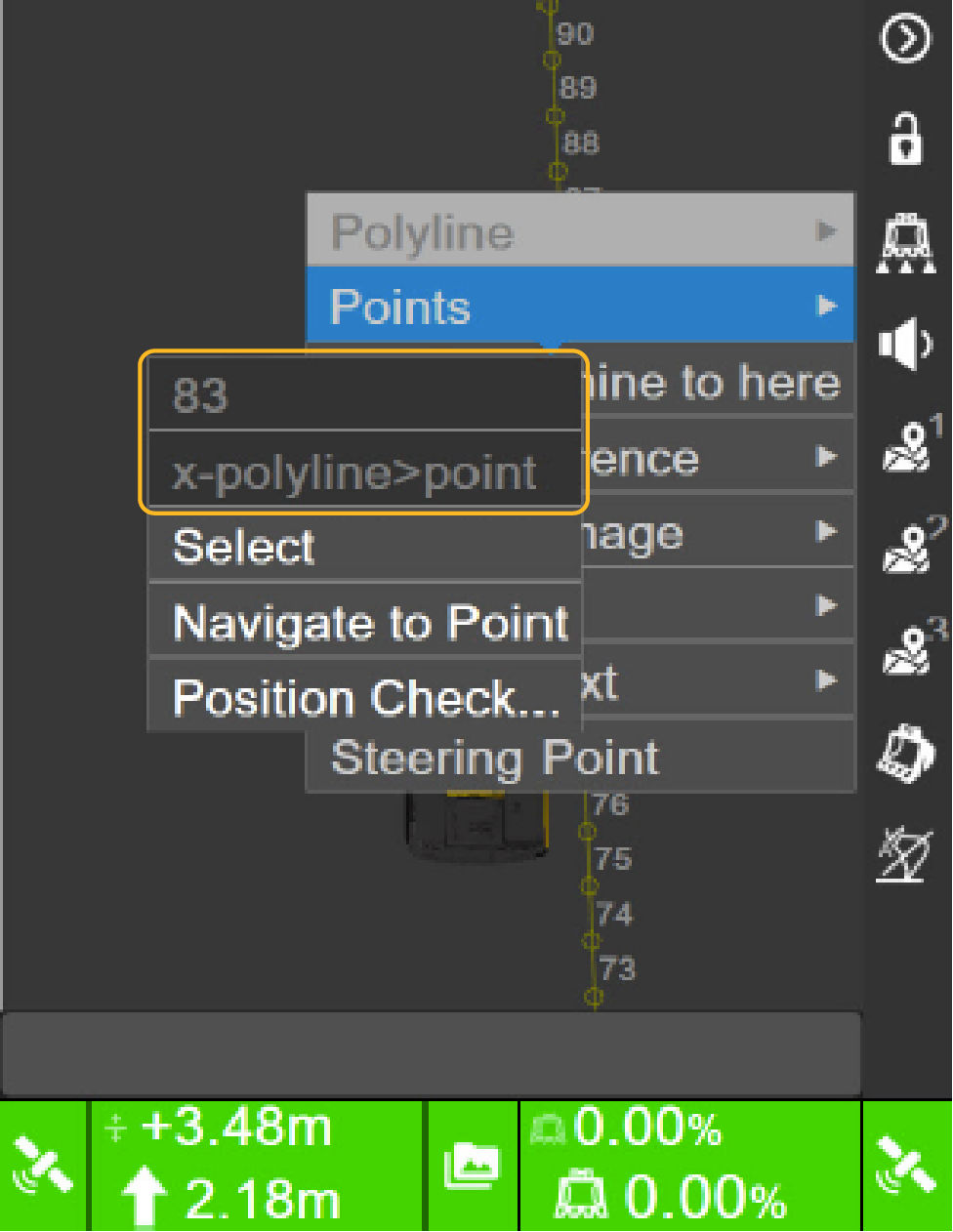
Figure: Point information
You can select multiple points to create a polyline.
You can also select and go to the point, then do a position check of the selected point.


myTopcon NOW! support

Take your Topcon experience to the next level with myTopcon NOW! This platform is a self-service tool for your desktop or mobile device. 

Product manuals
paper icon
Communications
phone icon
E-learning
hat icon
Quick start guides
support icon
Firmware & software updates
cloud icon
Troubleshooting
webinars icon



