
- Select to start the Joystick wizard.ADDITIONAL INFORMATION:
Figure: Open Joystick wizard 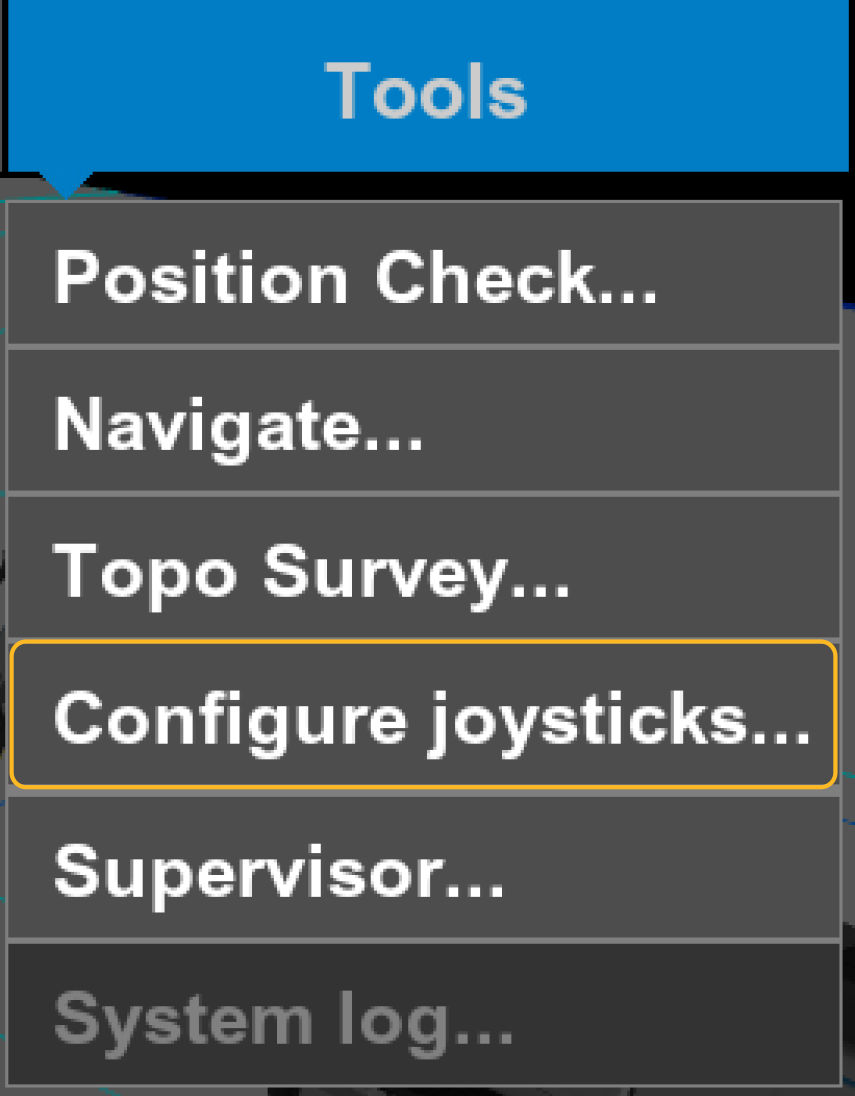
- Select the Model from the drop-down list, then select OK.ADDITIONAL INFORMATION:
Figure: Joystick model 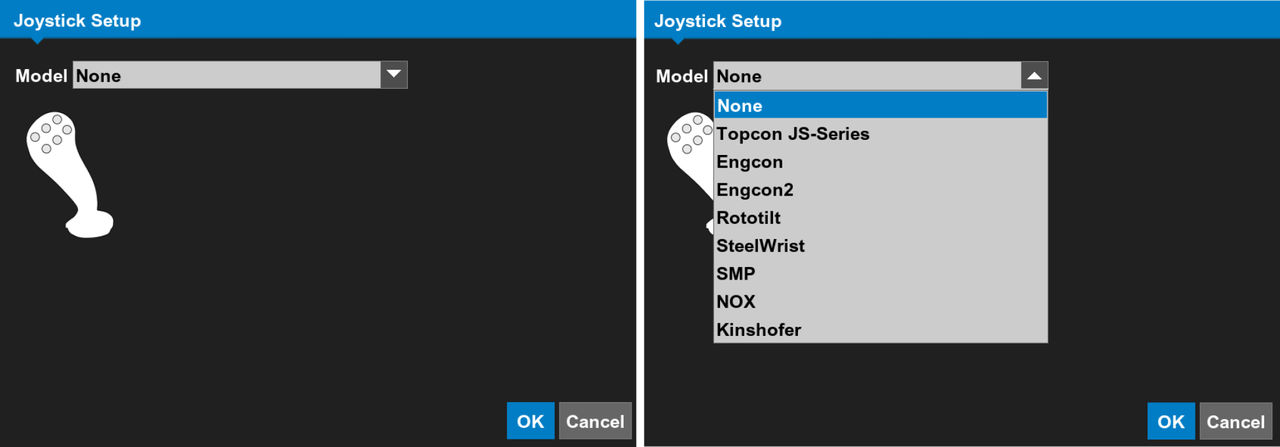
- Select the applicable Quick Press and/or button Held Down values.ADDITIONAL INFORMATION:
Figure: Joystick configuration 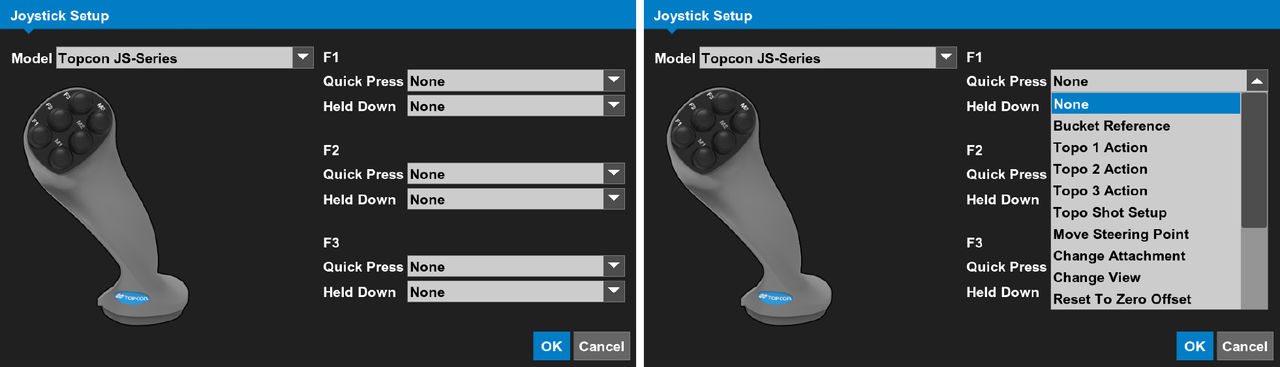
Previous:
Joystick setup
Next:
Latching
myTopcon NOW! support
Take your Topcon experience to the next level with myTopcon NOW! This platform is a self-service tool for your desktop or mobile device.





