
- Select .ADDITIONAL INFORMATION:The Machine setup screen opens with the Machine tab active.
Figure: Machine setup machine tab 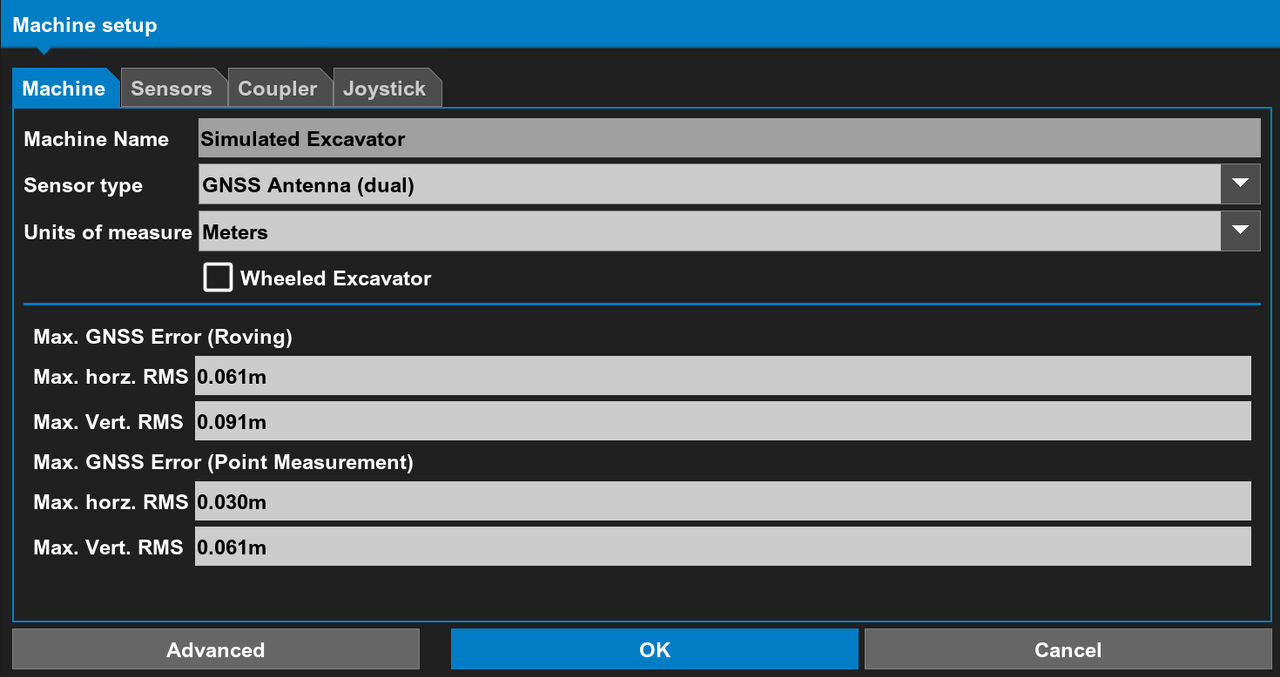
- Select the Sensor type from the drop-down list.ADDITIONAL INFORMATION:The Sensor type controls the fields that show in the lower pane. Fields are not necessary for the 2D sensor type.
- Select the Units of measure from the drop-down list.ADDITIONAL INFORMATION:
Figure: Units of measure 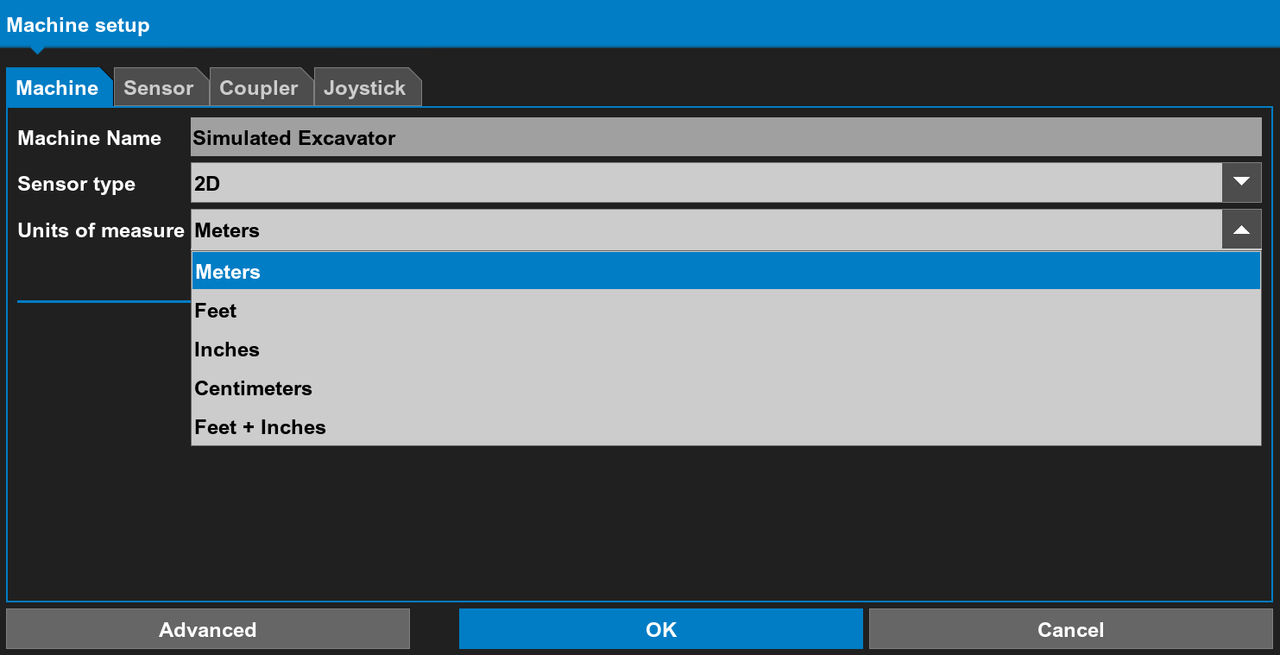
- Select the checkbox for the type of excavator to show.ADDITIONAL INFORMATION:Refer to Machine visualization.
- If necessary, select Advanced.ADDITIONAL INFORMATION:Refer to Machine backup and restore
- Select OK.
Previous:
Machine setup
Next:
Machine visualization
myTopcon NOW! support
Take your Topcon experience to the next level with myTopcon NOW! This platform is a self-service tool for your desktop or mobile device.





