
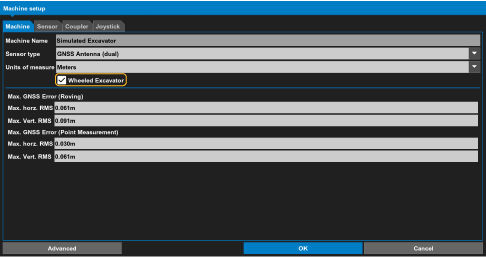
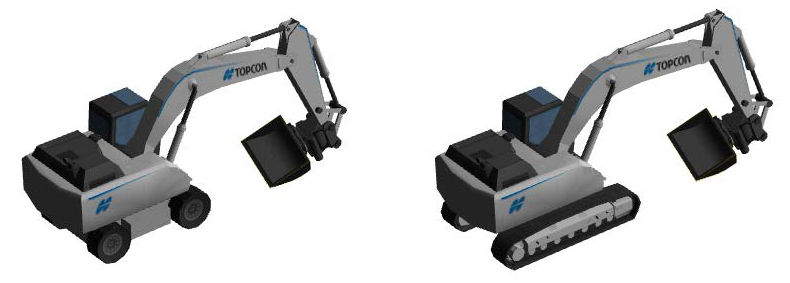
In Supervisor mode, you can configure 3D-MC to show the excavator in a wheeled or crawler configuration. When the wheeled option is enabled, the excavator shows on the display screen with wheels. The default option is crawler.
Select to select the configuration to show.
Previous:
Machine tab
myTopcon NOW! support
Take your Topcon experience to the next level with myTopcon NOW! This platform is a self-service tool for your desktop or mobile device.





