
- Select .ADDITIONAL INFORMATION:The Sites screen opens.
- Select Add.ADDITIONAL INFORMATION:The Add Site screen opens.
- Select Existing Sitelink3D Site.
- Select Next.ADDITIONAL INFORMATION:The Add Existing Sitelink3D Site screen opens.
- Select from Sitelink3D Site File (.ts3) in the Add drop-down field.
- Select the applicable folder and file.
- Select NextADDITIONAL INFORMATION:
Figure: Add existing Sitelink site from file 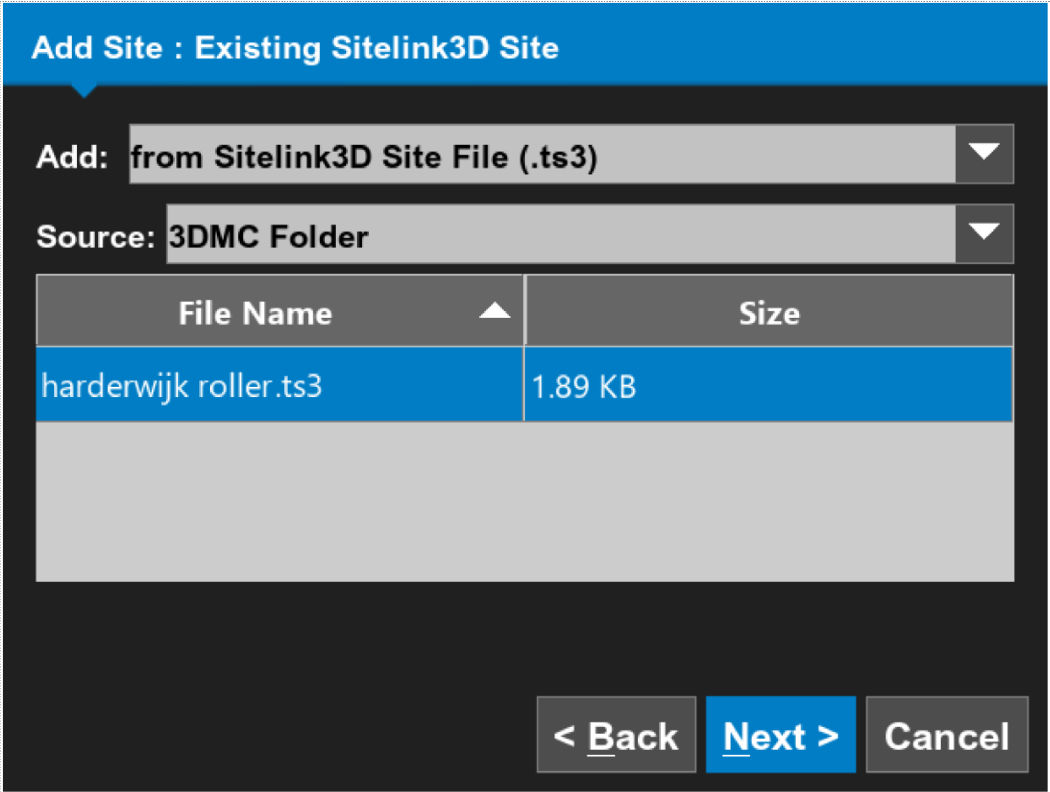
- Make sure that the site details are correct, then select OK.ADDITIONAL INFORMATION:
Figure: Site summary 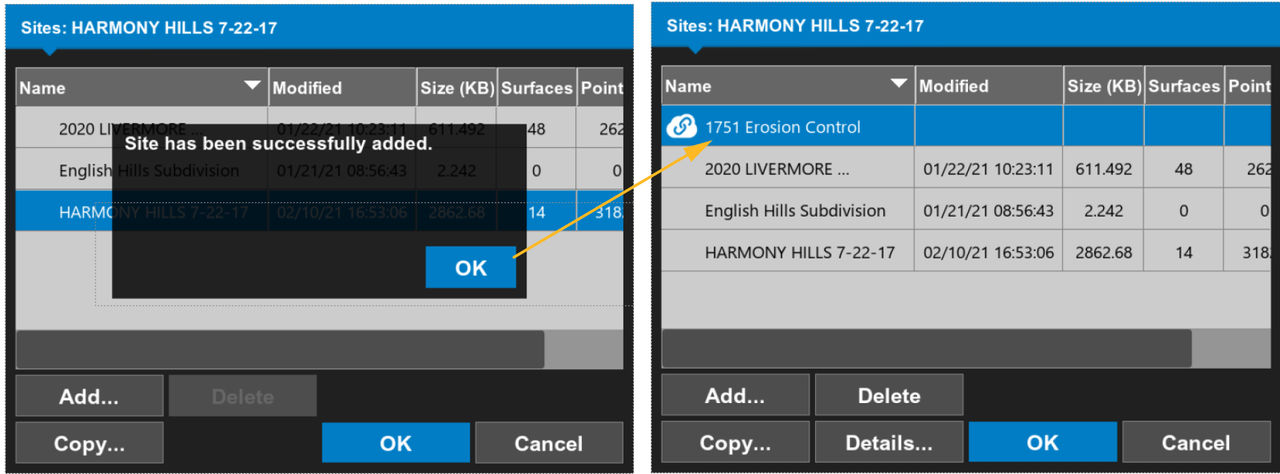
- Select a task at the site.
Next:
Switch sites
myTopcon NOW! support
Take your Topcon experience to the next level with myTopcon NOW! This platform is a self-service tool for your desktop or mobile device.





