
Lock menu items to restrict operator access and prevent changes to settings. Unlock menu items to let authorized users make changes.
- Unlock Menu Items
- Select .
- Enter the password, then select OK.
- Find and select the item(s) to unlock, then select OK.ADDITIONAL INFORMATION:The main screen shows, and the item(s) are unlocked.To lock the items, unselect the checkboxes adjacent to the applicable items.
Figure: Unlocked menu item 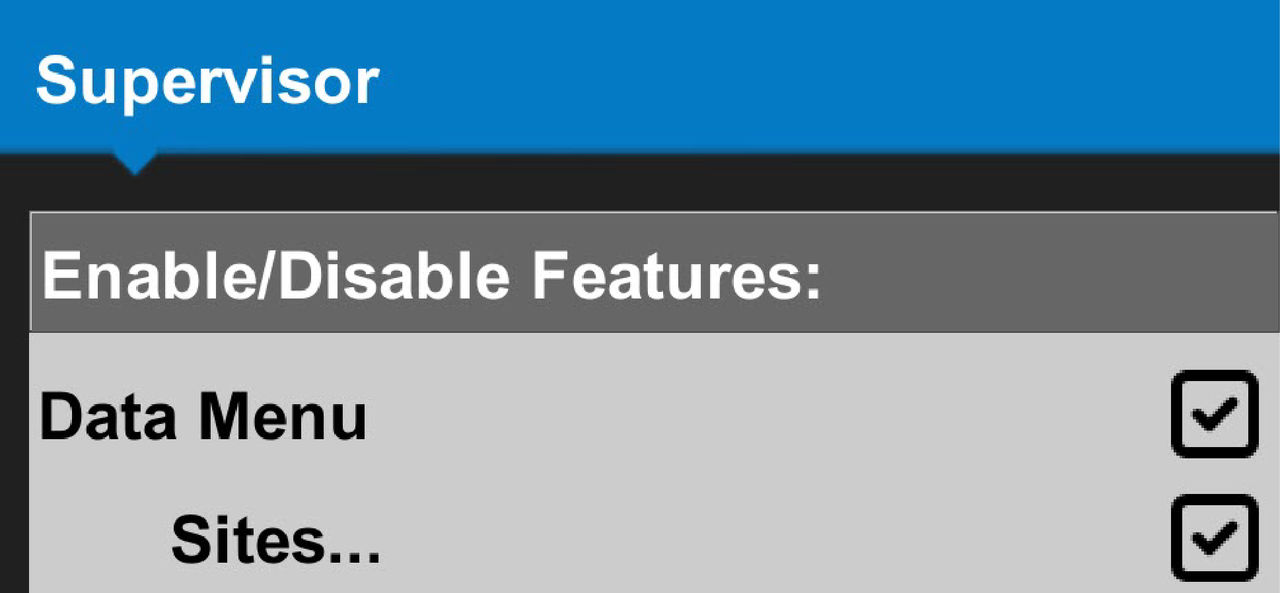
Figure: Locked menu item 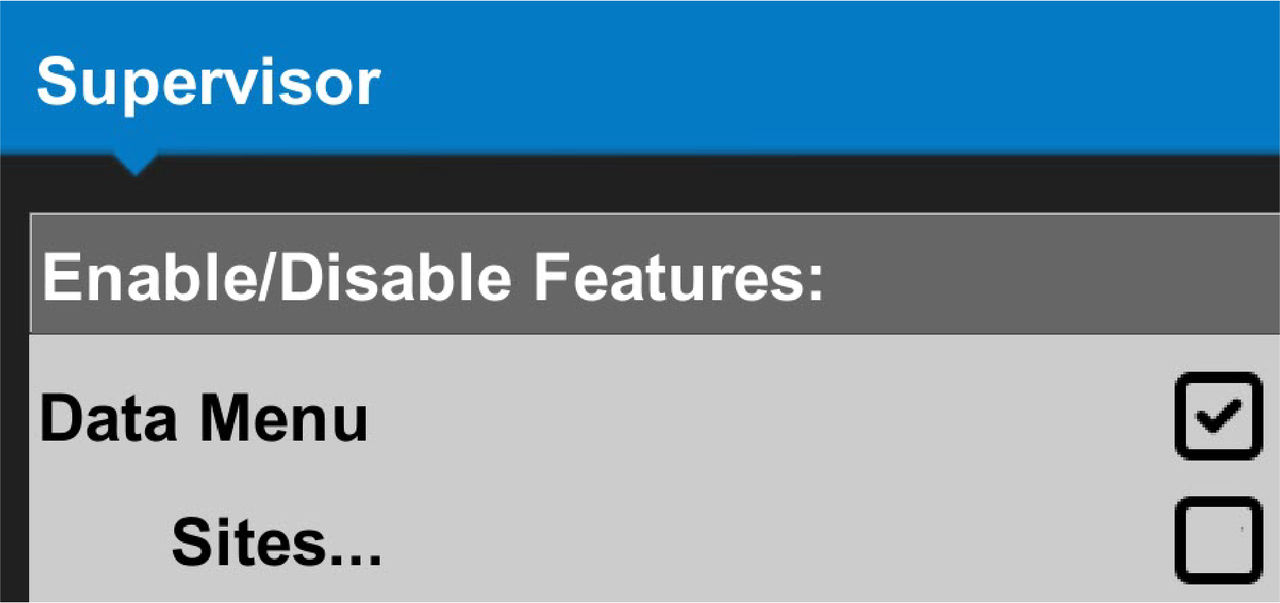
- Select OK to go back to the main screen.
- Select .ADDITIONAL INFORMATION:The main screen opens. The locked items are removed from their locations.
Figure: Sites menu unlocked 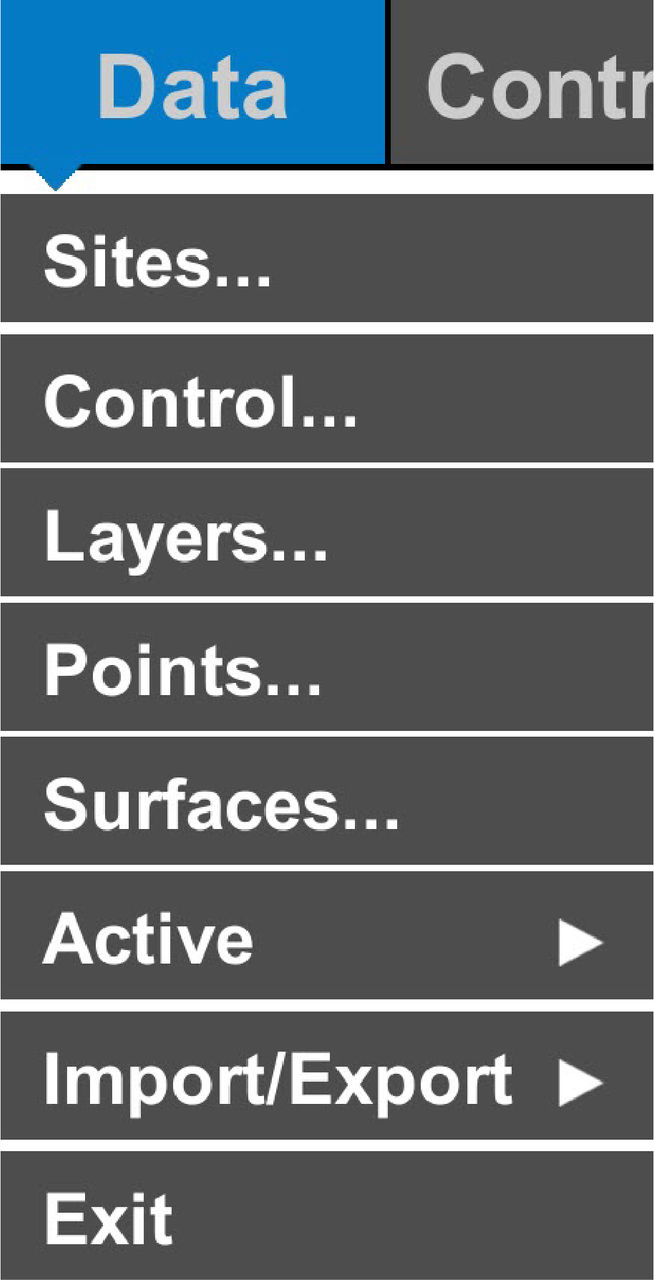
Figure: Sites menu locked 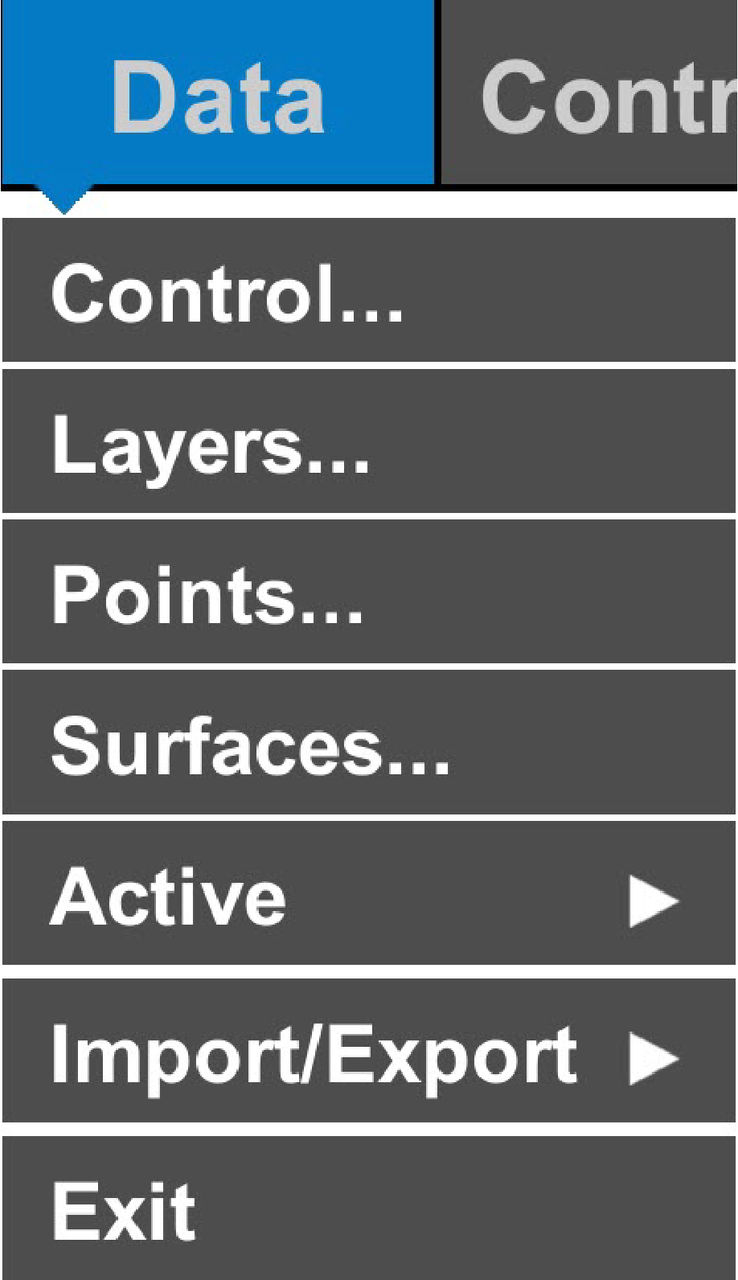
Previous:
Enable/disable 3D-MC v15.1 features
Next:
Restart the connection
myTopcon NOW! support
Take your Topcon experience to the next level with myTopcon NOW! This platform is a self-service tool for your desktop or mobile device.





