
The Remote Support only operates in 3D-MC through Sitelink 3D. It gives access to Sitelink 3D-MC resources only. Sitelink 3D design and device data synchronize with task management. This includes positioning and monitoring in real time.
- Select .ADDITIONAL INFORMATION:
Figure: Remote support 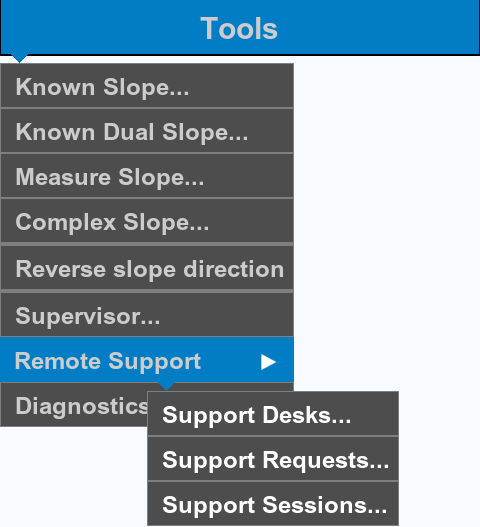 The Remote Support has these components:
- Support Desks
- Add a connection to support desk
- Remove (unpair) a connection to support desk
- Set the procedures for support desk access
- View information about support desk
- Support Requests
- Add a support request
- Edit a support request
- Cancel a support request
- Support Sessions
- List active support sessions
- Disconnect a session
Previous:
Diagnostics report
Next:
Support desk
myTopcon NOW! support
Take your Topcon experience to the next level with myTopcon NOW! This platform is a self-service tool for your desktop or mobile device.





