
You can reset Total 1 or Total 2 to zero when you change totals, hold the reset button, then go back to the main screen.
You can independently reset Total 1 or Total 2 to zero.
- Select
 to change between Total 1 and Total 2.
 - Select and hold
 to reset the selected total.
 - Select
 to return to the main screen.ADDITIONAL INFORMATION:
Figure: Reset total 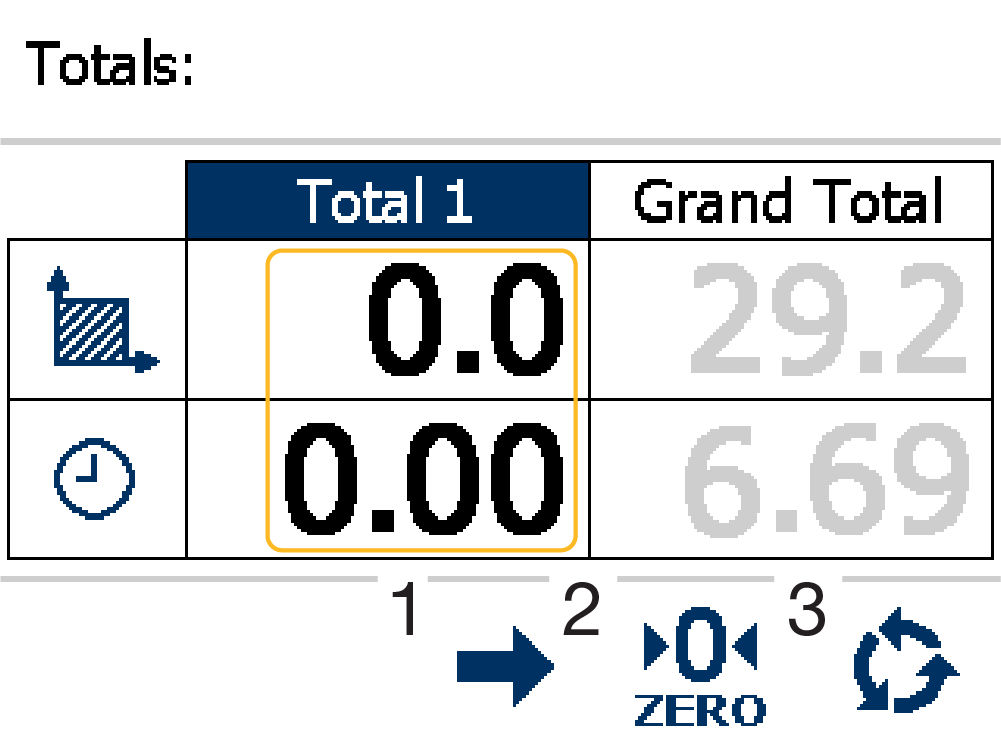
- Change
- Set to zero
- Return to main screen
Previous:
Totals
Next:
Tramlining setup
myTopcon NOW! support
Take your Topcon experience to the next level with myTopcon NOW! This platform is a self-service tool for your desktop or mobile device.


